
Explore this topic with AI
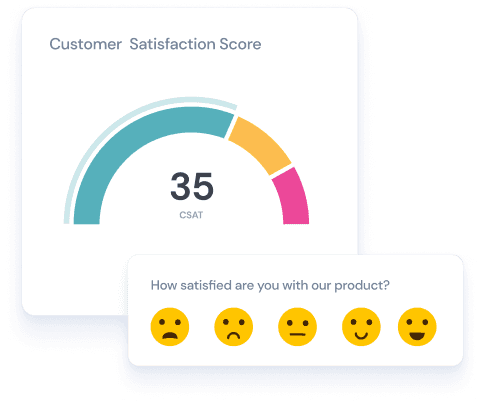
Customer satisfaction survey tools are software platforms that help businesses create, distribute, and analyze surveys to measure how happy their customers are with a product, service, or experience. These tools track key metrics like CSAT (Customer Satisfaction Score), NPS (Net Promoter Score), and CES (Customer Effort Score) across channels including email, web, in-app, and SMS—giving you actionable data to reduce churn and improve retention.
But with dozens of CSAT survey tools on the market, choosing the right one for your business can feel overwhelming.
We tested and compared 11+ customer satisfaction survey software options to help you decide. Below you’ll find a quick comparison table, detailed reviews with pricing and G2 ratings, and guidance on choosing the right tool for your specific needs.
Quick Comparison Table
Here’s a side-by-side snapshot of the best customer satisfaction survey tools we reviewed. Scroll right on mobile to see all columns.
| Tool | Best For | Starting Price | Free Plan? | Key Metric | G2 Rating |
|---|---|---|---|---|---|
| SurveySparrow | Conversational surveys & omnichannel feedback | $19/mo | Yes | CSAT, NPS, CES | 4.4/5 |
| Typeform | Design-focused, conversational forms | $25/mo | Yes | CSAT, NPS, CES | 4.5/5 |
| Jotform | Versatile form builder | $34/mo | Yes | CSAT, NPS, CES | 4.7/5 |
| SurveySensum | Affordable AI-powered insights | Custom pricing | Yes (25 responses) | CSAT, NPS, CES | 4.6/5 |
| Survicate | In-product & website feedback | $99/mo | Yes (25 responses) | CSAT, NPS, CES | 4.6/5 |
| Qualtrics | Enterprise experience management | $120/mo | Limited free | CSAT, NPS, CES | 4.4/5 |
| AskNicely | Real-time NPS & frontline feedback | Custom pricing | No (demo) | NPS, CSAT | 4.7/5 |
| QuestionPro | Advanced research & multilingual surveys | $83/mo | Yes (200 responses) | CSAT, NPS, CES | 4.5/5 |
| Zoho Forms | Zoho ecosystem users | $8/mo | Yes | Custom | 4.4/5 |
| Nicereply | Support & helpdesk teams | $39/mo | 14-day trial | CSAT, NPS, CES | 4.5/5 |
| Medallia | Enterprise-grade voice of customer | Custom pricing | No | CSAT, NPS, CES | 4.4/5 |
Let’s discuss each CSAT tool in detail.
How We Evaluated These Customer Satisfaction Survey Tools
We compared each tool on six criteria that matter most to teams measuring customer satisfaction:
- Survey flexibility: Question types, branching logic, and customization options.
- Distribution channels: Ways to reach customers, such as email, website, in-app, SMS, kiosk, and social.
- Analytics and reporting: Dashboards, AI-powered insights, text and sentiment analysis, and export options.
- Integrations: Connections with CRMs such as Salesforce and HubSpot, helpdesks such as Zendesk and Freshdesk, and communication tools such as Slack.
- Ease of use: Setup time and learning curve, based on user reviews on G2 and Capterra.
- Pricing and value: Starting price, free plan limits, trial availability, and how costs scale as response volume grows.
For each tool, we reviewed the vendor’s product pages, help documentation, and published pricing. We also read recent user reviews on G2, Capterra, and TrustRadius to identify common strengths and complaints.
We last checked features, free plan limits, and pricing in October 2026. Vendors change plans often, so confirm details on each vendor’s pricing page before you buy.
This list includes SurveySparrow, our own product. We’ve described its limits the same way we describe the others.
1. SurveySparrow - Best Conversational CSAT Survey Tool
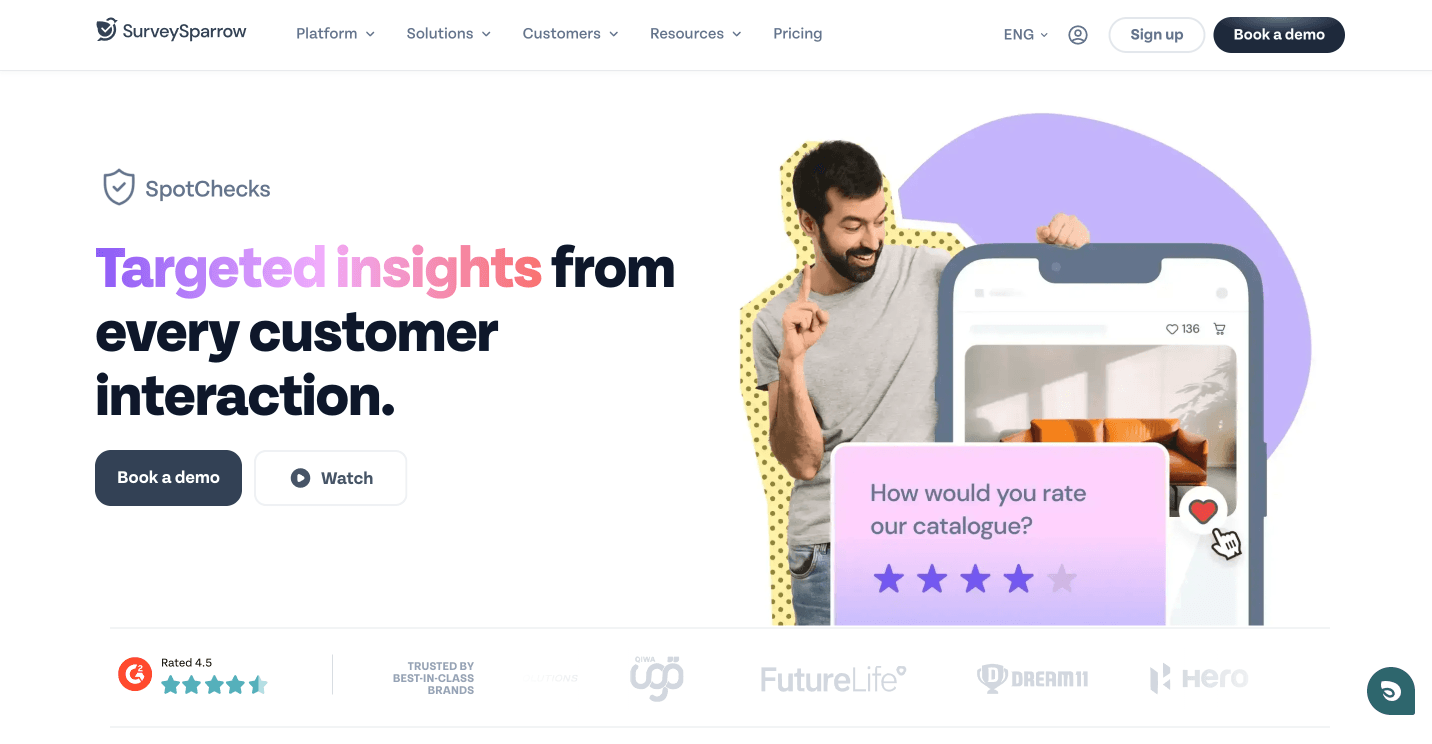
SurveySparrow runs CSAT, NPS, and CES surveys in a conversational format that shows one question at a time, like a chat. Customers answer on any device without facing a long form, which makes it easier to collect feedback right after a purchase or support interaction. Teams using SurveySparrow's conversational format see 40% higher completion rates than traditional form-based surveys.
The platform also helps you understand and act on the scores. Echo, SurveySparrow’s conversational AI agent, asks a follow-up question after each answer, so a low score arrives with the reason behind it. CogniVue then groups those reasons into themes across all your responses. Its VoC (Voice of Customer) programs let you gather, analyze, and respond to feedback across 10+ distribution channels.
SurveySparrow's Key Features
- Conversational surveys: One question at a time in a chat-style format, with skip and display logic so customers see only relevant questions.
- Echo (CX AI agent): Echo asks a contextual follow-up after each answer to capture the reason behind a score.
- CogniVue text analytics: Theme, sentiment, and key-driver analysis on open-ended responses, so you can see what drives your CSAT score up or down.
- Omnichannel distribution: Send surveys by email, SMS, web, in-app, WhatsApp, and QR code, or collect feedback offline at a kiosk.
- Automated, trigger-based surveys: Send surveys automatically after key events, such as a closed ticket or a completed order, through integrations with tools such as Salesforce, HubSpot, and Zendesk.
- Workflows and automation: Trigger-based feedback collection at key touchpoints. Route low scores to the right team member and track follow-up until the issue is resolved.
- Templates: 1,000+ templates, including a ready-to-use customer satisfaction survey template.


Pros
- 1000+ ready-to-use templates
- Multilingual and white-label support
- Great customer support
- AI surveys with sentiment analysis
- Engaging conversational interface
Take a sneak peek at our CSAT report
Drop in your email to get it delivered straight to your inbox
Cons
- The free plan only allows 10 questions per survey
- HIPAA compliance feature is only available for the Enterprise plan
SurveySparrow Pricing
A free plan is available with 1 user, 3 active surveys, 10 questions per survey, and 75 responses per quarter. A 14-day free trial is also available.
Paid plans start at $19 per month for Basic, billed annually. Higher plans add more responses, users, and features such as AI analysis and integrations. Enterprise pricing is available on request. Get a Custom Quote
Customer Rating and Review
G2 Rating: 4.4/5 (1,900+ reviews) | Capterra: 4.4/5 (100+ reviews)
User Review:
The product has a very humanlike vibe, making it much more enjoyable than standard survey solutions (like Google or Microsoft Forms) as per UX. There are many ways to customize the UI.

Find out where your customers are satisfied and dissatisfied!
TRUSTED BY BEST-IN-CLASS BRANDS


2. Typeform
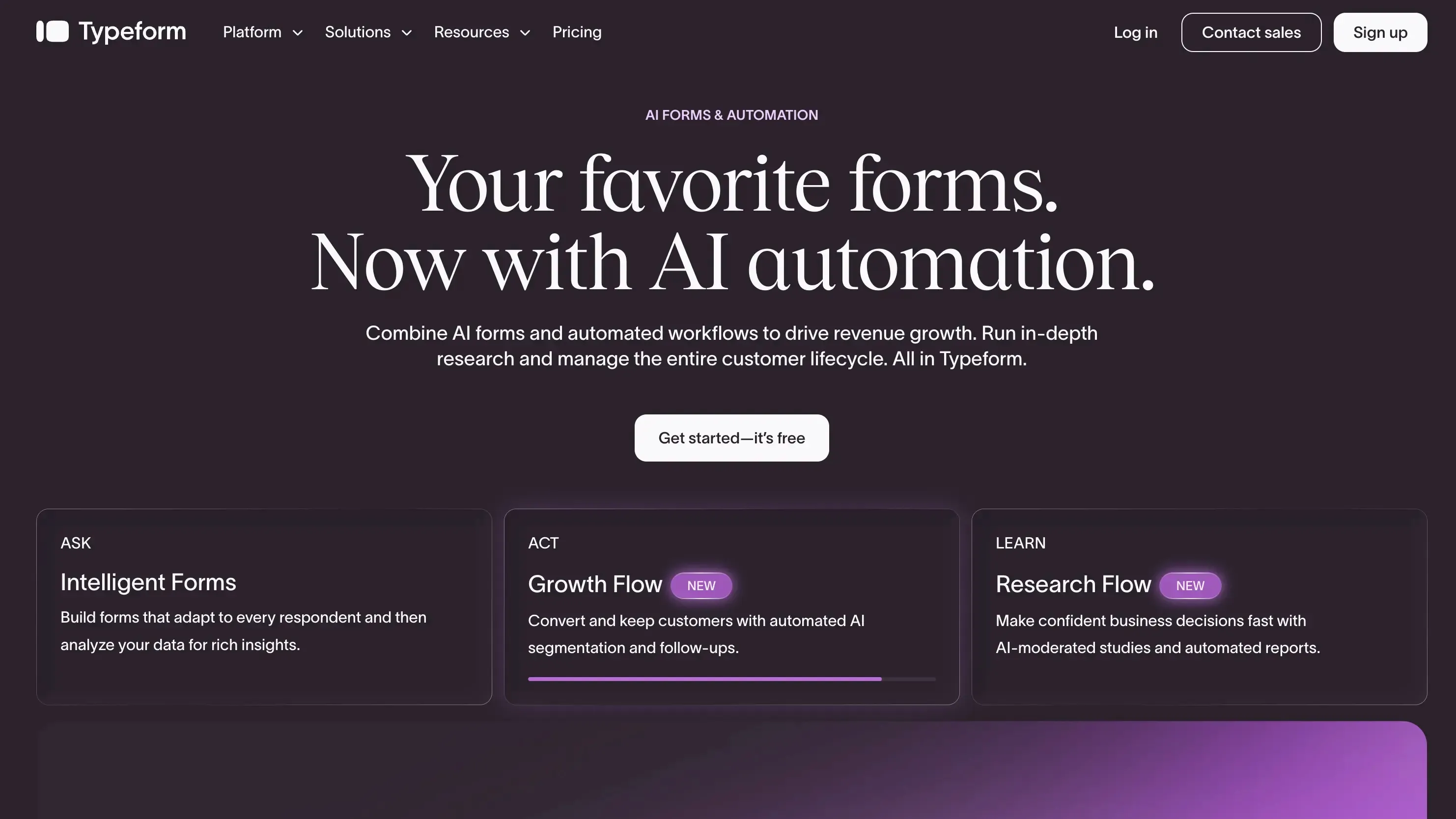
Typeform is yet another tool you can try to measure customer satisfaction. It also offers NPS, CSAT, and CES surveys, although it lacks VoC programs. Take a look at its key features.
Features of Typeform
- Embedded surveys to collect customer feedback from websites.
- 800+ in-built survey templates.
- Customize the surveys to align them with your brand elements and requirements.
- Skip and conditional logic to make the surveys dynamic.
- The forms and surveys are mobile-optimized.
Pros
- Easy-to-use interface
- Presents only one question at a time
- Integrations with CRM
Cons
Some G2 reviewers mention that Typeform:
- Is expensive for the features offered
- Has poor customer support
- Has fewer user analytics abilities
Typeform Pricing
Typeform also offers a free version and trial. The pricing is like $25 per month for 100 responses (1 user) when billed annually. This kind of pricing is one of the reasons why users look for better alternatives to Typeform.
Customer Rating & Review
- G2 Rating: 4.5 (1000+ reviews)
- Capterra Rating: 4.7 (900+ reviews)
User Review:
Typeform allows for the fast creation of simple surveys with branching logic, which is helpful. It's also easily embedded into websites, which is a good feature. Only the pricing, because small businesses cannot afford their paid plans.
3. Jotform
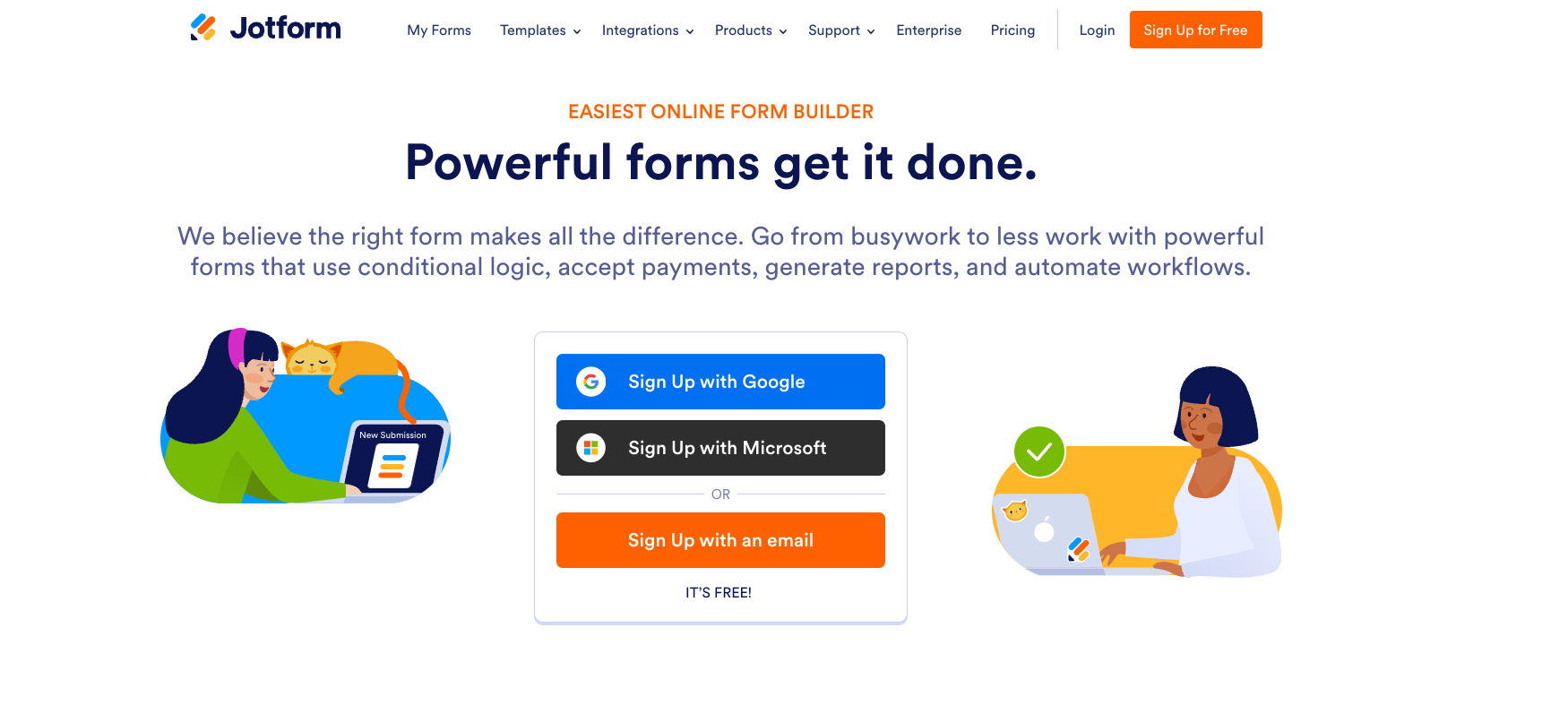
Jotform is an online form builder and survey software that can help you with satisfaction measurement. It has a user-friendly interface and over 10,000 templates to help users collect customer feedback effectively. Like the other two tools we discussed, Jotform also offers NPS, CSAT, and CES surveys. However, it lacks online reputation management and VoC programs.
Features of Jotform
- It supports a wide range of form fields, including sliders, CAPTCHA, and date pickers.
- The survey designs are mobile-friendly and responsive.
- Simple drag-and-drop options make the form-creation process smoother and quicker.
- Offline surveys to collect feedback where there is no internet connectivity.
- Robust integration with third-party tools.
Pros
- Good customization options
- Very easy to use
- Mobile forms are easy and accessible
Cons
- Not enough storage space
- Expensive than other CSAT survey tools
Jotform Pricing
A free version is available. The starting price of their paid plans begins from $34 per user per month when billed annually.
Customer Rating & Review
- G2 Rating: 4.7 (3000+ reviews)
- Capterra Rating: 4.6 (1900+ reviews)
User Review:
One of the things I really like and appreciate from Jotform is how user-friendly it is. It's easy to navigate interface, the diversity of customization options, and how easy it is to integrate with other apps.
4. SurveySensum
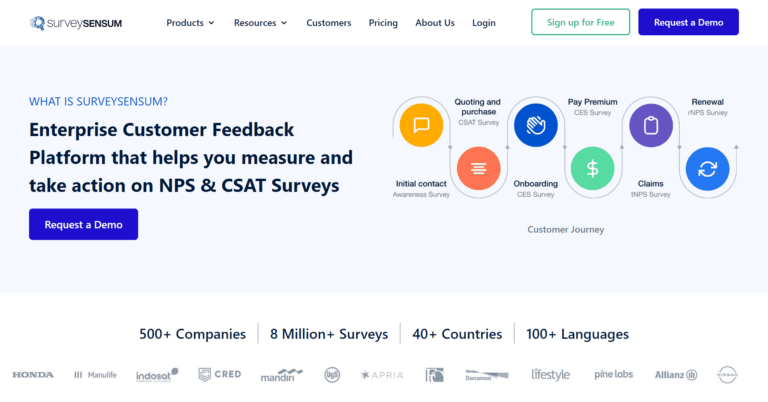
SurveySensum is yet another online survey tool that’s also one of the best customer satisfaction survey tools. The tool prides itself in its ability to help its customers make sense of the customer data and make informed decisions. The customer satisfaction and NPS surveys provided by the tool allow you to measure and improve overall customer satisfaction.
Features of SurveySensum
- Conversational analytics to get deeper customer insights, including audio reviews.
- Share customer satisfaction surveys through WhatsApp.
- Trigger options to notify users whenever a customer leaves feedback.
Pros
- Advanced analytics
- Closed feedback loop
- Good customer support
Cons
- Lacks in-built survey templates
- Slight learning curve
Pricing
The free version of the tool provides 25 responses and 500 emails per month. The details of their pricing are available upon request. No free trial is available.
Customer Rating & Review
- G2 Rating: 4.6 (20+ reviews)
- Capterra Rating: 5 (1 review)
User Review:
The product is easy to use and helps in analysing the results in a better way and provides insights that we cannot ignore.
5. Survicate
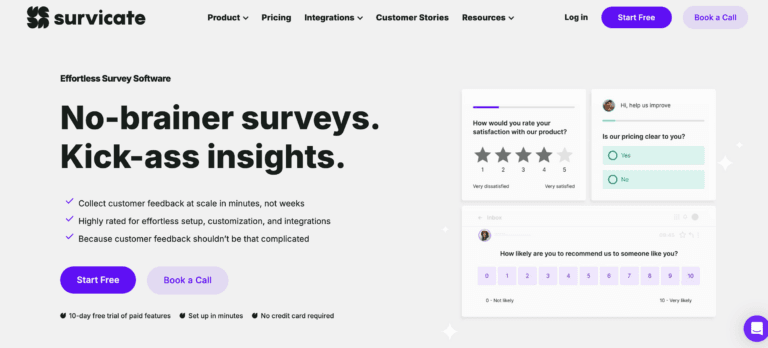
By offering NPS, CES, and CSAT surveys, Survicate also stands out as a worthy customer satisfaction survey tool. The tool is actually a customer feedback software that helps businesses gather customer insights. It’s known for its ease of use and simpler user interface. Through target surveys, it can engage with customers at various touchpoints, enhancing satisfaction.
Features of Survicate
- Distribute surveys to specific customer segments with targeted surveys.
- In-app surveys can gather valuable feedback about your mobile app.
- Product surveys are dedicated surveys to collect user feedback to improve your product.
Pros
- Good customer support
- Easy to set up Intuitive
Cons
- Can’t work complex survey questions
- Very limited maximum responses per month
Pricing
The free forever plan allows you to gather 25 responses per month. Their paid plans start at $56 per month for 100 survey responses per month.
Customer Rating & Review
- G2 Rating: 4.6 (150+ reviews)
- Capterra Rating: 4.5 (20+ reviews)
User Review:
It allows product, marketing and CS teams within our company to set up and run their own surveys with little to no assistance from the market research team. My only concern is the lack of more advanced functionalities & advanced analytics.
See how Pechanga adopted SurveySparrow and cut survey abandonment by 40%.
6. Qualtrics
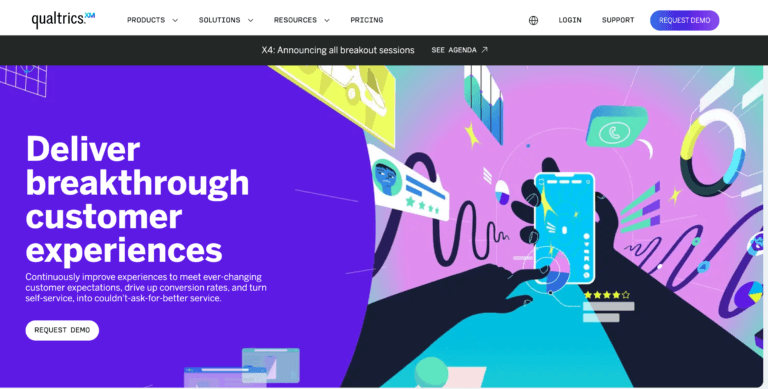
Qualtrics is a comprehensive experience management platform known for its advanced customer data analytics. As part of their experience management, they provide online surveys. These surveys can help measure customer satisfaction. It combines research, feedback, and operational data to provide a complete view of the customer journey.
The following are some key features that make it a top customer satisfaction survey tool.
Features of Qualtrics
- Monitor customer interactions across channels through multichannel feedback collection.
- AI-powered analytics to analyze customer data and predict customer behavior.
- Understand the points of friction in the customer journey through planned surveys and improve satisfaction.
- The surveys are highly customizable and support a vast array of survey question types.
Pros
- Advanced features in surveys
- Variety of question types
- Compatible with any device
Cons
- Very expensive
- Steeper learning curve
- Data manipulation in the tool is largely manual
Pricing
Custom quote; a limited free account is available.
Look for a cost-effective tools [alternative] to Qualtrics.
Customer Rating & Review
- G2 Rating: 4.4 (500+ reviews)
- Capterra Rating: 4.6 (200+ reviews)
User Review:
Qualtrics has many advanced features that, if used properly, can lead to an extremely well-crafted survey. For example, you can utilize display logic to skip certain questions based on how previous questions were answered. My only issue with Qualtrics is that it is a little difficult when it comes to collaboration.
7. AskNicely
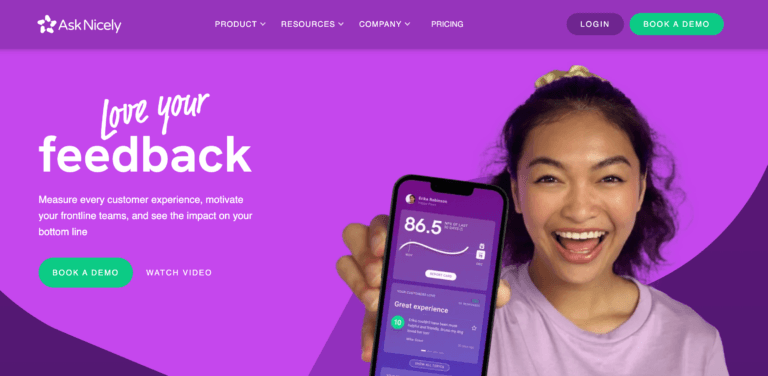
AskNicely is a customer feedback software that helps you measure every customer experience. It uses an NPS feedback system to gather feedback in real-time. The collected feedback can be analyzed to improve customer satisfaction. Therefore, the tool can be considered an ideal tool for measuring customer satisfaction.
Features of AskNicely
- The surveys are customizable and can be shared through web, mobile, and email.
- The customer data can be connected with CRMs and other intelligence tools for deeper analysis.
- Effectively close the loop by automating the workflow.
- Segment users based on criteria such as demographics, transaction types, etc.
Pros
- Easy to use and intuitive
- Great workflow automation
- Good technical support
Cons
Some G2 reviewers mention that the platform:
- Is more expensive compared to other CSAT survey tools
- Has poor built-in reports
AskNicely Pricing
You can book a free demo to understand how the tool works. The details of their pricing can be found upon contact.
Now, you might be wondering how we came to the conclusion that it is expensive. Well, we analyzed the customer reviews in G2 and Trustradius and found several comments regarding them.
Customer Rating & Review
- G2 Rating: 4.7 (900+ reviews)
- Capterra Rating: 4.6 (100+ reviews)
User Review:
Using AskNicely for our semi-annual NPS surveys and daily 5-star transactional surveys helps us keep our finger on the pulse of what we are doing right for our customers and importantly, what we need to do better.
8. QuestionPro
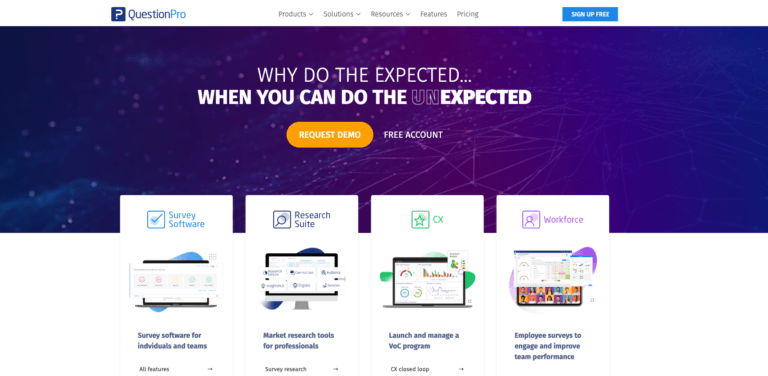
QuestionPro is a complete online survey software that also supports customer satisfaction surveys. It provides deeper insight into customer behavior, helping you improve overall customer satisfaction.
Features of QuestionPro
- Multilingual surveys to collect feedback from anywhere around the globe.
- Customizable survey designs with proper welcome and thank you pages.
- Survey panel integration will allow you to connect with your target audiences.
- Real-time data collection and analysis for immediate customer insights.
Pros
- Good analytics features
- Mobile optimized surveys
- Handles anonymous surveys well
- A vast range of survey question types
Cons
- Outdated interface
- Conditional logic isn’t flexible
QuestionPro Pricing
There’s a free version of its survey software with 200 responses per survey. The paid plans start at $83 per user per month.
Customer Rating & Review
- G2 Rating: 4.5 (900+ reviews)
- Capterra Rating: 4.8 (400+ reviews)
User Review:
It's a useful, well polished (and mature) product. It's very customizable for surveys – each question can be customized to present the user with the most concise options.
9. Zoho Forms

Part of the Zoho suite, Zoho Forms is a versatile online survey and form builder app. It’s designed to collect and manage data across various contexts, including satisfaction surveys. The tool is known for its cost-effectiveness and ease of use.
Features of Zoho Forms
- Embed secure forms to interact and engage with your customers on the website.
- Share the survey link across different platforms to collect feedback.
- Trigger email and SMS notifications will notify you whenever a customer leaves feedback.
- Export or connect customer data with other apps for detailed analysis
Pros
- Great for Zoho suite users
- Very easy to use
- Cost-effective
Cons
- Poor integrations with non-Zoho products
- Lacks advanced analytics compared to other CSAT survey tools
Pricing
You can get a free version with limited features. The pricing for Zoho Forms is very cheap, starting at a meager $8 per month.
Customer Rating & Review
- G2 Rating: 4.4 (150+ reviews)
- Capterra Rating: 4.5 (100+ reviews)
User Review:
When you talk of simplicity, then Zoho Forms is such kind of simplicity that we needed for form building. It has excellent form building and editing features which includes use of drag and drop technology to make it so easy to build forms.
10. Nicereply
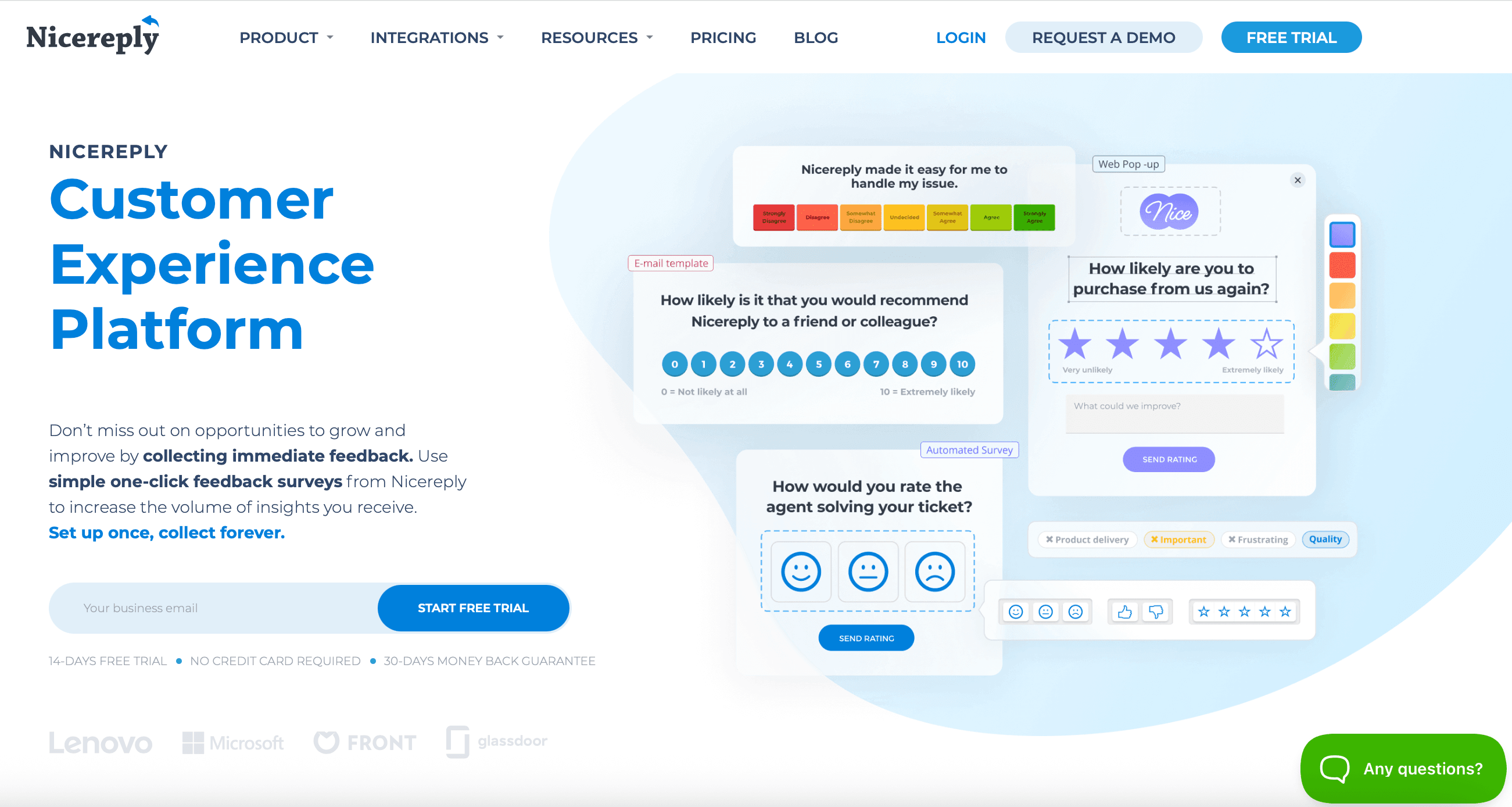
Nicereply is purpose-built for support and success teams. It integrates directly with helpdesk platforms like Zendesk, Freshdesk, Front, and Help Scout, enabling one-click CSAT, NPS, and CES surveys embedded in email signatures or triggered automatically after ticket resolutions. Its agent leaderboard feature helps team managers identify top performers and coaching opportunities.
If you're looking to move away from Zendesk altogether, check out the best Zendesk alternatives.
Nicereply Key Features
- In-signature and post-resolution email surveys
- One-click rating for higher response rates
- Agent and team performance leaderboards
- Integrations with Zendesk, Freshdesk, Front, Help Scout, Pipedrive
- Website pop-up surveys for UX feedback
- Over-survey protection to avoid survey fatigue
Pros
- Built specifically for support workflows
- Quick, easy setup
- Agent-level performance tracking
- Affordable for what it offers
Cons
- Less suitable for non-support use cases
- NPS survey pages have Nicereply branding by default
Pricing
14-day free trial. Paid plans start at $59/mo annually, where annual billing saves 20%.
Customer rating and review
G2 Rating: 4.5/5 (400+ reviews) | Capterra: 4.7/5 (200+ reviews)
User Review:
I've been using Nicereply for over 7 years now, and it's become an indispensable tool for our company. It's helped us to improve our customer satisfaction (CSAT) scores, gather valuable customer feedback, and build stronger relationships with our customers.
11. Medallia
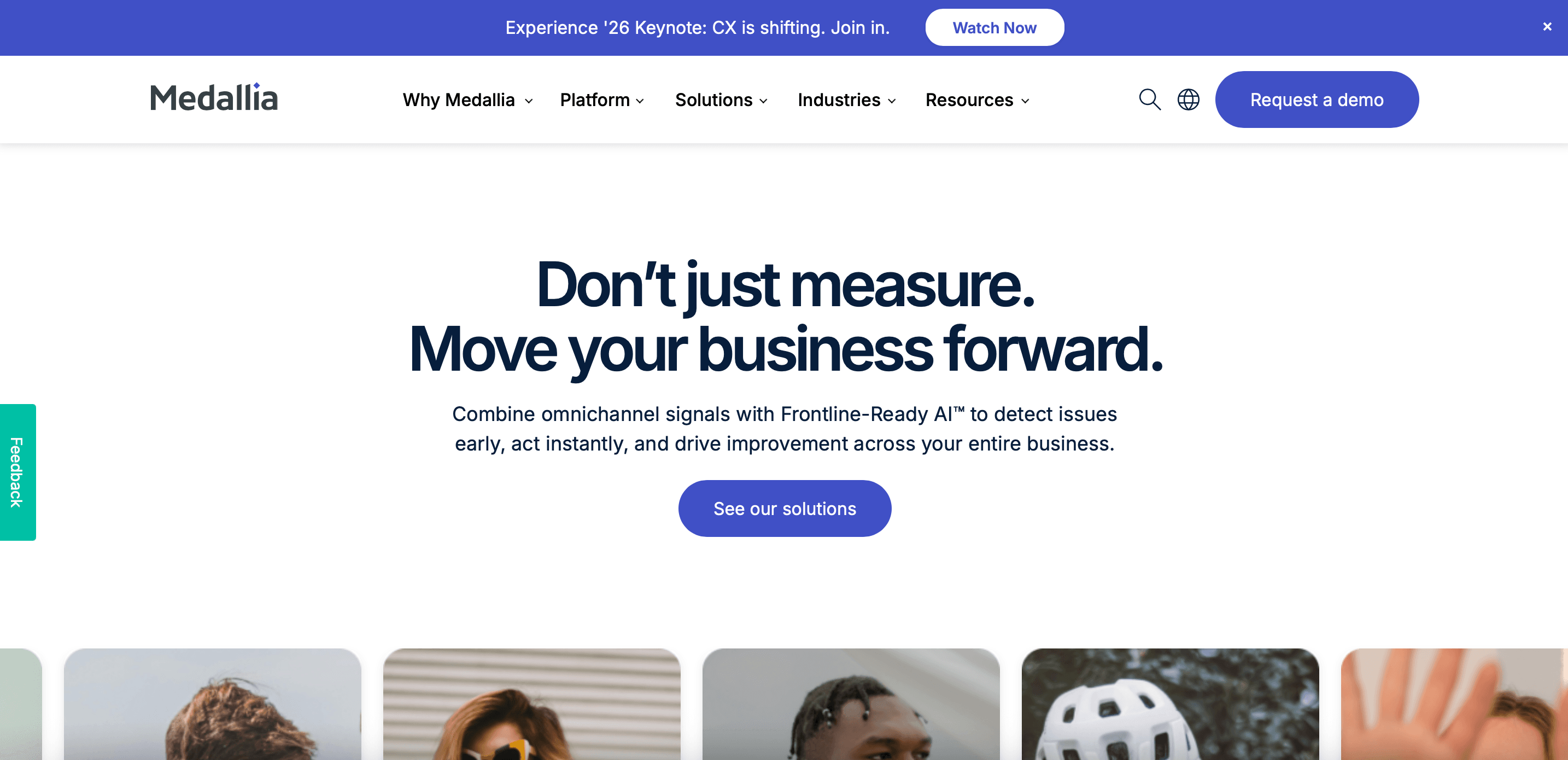
Medallia is an enterprise-level customer experience platform that goes far beyond traditional surveys. It analyzes signals from voice calls, video interactions, digital touchpoints, social media, and even IoT devices to provide comprehensive customer experience insights. If your organization operates at scale and needs to correlate customer satisfaction data across hundreds of touchpoints, Medallia is the platform to consider.
Medallia Key Features
- Omnichannel signal capture (voice, video, digital, IoT, social)
- AI and machine learning for predictive insights
- Role-based dashboards and real-time alerts
- Text analytics across 50+ languages
- Action management and case resolution workflows
Pros
- Unmatched depth of signal analysis
- Scales for the largest enterprises
- Strong action management workflows
Cons
- Overkill for SMBs
- Requires dedicated admin resources
- Premium pricing
Pricing
Custom enterprise pricing. Contact sales for a quote.
Customer rating and review
G2 Rating: 4.4/5 (100+ reviews) | Capterra: 4.5/5 (30+ reviews)
User Review:
I like being able to quantify qualitative feedback and organise it into trackable topics, so I can clearly see how performance and sentiment change over time. Support has been easy to reach and also proactive in sorting out problems for us. I also appreciate that the UX/UI is intuitive, but we have a long way to go for re-designing personal dashboards to make them even better with updated capabilities.
Customer Satisfaction Survey Best Practices
Even the best customer satisfaction survey tool can't help if your surveys are poorly designed. Here are proven best practices to maximize response rates and data quality. (For an in-depth deep dive, read our full guide on CSAT survey best practices.)
Keep surveys short. Aim for 3–5 questions maximum for transactional surveys. Every additional question decreases completion rates by roughly 5–10%. If you need more depth, use branching logic to show relevant questions only.
Ask at the right moment. Trigger surveys immediately after the experience you're measuring. For support interactions, send within minutes of resolution. For product feedback, use in-app surveys while users are actively engaged.
Use a mix of quantitative and qualitative questions. Combine a rating scale (the quantitative metric) with one open-ended follow-up like "What could we have done better?" The number tells you what; the comment tells you why.
Avoid leading questions. Instead of "How great was your experience?" use neutral phrasing: "How would you rate your experience?" Biased questions inflate scores but give you useless data.
Close the feedback loop. Collecting feedback without acting on it is worse than not collecting it at all. Set up automated alerts for negative scores, assign follow-up tasks, and communicate changes back to customers who provided the feedback.
Benchmark and track trends. A single CSAT score is a snapshot. Track scores over weeks and months to identify trends. The industry average CSAT benchmark across sectors is roughly 75–80%, though this varies significantly by industry — SaaS averages around 78%, healthcare hits 80%, and retail/ecommerce sits at 76%. For a detailed breakdown by sector, see our guide to CSAT benchmarks by industry.
Respect survey fatigue. Don't survey the same customer after every interaction. Use tools with over-survey protection (like Nicereply) or set cooldown periods between surveys.
Industry-Specific Survey Strategies
B2B / SaaS: Focus on relationship NPS surveys (quarterly) combined with transactional CSAT after onboarding, support interactions, and renewals. Tools like SurveySparrow, Survicate, and AskNicely integrate well with CRM workflows for automated triggers. Consider adding CES surveys post-onboarding to identify friction early.
Ecommerce & Retail: Post-purchase CSAT surveys (triggered by order delivery) and on-site feedback widgets are essential. Use NPS for repeat customer segments and CES for checkout flow optimization. Kiosk-based apps like SurveySparrow's mobile app are ideal for brick-and-mortar retail.
Helpdesk & Support Teams: In-signature and post-resolution surveys (Nicereply, Typeform, SurveySparrow) provide the most natural feedback touchpoint. Track CSAT per agent to identify coaching opportunities. Integrate with SparrowDesk, Zendesk or Freshdesk so feedback data lives alongside ticket context.
Healthcare: Patient satisfaction surveys require HIPAA-compliant tools (SurveySparrow, Qualtrics, Medallia). Use CES to measure ease of appointment booking and care coordination. Multi-language support is critical for diverse patient populations.
How to Choose the Right CSAT Tool for Your Business
With so many customer satisfaction survey tools available, narrowing down your options comes down to three key questions:
1. What's your primary use case? If you need post-support CSAT, a helpdesk-integrated tool like Nicereply is purpose-built for that. If you need omnichannel feedback across the entire customer journey, SurveySparrow or Qualtrics are better fits. If you just need a quick, free solution, Google Forms free plan will get you started.
2. What's your budget? Free or low-cost options (Google Forms, Zoho Forms, SurveySparrow's free plan) work for small teams. Mid-market teams ($50–$200/mo) get the best value from tools like SurveySparrow, Survicate, or QuestionPro. Enterprise teams should evaluate Qualtrics or Medallia configurations.
3. What tools do you already use? Integration matters more than most teams realize. If you're on Zendesk, Nicereply plugs right in. If you're in the Zoho ecosystem, Zoho Forms is the path of least resistance. Choosing a tool that fits your existing tech stack saves setup time and ensures data flows where your team already works.
Our Recommendation: Start by exploring the free versions and trials offered by 2–3 tools from this list. Test with a real survey and real customers before committing to a paid plan. Most teams find their ideal fit within a week of hands-on testing.

Talk to someone who's set this up for 100+ teams
A personalized walkthrough by our experts. No strings attached!