
Lead capture is one of the first steps in turning website visitors and prospects into revenue. But capturing a lead isn't just about getting someone's name and email address. The right software can help you capture leads through forms, chat, and other channels, enrich the information you collect, qualify the lead, and get it into your CRM so your sales team can follow up.
We looked at 25+ lead capture platforms to see what they actually offer and how they handle the entire process, from capturing a lead to getting it ready for sales. After comparing their lead capture methods, enrichment capabilities, AI features, qualification options, CRM integrations, and pricing, we narrowed the list down to 12 lead capture software tools worth considering.
How do we evaluate and test apps?
We started by looking at 25+ lead capture platforms to understand what each one actually offers. We used free trials and free plans where available, and for the rest, we went through their product pages, documentation, and current pricing.
We looked at how each tool captures leads in the first place. Does it use forms, pop-ups, live chat, chatbots, landing pages, meeting bookings, or website visitor identification? We also looked at whether you can connect those different capture methods to the rest of your sales process.
Then we checked what happens after someone becomes a lead. Can the tool send the lead straight to a CRM? Can you assign it to a salesperson, qualify it, score it, or trigger a follow-up automatically?
We also looked at lead enrichment. If all you have is a name and email address, how much more can the platform tell you about that person or their company? We checked things like company details, job title, industry, company size, intent signals, and other information that can help sales teams decide which leads are worth pursuing. For instance, tracking active recruitment via real-time job postings data gives sales reps granular insights into hiring expansion and emerging tech stacks before a prospect even reaches out.
AI was another part of our evaluation. We looked beyond whether a product simply says it has AI. We wanted to see what the AI actually does, whether that's qualifying leads, identifying intent, enriching contact information, answering questions, summarizing conversations, or helping sales teams decide what to do next.
Finally, we looked at pricing and integrations. A tool might look inexpensive at first, but costs can change as your contacts, users, conversations, or credit usage grow. We also checked how well each platform fits with the CRM and other tools a sales team is already using.
We used all of this to narrow down the 25+ platforms to the 12 lead capture tools featured in this list. The goal wasn't to find the tool with the longest feature list. We wanted to find the ones that make it easier to capture a lead, understand who they are, and get them into the hands of sales.
Our top 5 picks for lead capture software
After researching and evaluating 12 lead capture tools, these are the five that stood out the most to us. We picked them based on how well they handle the full lead capture process, not just collecting contact details, but also enriching leads, qualifying them, using AI, connecting them to a CRM, and helping sales teams follow up.
- HubSpot: Best overall
- Salesforce: Best for enterprise teams
- Typeform: Best for lead capture forms
- Intercom: Best for conversational lead capture
- SparrowCRM: Best for AI-powered lead capture and follow-up
Lead capture features at a glance
Software | How it captures leads | Enrichment | Qualification | CRM |
|---|---|---|---|---|
| HubSpot | Forms, chat, chatbots, landing pages | ✓ | ✓ | ✓ |
| Salesforce | Forms, chat, landing pages, integrations | ✓ | ✓ | ✓ |
| Typeform | Interactive forms | Via integrations | ✓ | ✓ |
| Intercom | Live chat, chatbots, forms | ✓ | ✓ | ✓ |
| SparrowCRM | Forms, chat, AI-assisted capture | ✓ | ✓ | ✓ |
| monday CRM | Forms, integrations | ✓ | ✓ | ✓ |
| ReachStream | Prospecting, contact database, email verification | ✓ | ✓ | ✓ |
| ZoomInfo | Website visitors, forms, prospecting | ✓ | ✓ | ✓ |
| Drift | Live chat, chatbots | ✓ | ✓ | ✓ |
| Pipedrive | Web forms, chat, integrations | ✓ | ✓ | ✓ |
| Leadfeeder | Website visitor identification | ✓ | ✓ | ✓ |
| Cognism | Prospecting, contact database | ✓ | ✓ | ✓ |
12 lead capture software worth considering in 2026
1. HubSpot
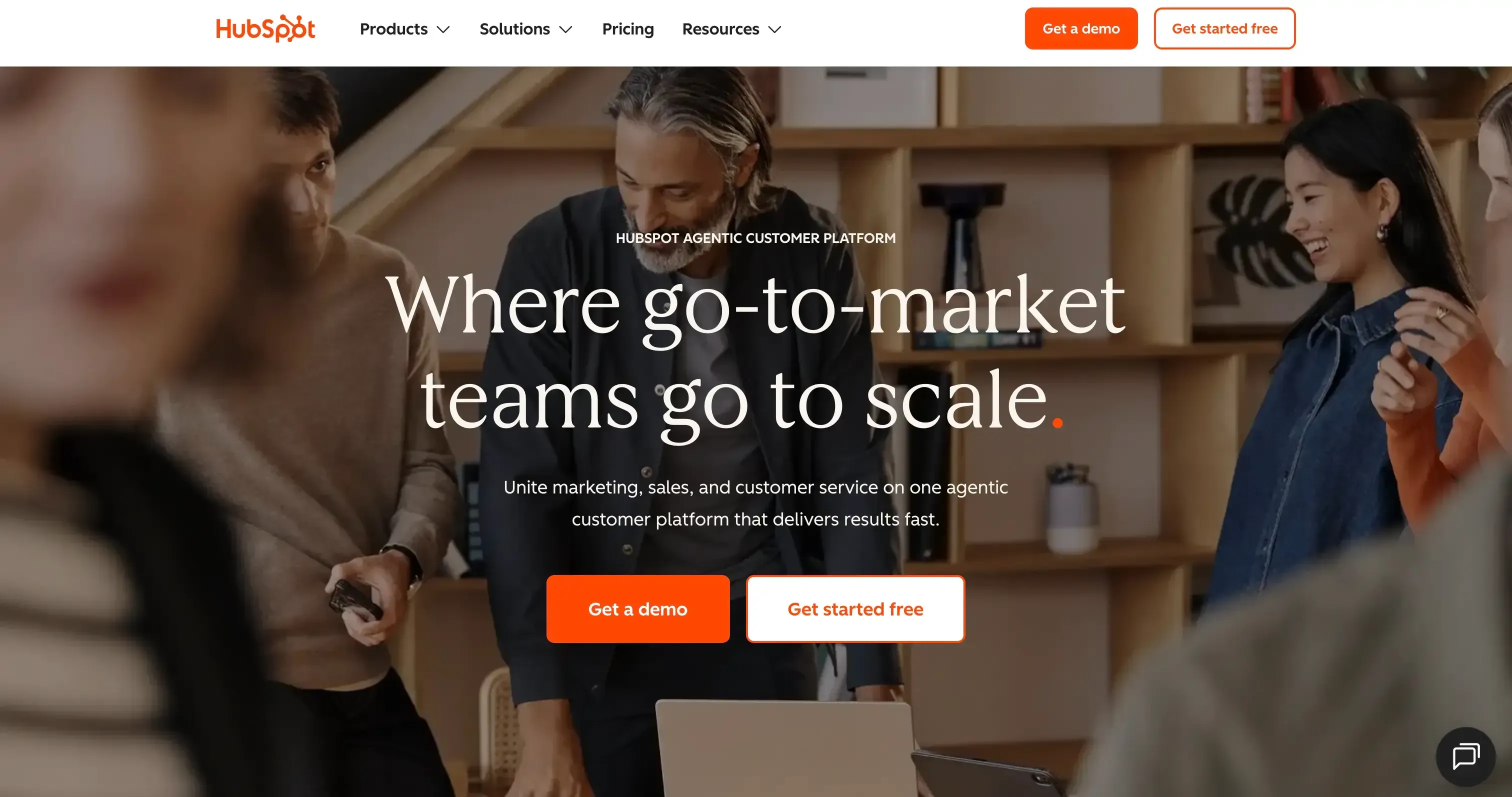
If you want your lead capture, marketing, and sales activities to live in one place, HubSpot is hard to overlook. We liked that a lead doesn't just get captured and sit in the CRM; you can see where it came from, track its activity, qualify it, and move it into the sales process. During our trial, the contact health view and lead activity tracking were particularly useful for understanding which contacts needed attention.
HubSpot also gives you plenty of ways to bring leads in, from forms and landing pages to chat, meeting scheduling, and integrations. Add its AI features and sales automation, and it becomes more than a lead capture tool; it can help your team decide which leads to focus on and what to do next.
Lead capture capabilities
- Forms and landing pages: Capture leads through forms and landing pages and send them directly into the CRM.
- Live chat and chatbots: Engage website visitors and capture their information through conversations.
- Lead tracking: Track where leads came from and see their activity across the customer journey.
- Lead enrichment: Add company and contact information to lead records for better context.
- Lead qualification: Use scoring, lifecycle stages, and automation to identify and prioritize leads.
- AI: Breeze AI helps summarize contact information, surface insights, and support prospecting. The Prospecting Agent can also help identify potential prospects.
- CRM and automation: Captured leads can be routed, followed up with, and moved through sales workflows from the same platform.
What we liked
- All-in-one platform covering marketing, sales, and customer service
- Generous free CRM for teams getting started
- Strong contact activity and lead-source tracking
- Good sales automation and follow-up capabilities
- Built-in meeting scheduling
- Strong AI features and a large integration ecosystem
What we didn't like
- There is a lot to learn when you're new to the platform
- Free plan limits advanced sales automation and workflows
- Marketing Hub can become expensive as your requirements grow
- Some lead-generation capabilities require third-party integrations
Pricing
Free plan available. Paid plans available from $15 per month on Sales Hub.
2. Salesforce
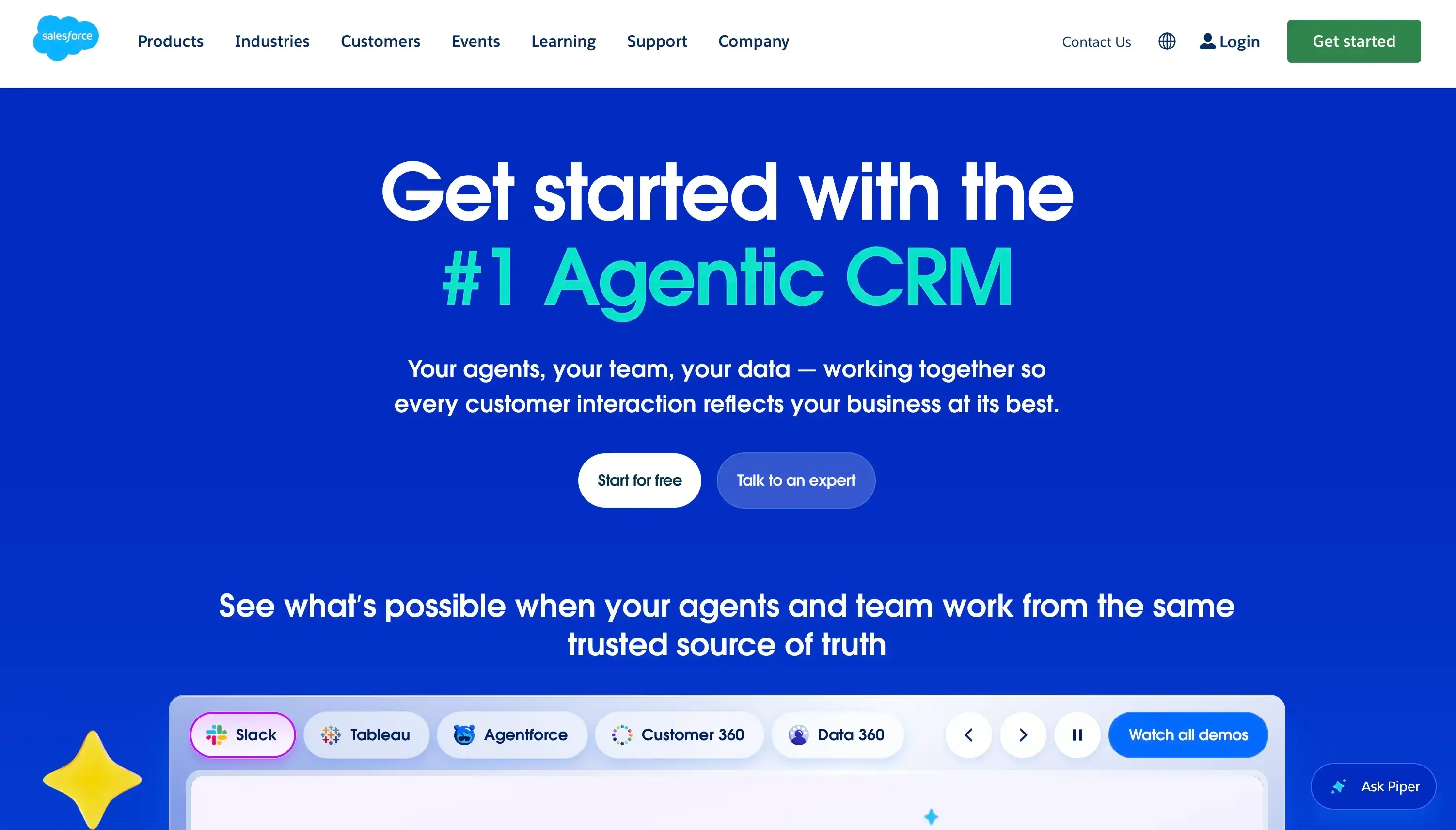
If your sales process has a lot of moving parts, Salesforce gives you plenty of control over how leads are captured, qualified, routed, and followed up. During our evaluation, what stood out was the level of customization; you can build lead stages, routing rules, workflows, and reporting around the way your sales team actually works. That flexibility is useful for larger teams, but it can also make Salesforce feel like a lot to take in if you just want a simple lead capture setup.
Lead capture capabilities
- Forms and integrations: Capture leads through Web-to-Lead forms, campaigns, APIs, chat, and third-party integrations.
- Lead routing: Automatically send leads to the right salesperson or queue based on factors such as region, industry, or lead source.
- Lead qualification: Use custom stages, scoring, and rules to identify leads that are ready for sales.
- Lead nurturing: Automate follow-ups, emails, and tasks so promising leads don't get forgotten.
- Lead conversion: Move qualified leads into Accounts, Contacts, and Opportunities without entering the information again.
- AI: Einstein and Agentforce can help with lead scoring, qualification, prospect conversations, and identifying leads worth pursuing.
What we liked
- Highly customizable lead management
- Strong lead routing and automation
- Detailed reporting and visibility
- Powerful AI capabilities for qualification and prospecting
- Works well for complex sales processes and larger teams
What we didn't like
- Can feel overwhelming for smaller teams
- Takes more time to set up and learn compared with simpler CRMs
- Some advanced capabilities require higher-tier plans or additional products
Pricing
Starts at $25/user/month for the Starter Suite.
3. Typeform
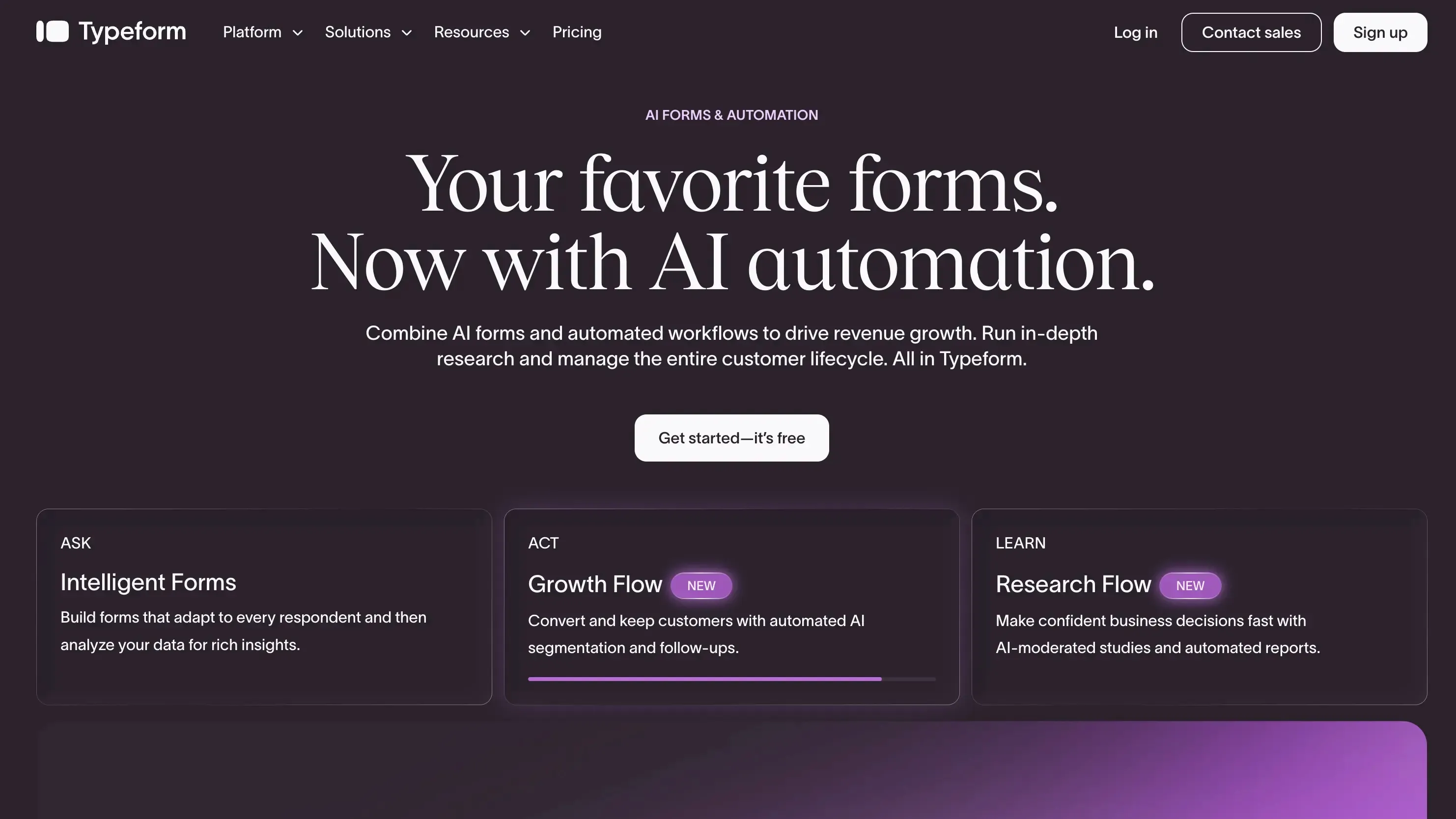
If you want your lead capture forms to feel less like forms, Typeform is one of the strongest options we looked at. Instead of putting a long list of fields on one screen, it asks questions one at a time, which makes the experience feel more conversational and easier to complete.
What makes Typeform more useful for lead generation is what happens around the form. You can use conditional logic to ask different questions based on a lead's answers, capture campaign information with hidden fields and UTM tracking, and enrich lead data before sending it to your CRM.
Lead capture capabilities
- Conversational forms: Ask one question at a time instead of showing visitors a long form.
- Conditional logic: Show different questions based on previous answers, which can help qualify leads while they fill out the form.
- Lead enrichment: Typeform can enrich submissions with additional professional and company information, reducing the number of fields visitors need to complete.
- Hidden fields and UTM tracking: Capture campaign source, medium, keywords, and other information alongside the lead.
- Partial submissions: Save responses even when someone leaves before completing the form.
- Website embeds: Add forms directly to a website as an inline form, popup, slider, popover, or full-page experience.
- AI features: Typeform's AI can help create forms and analyze responses, while its AI engagement features can handle follow-up questions in certain form experiences.
Moving leads into your CRM
Typeform doesn't expect you to manually download leads and upload a CSV every time. You can connect submissions directly to tools such as HubSpot, Salesforce, Zoho CRM, Pipedrive, ActiveCampaign, and Mailchimp and map the form fields to the corresponding CRM fields.
For more complex setups, you can connect Typeform through automation tools such as Zapier or Make, or use webhooks to send submission data to your own system. This makes Typeform work well as the capture layer, while your CRM handles the rest of the sales process.
What we liked
- The one-question-at-a-time format makes forms feel less intimidating.
- Conditional logic makes it possible to qualify leads during the capture process.
- Strong CRM and automation integrations.
- Hidden fields and UTM tracking are useful for understanding where leads come from.
- Lead enrichment can reduce the amount of information visitors have to enter manually.
- Multiple embed options make it easy to fit forms into different website experiences.
What we didn't like
- Typeform is primarily a form and data-collection tool, so you still need a CRM or other sales system for deeper lead management.
- It doesn't provide native human-to-human live chat; live chat requires another platform or integration.
- Advanced lead-generation and enrichment capabilities can push you toward higher-priced plans.
Pricing
Typeform's pricing page currently shows annual-billing prices starting at $28/month for Basic, $56/month for Plus, and $91/month for Business. The plans include 100, 1,000, and 10,000 responses per month, respectively, with different user limits.
4. Intercom
If your website gets a lot of visitors who have questions before they're ready to fill out a form, Intercom takes a different approach to lead capture. Instead of asking visitors to find a contact form, you can start the conversation directly on the page they're viewing.
Its Messenger can sit on pages such as pricing or product pages and trigger messages based on what a visitor is doing. From there, Intercom can use bots to ask for details such as an email address or company size, qualify the visitor, and route the conversation to the right sales rep.
Lead capture capabilities
- Website Messenger: Add a chat widget to your website and engage visitors while they're browsing.
- Proactive messages: Trigger messages based on things such as the page a visitor is viewing, their behavior, or time spent on the site.
- Qualification bots: Ask visitors for information such as email and company size, then use those answers to qualify them.
- Live chat: Sales or support reps can take over conversations when a visitor needs a human response.
- AI chatbot: Intercom's Fin can answer questions using your website, help center, and other available company information before handing the conversation to a person when needed.
- Meeting scheduling: Qualified visitors can be routed toward a sales rep or connected to scheduling tools so they can book a meeting.
- Smart routing: Lead information and qualification answers can be used to send conversations to the appropriate sales team or rep.
How Intercom moves captured leads into your CRM
This is where Intercom becomes more useful than a standalone website chat widget. You can connect it with CRMs such as HubSpot, Salesforce, and Pipedrive and send captured lead information into your sales system.
The basic flow is straightforward: a visitor starts a conversation, shares their email or other qualifying information, and Intercom creates the contact. You can then map the information collected in the conversation to fields in your CRM. Conversation history can also be made available to the sales team, so the rep doesn't have to start from scratch when following up.
For more advanced setups, Intercom can use its integrations and APIs to pass information between the conversation and CRM. That means the chat isn't just collecting an email address; it can become the starting point for the sales workflow.
What we liked
- Live chat and automated bots work together in the same website experience.
- Good fit for capturing leads who want to ask questions before buying.
- Qualification can happen during the conversation instead of through a separate form.
- Fin can handle common questions before involving a sales rep.
- CRM integrations make it possible to move captured leads into the sales workflow.
- Enrichment can give sales more context without making visitors complete a long form.
What we didn't like
- The setup becomes more involved when you add enrichment, CRM mapping, routing, and other automation.
- Teams that only need a simple lead form may find a dedicated form builder easier to manage.
Pricing
Intercom's annual plans start at $29/seat/month for Essential, $85 for Advanced, and $132 for Expert. Fin AI Agent is included, with usage starting at $0.99 per outcome.
5. SparrowCRM
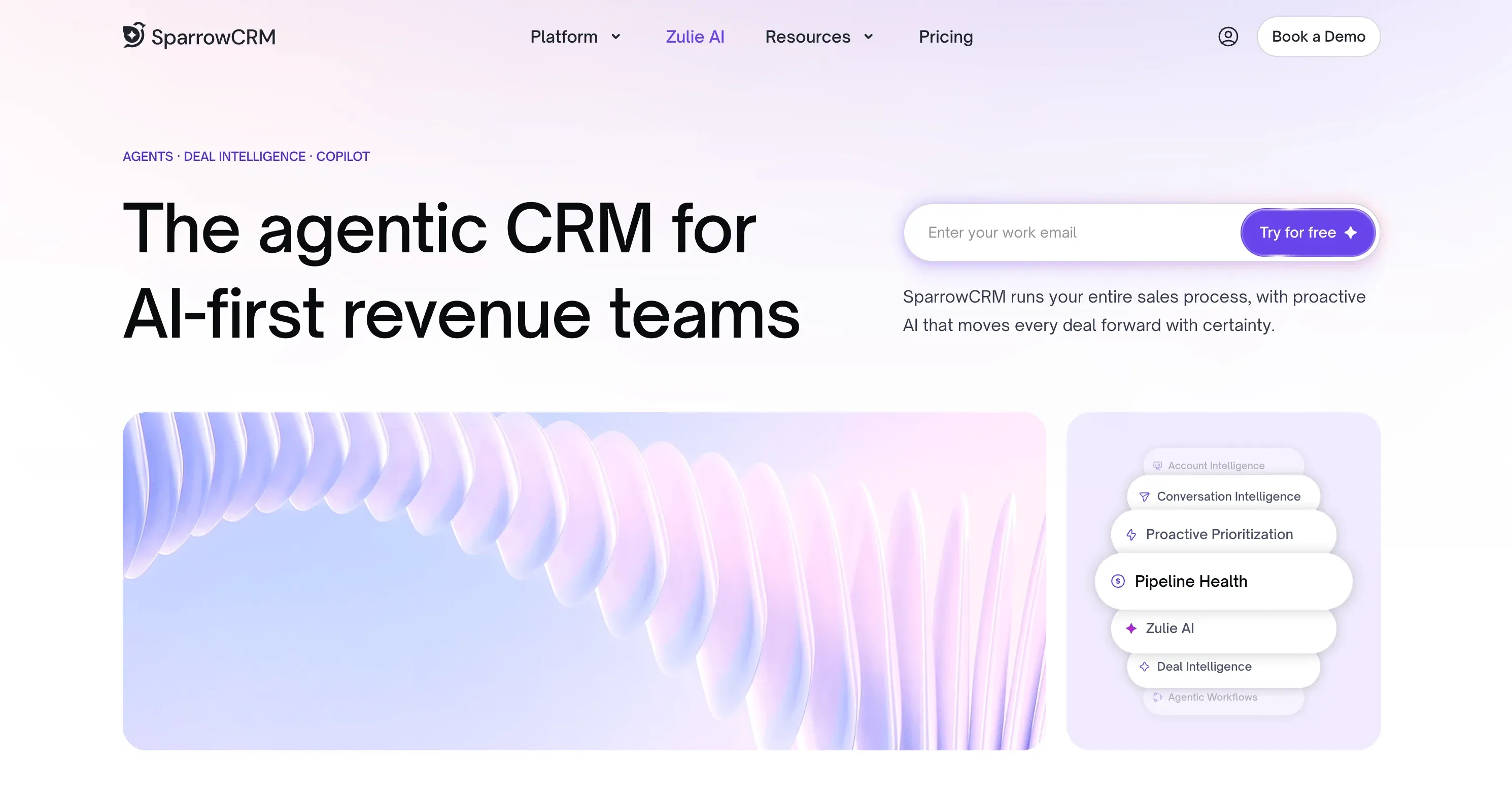
If you want to capture a lead and then have the CRM help your sales team decide what to do with it, SparrowCRM takes an AI-first approach. We found it particularly useful for teams that want lead capture, qualification, follow-ups, and sales activity in the same workspace rather than stitching several tools together.
The interesting part is what happens after the lead enters the CRM. SparrowCRM can use engagement signals, buying intent, and customer interactions to help reps understand which leads deserve attention and what they should do next.
Lead capture capabilities
- Lead capture: Bring leads into the CRM through website forms, email, CSV imports, APIs, and integrations.
- Lead qualification: Use ICP fit, engagement signals, and buying intent to help prioritize leads.
- Lead nurturing: Create email sequences with automated follow-ups and behavior-based actions.
- Lead assignment: Route leads based on factors such as territory, industry, company size, or account ownership.
- Lead enrichment: Add context around contacts and companies so reps have more information than just basic contact details.
- AI-assisted sales: Use AI to surface insights from customer interactions, identify buying signals, and suggest next actions.
What we liked
- AI is built into the lead and sales workflow rather than being a separate add-on
- Lead qualification and prioritization reduce some of the manual work for reps
- Email sequences can automate follow-ups and pause when a prospect replies
- Smart routing helps get leads to the right salesperson
- Meeting intelligence adds useful context to lead and deal records
What we didn't like
- It's not designed to replace prospecting databases such as ReachStream or ZoomInfo
- Anonymous website visitor identification requires external tools
Pricing
Free plan available for up to 3 users. Growth starts at $19/user/month, while Pro starts at $49/user/month with more advanced AI and conversation intelligence features.

Turn captured leads into opportunities with SparrowCRM
TRUSTED BY BEST-IN-CLASS BRANDS


6. ZoomInfo
If your sales team already uses a CRM like HubSpot or Salesforce, ZoomInfo works as the intelligence layer behind your lead management process. It isn't a CRM itself. Instead, it captures or receives a lead, matches that lead against its B2B database, enriches the record, and sends the updated information back to your CRM.
The part we found interesting is how little information you need to start with. A visitor can submit something as simple as a business email. ZoomInfo uses that information to identify the person and company, add missing details, and then let your CRM use those fields for routing and follow-up.
Lead capture capabilities
Lead capture: ZoomInfo can shorten website forms to a single business email field. If it recognizes the email, it can automatically fill in details such as the person's name, job title, company, and seniority. If there's no match, it asks for only the additional information needed.
Lead enrichment: Once the lead enters your CRM, ZoomInfo matches the email or company domain against its database and appends firmographic data such as industry, revenue, company size, and headquarters, along with technographic and contact information.
CRM connection: You can connect ZoomInfo with platforms such as Salesforce, HubSpot, Microsoft Dynamics, and Zoho. After mapping the fields, triggers such as a new contact or form submission can start the enrichment process automatically.
How the enrichment works: The flow is essentially new lead → ZoomInfo match → data verification → enriched CRM record. Once the information is added, your CRM can use fields like company size or industry to trigger routing and other workflows.
Ongoing enrichment: ZoomInfo can also run scheduled checks on existing leads, contacts, and accounts to keep your CRM data updated as people change roles, phone numbers, or companies.
What we liked
- Short forms without losing lead information
- Strong B2B data enrichment
- Real-time enrichment when new leads enter the CRM
- Firmographic and technographic data
- CRM workflows can use the enriched data for routing
What we didn't like
- It's not a standalone CRM
- Most of its value comes when connected to an existing CRM
- Premium pricing can be difficult for smaller teams
Pricing
ZoomInfo uses custom pricing based on the products, seats, and data your team needs.
7. monday CRM
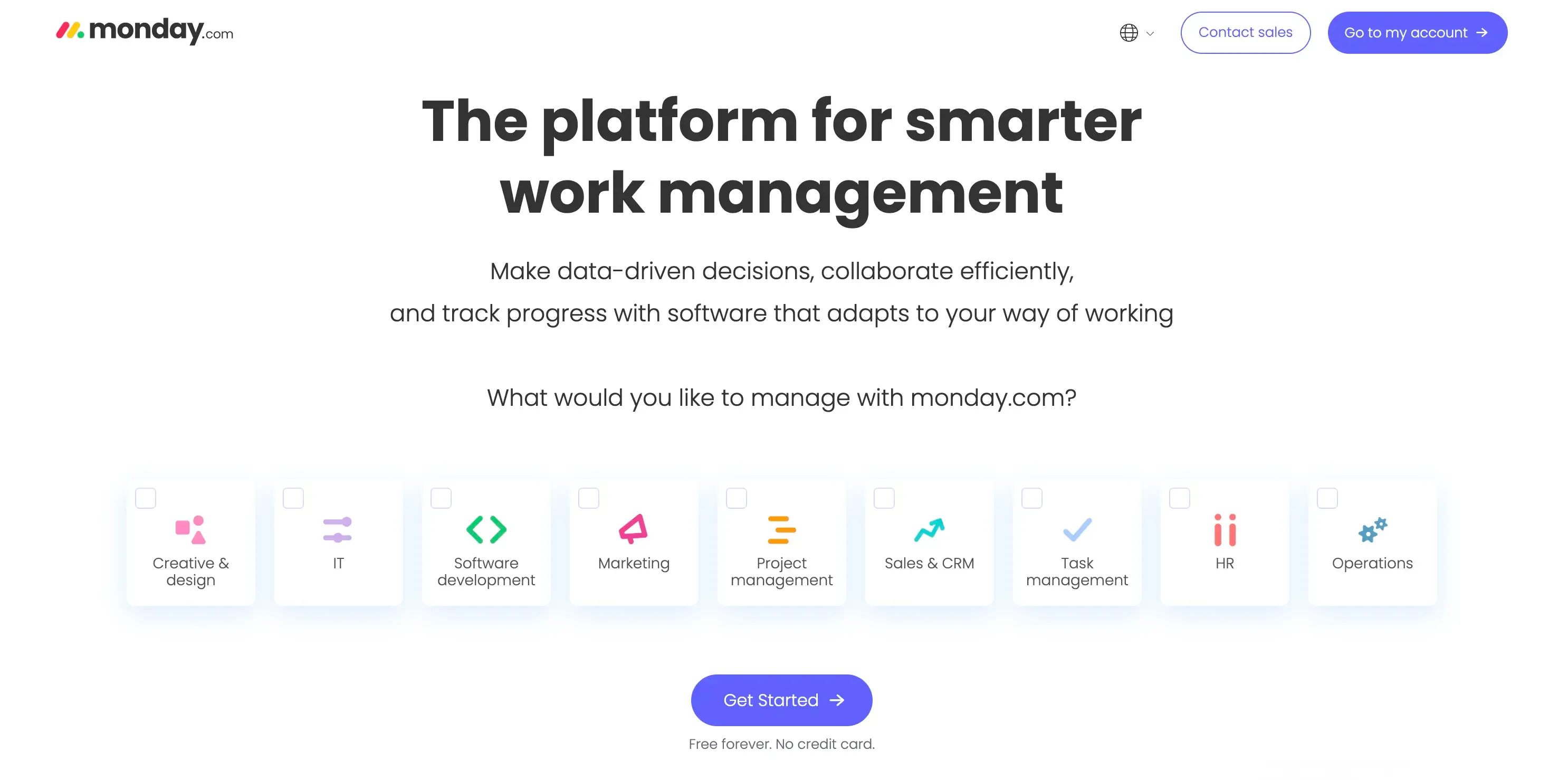
If you want your lead process to be flexible and easy to adapt, monday CRM brings the company's Work OS approach into sales. What stood out to us is its separate lead hub, where pre-sales teams can qualify leads before they enter the main sales pipeline. Qualified leads move forward, while unqualified ones stay in the lead pipeline, helping keep the sales pipeline cleaner.
Lead capture capabilities
Lead capture: monday CRM captures leads through web forms and QR codes, while integrations with tools like Facebook Ads, LinkedIn, Calendly, Gmail, and Slack can bring other inquiries into the system.
Lead qualification: Leads can move through separate stages such as new, active, qualified, and unqualified. This keeps qualification separate from the sales pipeline.
Lead enrichment: Incoming leads can be enriched with company and contact information, while AI can help score and prioritize leads based on intent and engagement.
Lead routing: Automation can assign leads based on rules such as territory or other conditions. Its AI agents can also source prospects based on your ICP and help with inbound lead screening and qualification.
AI: monday's AI agents support both inbound and outbound lead processes, from sourcing prospects to initial qualification. You can also use AI to summarize communication and draft follow-up messages inside the CRM.
What we liked
- Separate lead hub keeps unqualified leads out of the sales pipeline
- AI agents can handle prospecting and initial qualification
- Flexible lead routing and assignment
- Supports both inbound and outbound lead processes
- Integrations bring leads in from different sources
What we didn't like
- No native live chat or chatbot for website lead capture
- Calling isn't built in by default
- Marketing automation isn't as comprehensive as dedicated CRM platforms
Pricing
monday CRM starts at $12/user/month, with AI capabilities and advanced automation available on higher-tier plans.
8. ReachStream
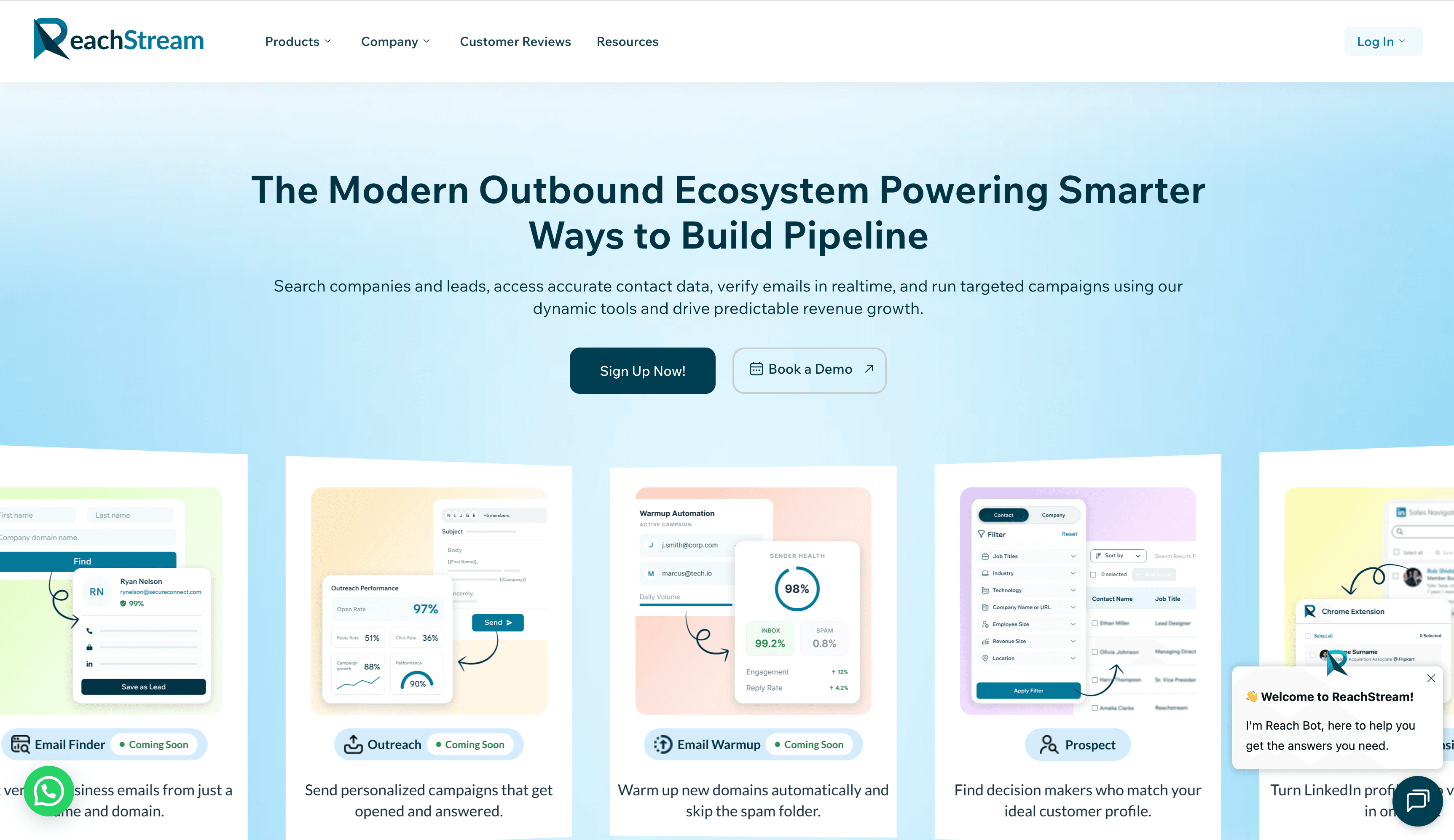
ReachStream is a good fit for teams that want to build targeted B2B prospect lists and prepare contacts for outreach from one platform. It combines company and contact discovery, firmographic filtering, data enrichment, email verification, and CRM-ready exports, making it useful for sales and marketing teams that need accurate prospect data before starting a campaign.
What makes ReachStream useful for lead capture is its focus on identifying the right decision-makers and validating their contact details. Teams can search across industries and markets, filter companies by criteria such as location, industry, and company size, and use the Chrome extension to capture prospect information from LinkedIn Sales Navigator. Its email verification tools can also help reduce invalid addresses and improve deliverability before outreach begins.
Lead capture capabilities
- Lead generation: ReachStream helps users find companies and decision-makers using firmographic filters, industry data, job roles, and other prospecting criteria.
- Lead capture: The Chrome extension allows users to capture prospect information while browsing LinkedIn and access contact and company details without leaving the page.
- Lead enrichment: ReachStream provides contact and company data, including professional details and business insights, to complete and improve prospect records.
- Email verification: The built-in Email Verifier checks addresses, detects invalid emails and catch-all accounts, and helps reduce bounce rates.
- Lead management: Users can create targeted lists, organize prospects, and export CRM-ready data for continued qualification and follow-up.
What we liked
- Large database of B2B contacts and company information
- Advanced filters for finding relevant companies and decision-makers
- Chrome extension for capturing prospects from LinkedIn
- Built-in email verification to support cleaner outreach lists
- CRM-ready exports and dynamic list-building options
- Free plan available without requiring a credit card
What we didn't like
- The platform is more focused on outbound prospecting than inbound website lead capture
- Some features, including email finding and outreach automation, are still developing
- Teams may need a separate CRM or engagement platform for advanced pipeline management and follow-up sequences
Pricing
ReachStream offers a free plan with no credit card required. Paid pricing varies by product, with separate plans available for ReachStream Prospect and Email Verifier. Teams can choose prospecting, email verification, or both depending on their needs.
9. Drift
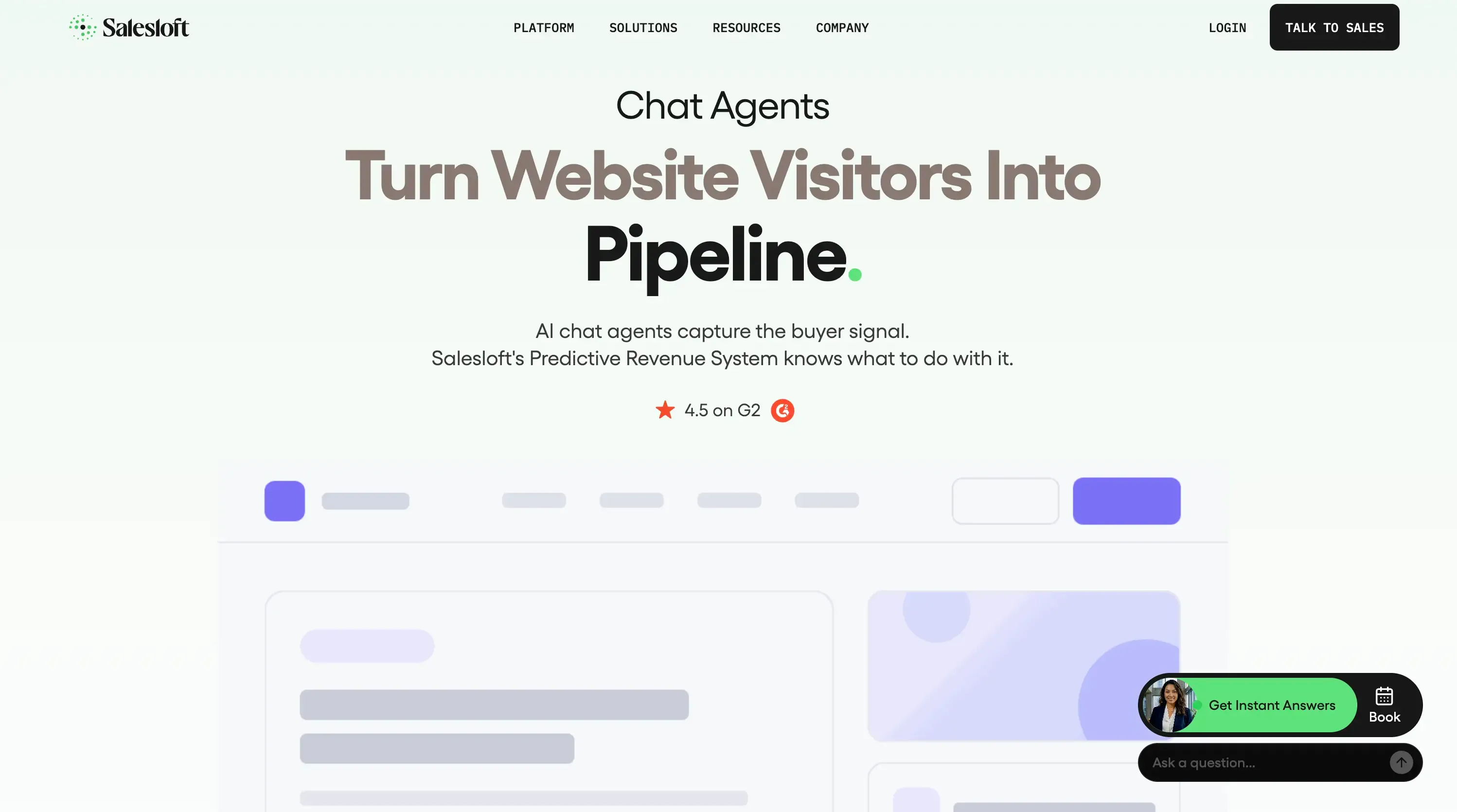
Drift takes a different approach to lead capture. Instead of asking website visitors to fill out a traditional form, it uses AI-powered chatbots and live chat to start a conversation, qualify the visitor, and move them toward a sales conversation. A visitor can answer qualification questions, get answers to pre-sales questions, and book a meeting without leaving the chat.
One important thing to note is that Drift is now part of Salesloft, so it isn't positioned as a standalone product in the same way it was historically. Salesloft acquired Drift in 2024, and current pricing is handled through Salesloft with custom pricing. Salesloft's Drift page
Lead capture capabilities
Conversational capture: Drift engages website visitors through AI chatbots or live chat instead of static forms. The conversation can collect details such as company size, needs, and buying timeline while the visitor is still on the site.
AI qualification: Its AI can understand responses in natural language and use your qualification criteria to determine whether a visitor is a good fit. This means a prospect doesn't necessarily have to answer a rigid list of form questions.
Meeting booking: When a visitor shows strong buying intent, Drift can surface a sales rep's calendar directly inside the conversation so they can book a meeting immediately.
Personalization: Conversations can be tailored based on information such as the company, page being viewed, or visitor behavior.
How Drift connects with your CRM
Drift works as the conversational front end, while your CRM remains the place where the lead is stored and managed. It can connect with platforms such as Salesforce and HubSpot, create or update lead and contact records, map information collected during the conversation to CRM fields, and log conversation activity against the contact. This means sales reps can see what the prospect discussed before following up.
The workflow is essentially visitor → AI conversation → qualification → CRM record → sales routing. Once the lead qualifies, Drift can use CRM ownership or routing rules to get the conversation in front of the right sales rep. It doesn't require you to replace your existing CRM with another lead database.
What we liked
- Conversational approach feels less restrictive than traditional forms
- AI can qualify leads while they're still on the website
- Meeting booking happens directly inside the conversation
- Connects with existing CRM systems
- Combines AI chatbot and human sales handoff
What we didn't like
- Not a standalone CRM
- Best suited to teams that already have a CRM and sales process
- Less useful if you only need simple website forms
- Current product direction and availability have changed following the Salesloft acquisition
Pricing
Drift's current pricing is custom, with pricing handled through Salesloft rather than the historical standalone Drift plans. Salesloft pricing / Drift page
If you're considering Drift but want to compare it with other options, take a look at our guide to Drift alternatives.
10. Pipedrive
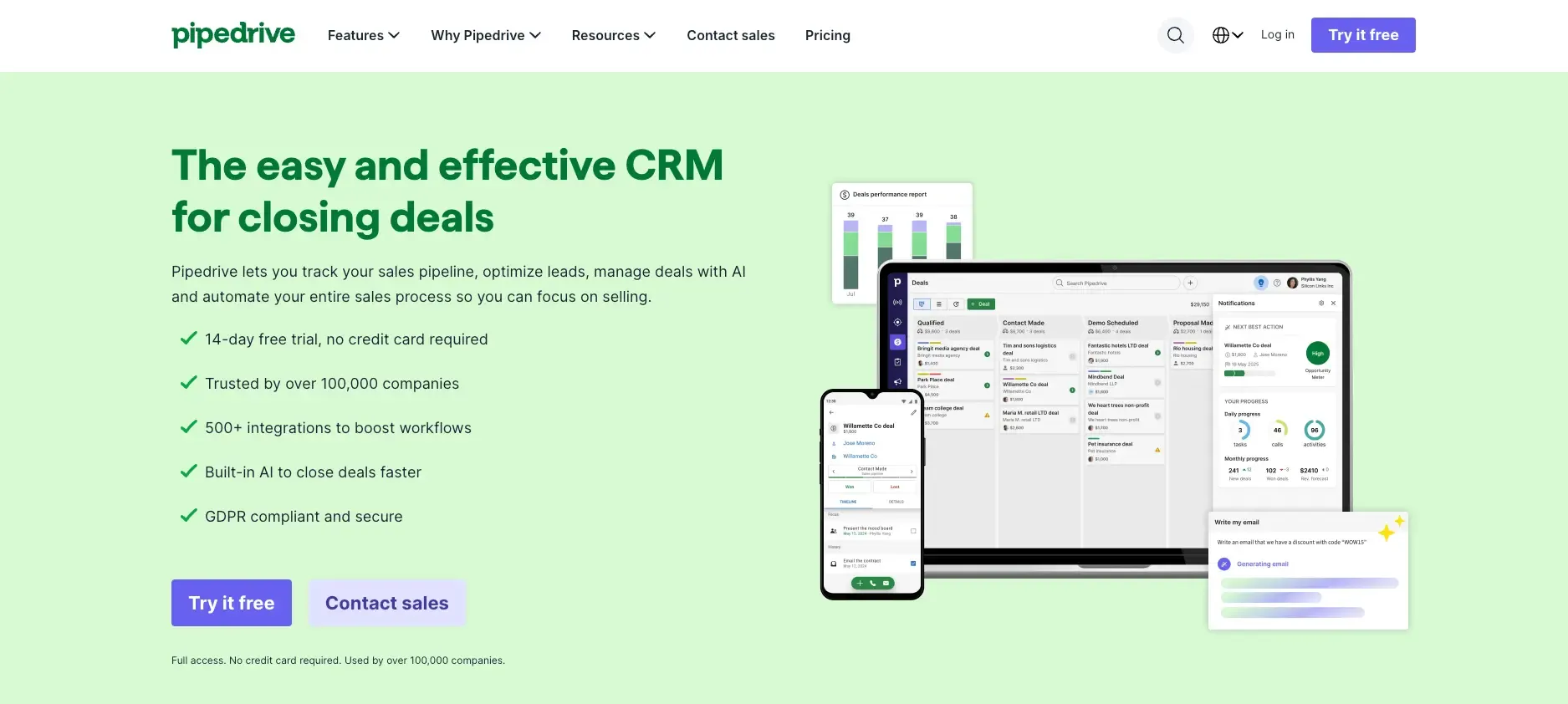
Pipedrive is built for sales teams that want a straightforward way to capture and manage leads without the complexity of an enterprise CRM. During our evaluation, its Lead Inbox stood out because it keeps unqualified leads separate from active deals. Reps can review, qualify, and enrich prospects first, then move only sales-ready leads into the main pipeline.
Lead capture capabilities
Lead capture: Pipedrive can capture inquiries through web forms, chatbots, live chat, and its LeadBooster tools, bringing them into the Lead Inbox instead of directly into the deal pipeline.
Lead qualification: New prospects stay in the Lead Inbox until they're qualified. This gives reps a place to review and enrich leads before moving them into the sales pipeline.
Lead scoring: Pulse lead scoring lets teams create custom scoring models using positive and negative engagement signals, helping reps prioritize leads with stronger buying intent.
Lead routing: Leads can be automatically assigned using rule-based routing, round-robin distribution, or direct ownership based on your sales workflow.
AI-assisted prospecting and follow-up: Pipedrive's Prospector helps sales teams find outbound prospects from a B2B database, while AI Email Copilot can draft personalized outreach and suggest follow-up actions based on previous interactions.
What we liked
- Dedicated Lead Inbox keeps unqualified leads separate from deals
- Flexible lead scoring and automated routing
- Web forms, chatbots, and live chat support lead capture
- AI helps with prospecting and follow-up
- Simple interface that's easy for sales teams to adopt
What we didn't like
- No permanent free plan
- LeadBooster and Prospector require additional subscriptions
- Some automation and AI features are limited to higher-tier plans
Pricing
Pipedrive starts at $14/user/month, with AI capabilities available on higher-tier plans. The Professional plan starts at $49/user/month.
11. Leadfeeder
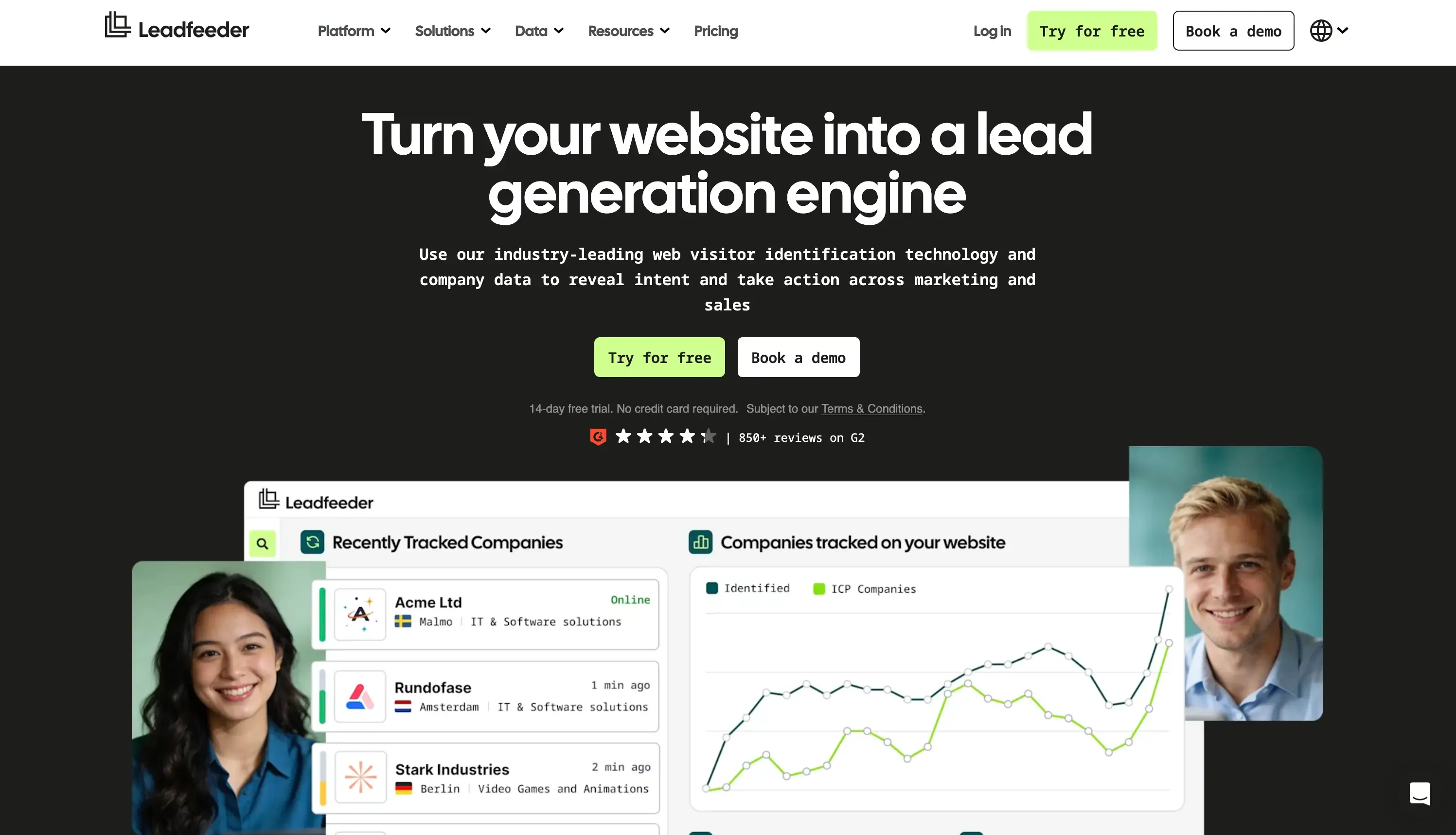
Leadfeeder is useful when your website is already attracting potential customers, but you don't know which companies are behind the traffic. It turns anonymous website visits into identifiable company profiles, giving sales teams more context on who is showing interest and what they are looking at.
Rather than helping you build a database of cold prospects, Leadfeeder focuses on the visitors who have already reached your website. That makes it particularly useful for spotting accounts that may be closer to a buying decision.
Lead management features
Website visitor identification: Leadfeeder tracks website activity and uses company-level data to identify businesses visiting your site.
Intent signals: Sales teams can look at activity such as repeat visits, pages viewed, and engagement with important pages to find accounts showing stronger interest.
Lead filtering: You can create different views and filters to separate high-value accounts from general website traffic. For example, a sales team could create a list of companies visiting pricing or product pages.
CRM integration: Identified companies can be pushed into CRMs such as HubSpot, Salesforce, and Pipedrive, allowing sales teams to continue qualification and follow-up in their existing workflow.
Lead prioritization: Company information and website behavior can be combined to help reps decide which accounts are worth contacting first.
What we liked
- Turns anonymous website traffic into actionable company leads
- Uses actual website behavior as a buying signal
- Useful filters for separating valuable accounts from general traffic
- Fits into existing CRM and sales workflows
- More focused on identifying interested accounts than generating cold lists
What we didn't like
- Its main strength is website visitor identification, not outbound prospecting
- Identifying individual contacts can depend on available enrichment data
- You'll need another tool for deeper sales engagement and email outreach
Pricing
Leadfeeder offers a free plan with limited company identification. Paid plans start at $79/month, with additional features such as broader visitor identification, CRM integrations, advanced filters, and automation.
Turn captured leads into opportunities with SparrowCRM
TRUSTED BY BEST-IN-CLASS BRANDS
12. Cognism
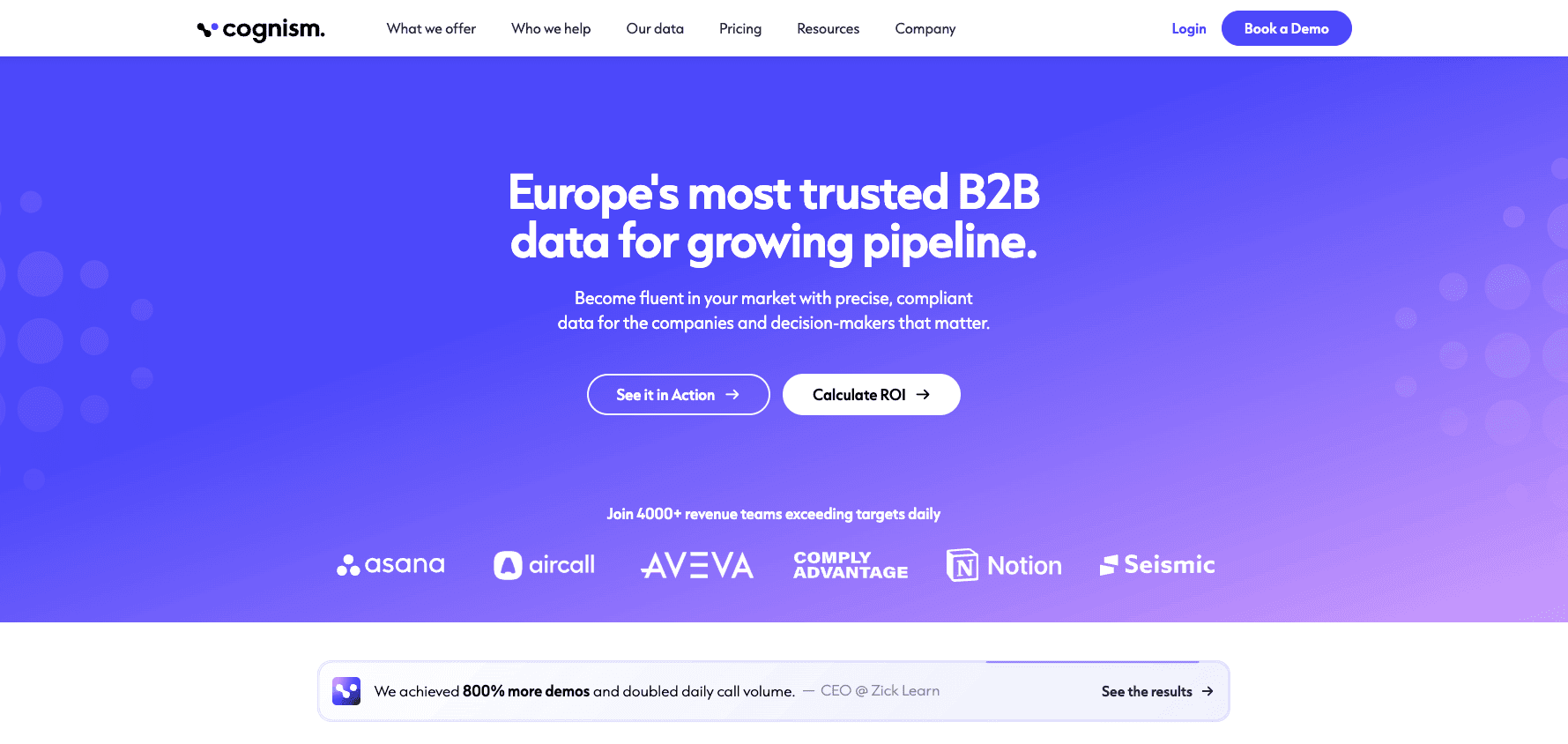
Cognism is more of a B2B sales intelligence and data platform than a traditional lead capture tool. It helps sales teams find decision-makers, build targeted prospect lists, and enrich existing CRM records with verified contact and company information.
For inbound lead capture, Cognism works differently from tools like Typeform or Leadfeeder. It doesn't capture website visitors by itself. Instead, it can enrich someone after they submit a form, adding information such as their job title, company, industry, and phone number. For outbound teams, its database, intent data, and browser extension make it easier to find and research the right prospects.
Lead management features
Lead generation: Build prospect lists using filters such as job title, company size, location, industry, and technology used. Cognism can also surface accounts showing relevant buying intent.
Lead capture and enrichment: Cognism doesn't provide a website form or visitor-tracking widget. Instead, its API can enrich inbound form submissions by matching information such as an email address with its database and filling in missing contact and company details.
CRM enrichment: Cognism connects with CRMs such as Salesforce and HubSpot to identify missing or outdated information. Teams can control which fields are updated and use ongoing enrichment to keep records fresh.
Lead management: Prospects can be saved into lists or pushed into connected sales and CRM tools, where sales teams can handle qualification, routing, and outreach.
Outbound prospecting: The Chrome extension lets reps find contact information while researching prospects on platforms such as LinkedIn or company websites. This makes Cognism particularly useful for building outbound lists rather than capturing inbound website traffic.
AI-assisted prospecting: Cognism's AI features can turn natural-language searches into prospect lists, generate research summaries, and help sales reps find relevant contacts without manually working through every database filter.
What we liked
- Strong focus on B2B contact and company data
- Useful for both prospect discovery and CRM enrichment
- Intent signals can help identify accounts showing buying interest
- Chrome extension makes prospecting from external websites easier
- Strong fit for sales teams that rely heavily on outbound prospecting
What we didn't like
- Not a standalone website lead capture tool
- Doesn't provide the same form, chatbot, or visitor-identification experience as other tools on this list
- Requires a CRM or sales engagement platform for deeper lead management and outreach
- Pricing is not transparent and is generally quote-based
Pricing
Cognism uses custom pricing, so you need to contact the company for a quote based on your data, user, and usage requirements.
How to choose the right lead capture software?
The best lead capture software isn't the one with the longest feature list. It's the one that fixes the biggest gap in how you capture, qualify, and follow up with leads.
- Need to find more outbound prospects? Choose ReachStream or Cognism for B2B prospecting, contact data, and enrichment.
- Getting website traffic but don't know who's interested? Choose Leadfeeder to identify companies visiting your site and spot high-intent accounts.
- Want better-performing lead forms? Choose Typeform for interactive forms, conditional questions, and lead enrichment.
- Want to capture and qualify leads through conversations? Choose Intercom or Drift for chat-based lead capture, qualification, and meeting booking.
- Need an all-in-one platform for inbound leads and sales? Choose HubSpot for forms, chat, qualification, automation, and CRM management.
- Need highly customized lead routing and workflows? Choose Salesforce for complex sales processes, automation, and enterprise-level control.
- Want AI to help qualify, prioritize, and follow up with leads? Choose SparrowCRM for AI-assisted lead management and sales workflows.
Bottom line
There isn't one lead capture tool that's best for every team. HubSpot is a strong all-in-one option, Salesforce fits complex enterprise workflows, Typeform is great for forms, and Intercom works well for conversational capture. Leadfeeder helps identify interested website visitors, while ReachStream and Cognism are better for B2B prospecting and enrichment. SparrowCRM is a good fit if you want AI-powered lead qualification, prioritization, and follow-up in the same CRM.
Ultimately, look beyond how a tool captures a lead. What matters is what happens next: can it enrich, qualify, route, and help your team follow up?