Others
What Is CRM? A Beginner's Guide
Understand the meaning of CRM, and how it helps businesses track, manage, and nurture customer interactions for increased efficiency and growth.

TRUSTED BY BEST-IN-CLASS BRANDS


Watch Customer Stories

Every business has customers. The ones that grow consistently are the ones that manage those relationships deliberately — not through memory, instinct, or a shared spreadsheet, but through a structured system that gives every team member the same complete view of every customer interaction.
That system is Customer Relationship Management. And in 2026, it has become one of the most foundational investments a business can make.
The global customer relationship management (CRM) market was valued at $79.6 billion in 2025 and is projected to reach $161.3 billion by 2033, growing at a compound annual growth rate (CAGR) of 9.3% from 2026 to 2033, according to Grand View Research. AI is also becoming an increasingly important part of sales operations.
According to Salesforce’s 2026 State of Sales research, 87% of sales organizations currently use AI, while 54% have used AI agents. These developments highlight how CRM is evolving beyond customer data management to help businesses automate tasks, identify opportunities, and make more informed sales decisions.
In this guide, we'll understand what a CRM is, the different types available, the key features to look for, and how to choose the right system for your business.
What is Customer Relationship Management (CRM)?
CRM stands for Customer Relationship Management. It refers to the strategy, processes, and software businesses use to manage customer relationships, track interactions, and build stronger connections with prospects and existing customers throughout the customer lifecycle.
A CRM system brings customer information, conversations, and sales activities into one place. It helps sales and marketing teams stay aligned, follow up with prospects, and manage customer interactions without losing track of important details.
Marketers pass their leads to the Sales team in the CRM. The Sales team uses the CRM's built-in capabilities to reach out to prospective customers, interact with them, and keep a record of it for future reference.
What CRM is not
CRM is not the same as an ERP — an Enterprise Resource Planning system. ERP manages internal business processes like finance, inventory, and supply chain. CRM manages external relationships with customers and prospects. The two systems are complementary and often integrated, but they serve fundamentally different purposes.
What is AI CRM?
An AI CRM (Artificial Intelligence Customer Relationship Management) is a CRM system that uses artificial intelligence to automate routine tasks, analyze customer data, and help sales teams make better decisions. It combines traditional CRM capabilities, such as contact management, lead tracking, and sales pipeline management, with AI-powered features that reduce manual work and improve sales productivity.
For example, when a prospect replies to an email, an AI CRM can analyze the conversation, update the contact record, identify buying intent, and suggest a follow-up. This helps sales reps spend less time on administrative work and more time building relationships and closing deals. |
What Does a CRM Do?
A CRM centralizes customer information and makes it accessible to every team that needs it. But the practical implications of that capability extend across the entire business. Here is what a CRM does in practice.
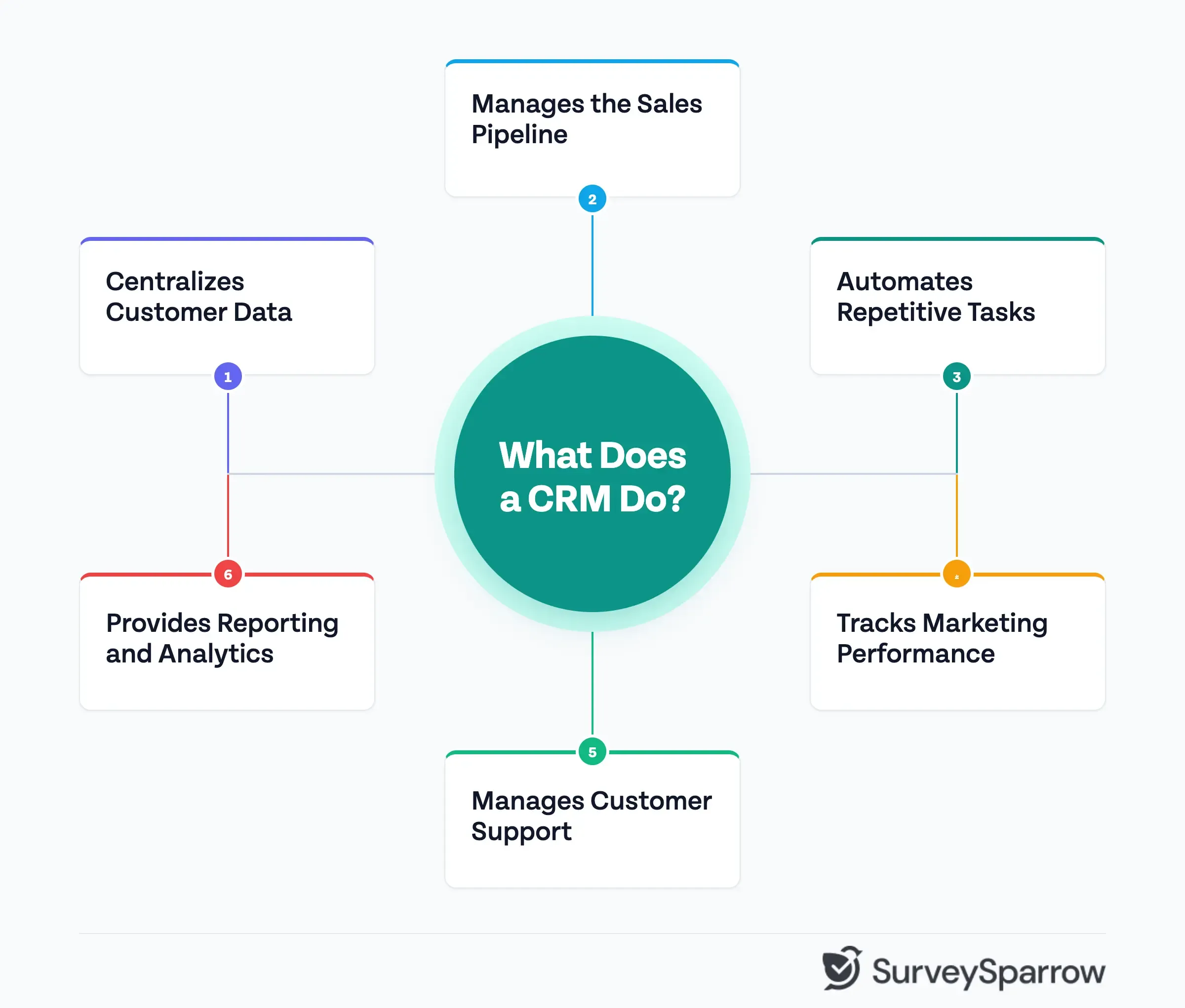
1. Centralizes Customer Data
Every interaction a customer has with your business (a sales call, a support ticket, a marketing email, a purchase, a complaint) generates data. Without a CRM, that data is scattered across email inboxes, spreadsheets, individual team members' notes, and disconnected software tools. With a CRM, it lives in one place.
A complete customer record in a CRM typically includes contact information, company details, interaction history, purchase history, support tickets, notes from sales and customer success conversations, and any open opportunities or deals in the pipeline. Every team member with access sees the same complete picture — which eliminates the need to refer to different data sources, saving the business its cost, time, credibility, and deals.
2. Manages the Sales Pipeline
For sales teams, a CRM is the system of record for every deal in progress. It tracks where each prospect is in the sales process, what the next action is, who owns the relationship, and what the probability of closing is.
A well-configured CRM pipeline gives sales managers real-time visibility into team performance, forecast accuracy, and where deals are stalling. It replaces the weekly pipeline review meeting with a live, accurate view of the business.
3. Automates Repetitive Tasks
Sales and marketing teams spend a significant portion of their time on tasks that do not require human judgment, such as sending follow-up emails, updating contact records, assigning leads to the right rep, and scheduling reminders. A CRM automates these tasks through workflows and triggers, freeing up time for the higher-value work that actually requires human attention.
4. Tracks Marketing Performance
Marketing teams use CRM data to understand which campaigns, channels, and messages are producing qualified leads — and which are not. By connecting marketing activity to sales outcomes, a CRM closes the loop between marketing spend and revenue generated.
This closed-loop reporting is one of the most valuable capabilities a CRM provides for marketing teams. It answers questions that are otherwise very difficult to answer — which lead source produces the highest close rate, which campaign generated the most revenue, and which content assets influence deals most frequently.
5. Manages Customer Support
For support teams, a CRM provides the customer history that makes every support interaction more effective. When a customer contacts support, the agent can immediately see who they are, what they have purchased, what their previous interactions have been, and whether there are any open issues. That context transforms a generic support interaction into a personalized one — and significantly improves the speed and quality of resolution.
Many CRM systems also include ticketing functionality that tracks support issues from creation through resolution, assigns them to the right agent, escalates them when needed, and measures resolution time and customer satisfaction.
6. Provides Reporting and Analytics
A CRM produces a continuous stream of data about sales activity, pipeline health, customer behavior, marketing performance, and support quality. A CRM's reporting and analytics capabilities turn that data into insights—dashboards that give leadership a real-time view of the business, reports that identify trends and patterns, and forecasts that inform resource allocation and strategic planning.
Types of Customer Relationship Management Software
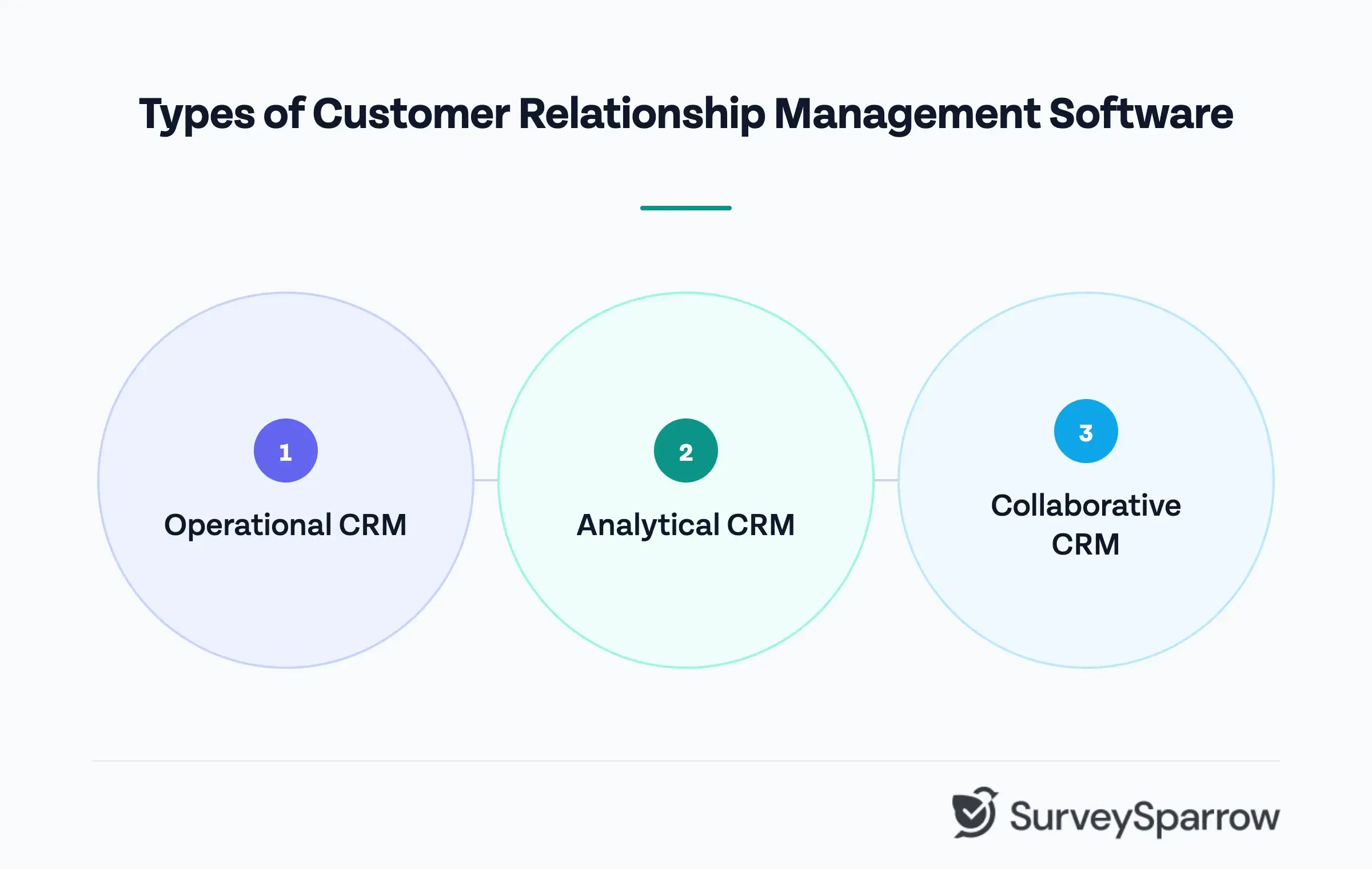
If you classify the CRM systems broadly based on their utility, there are three types of it:
- Operational CRM
- Analytical CRM
- Collaborative CRM
1. Operational CRM
Operational CRM focuses on automating and streamlining the customer-facing processes that sales, marketing, and support teams carry out every day. Its primary purpose is to improve efficiency by reducing time spent on manual, repetitive tasks so teams can spend more time on work that requires human judgment and relationship-building.
The three core components of an Operational CRM are:
Sales automation — manages the sales pipeline, tracks deals and opportunities, automates follow-up sequences, and gives sales managers visibility into team activity and forecast accuracy. It standardizes the sales process across the team so that every rep follows the same workflow and no lead falls through the cracks.
Marketing automation — manages lead generation, campaign execution, email sequences, and lead nurturing workflows. It tracks which marketing activities produce qualified leads and automates the handoff from marketing to sales when a lead reaches a defined qualification threshold.
Service automation — manages customer support interactions through ticketing systems, case management, and service level agreement tracking. It ensures that support issues are routed to the right agent, escalated when needed, and resolved within defined timeframes.
2. Analytical CRM
Analytical CRM focuses on collecting, processing, and interpreting customer data to support better decision-making. Where Operational CRM is about doing, Analytical CRM is about understanding. It takes the data generated by customer interactions and turns it into insight.
The primary applications of Analytical CRM include customer segmentation, customer lifetime value modeling, churn prediction, sales forecasting, and campaign performance analysis.
Analytical CRM is most valuable for businesses with large customer bases where patterns in data can reveal strategic opportunities that would be invisible at the individual interaction level.
A retail business that identifies a segment of high-value customers with declining purchase frequency can proactively address retention risk before it becomes visible in revenue. A SaaS business that identifies behavioral patterns that predict churn can intervene earlier and more effectively.
Most enterprise CRM platforms include built-in analytics capabilities. Standalone analytics platforms like Tableau and Power BI are also commonly integrated with CRM systems to extend reporting and visualization capabilities.
3. Collaborative CRM
Collaborative CRM focuses on breaking down the information silos between teams, ensuring that the customer data collected by one department is accessible and useful to others. Its underlying principle is that customer relationships are not owned by a single team. They are shaped by every interaction a customer has with the business, across every department.
For example, the notes a sales rep makes during a discovery call are visible to the customer success manager who onboards the customer three months later. The support ticket a customer raised last week is visible to the account manager preparing for a renewal conversation. The product feedback a customer shared in a survey is accessible to the product team prioritizing the next development cycle.
This shared visibility produces two major benefits.
One, it eliminates the need for customers to repeat themselves every time they interact with a different team. Second, it enables teams to collaborate on customer relationships rather than managing them in isolation — which produces better outcomes for both the customer and the business.
Additionally, channel management is a key component of Collaborative CRMs. This ensures that customer interactions across email, phone, live chat, social media, and in-person touchpoints are all captured in the same system and accessible to the same teams.
See also: 12 Tips to improve the omni-channel customer experience.
Key Features of a CRM Platform
The features that matter most depend on the size of your business, the complexity of your sales process, and the teams that will use the platform day to day. Here are the core features to evaluate when choosing a CRM.
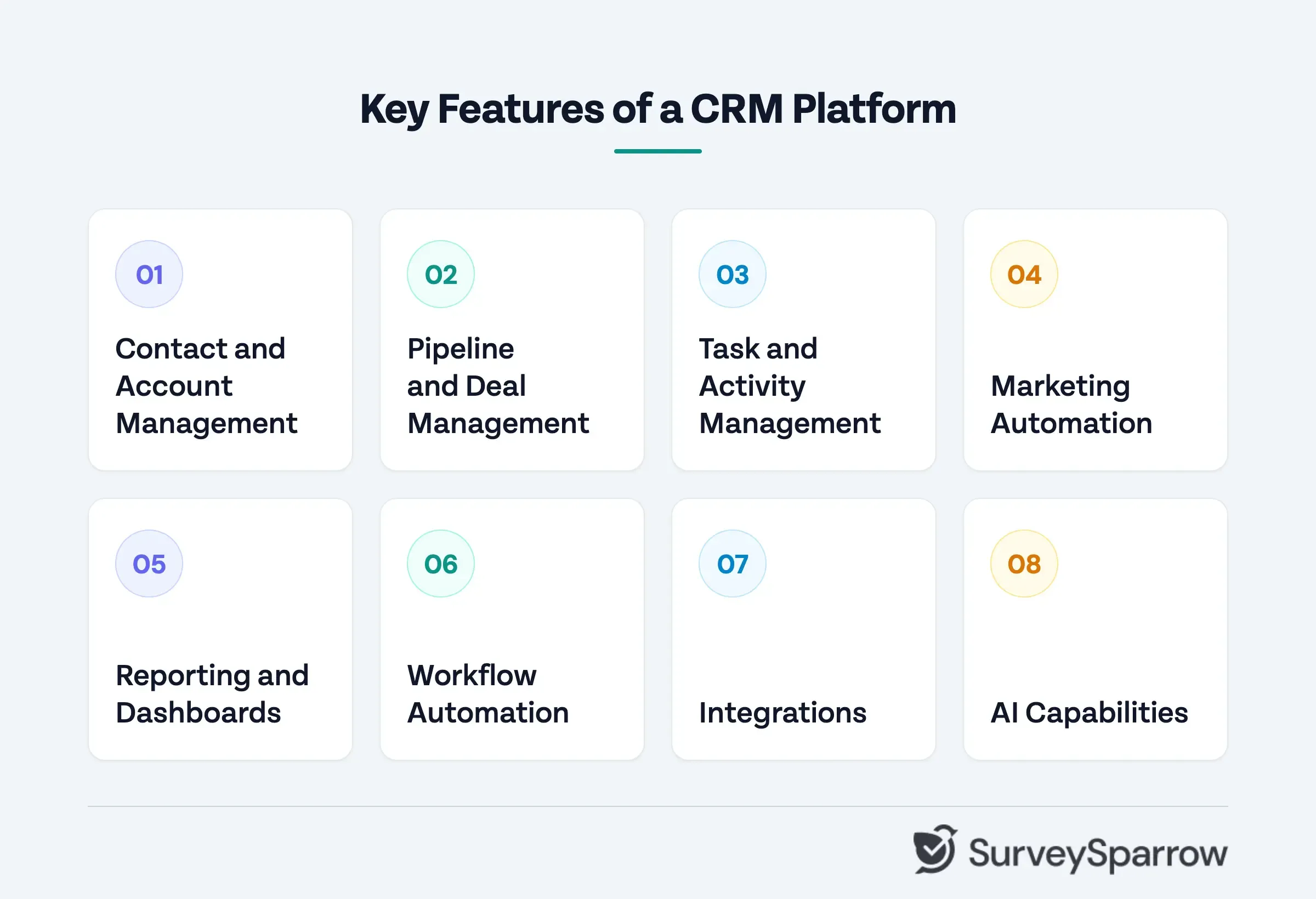
1. Contact and Account Management
The foundation of any CRM is its ability to store, organize, and retrieve customer information. A strong contact management system maintains a complete record for every individual and organization in your database — including contact details, interaction history, associated deals, support tickets, and any custom fields relevant to your business.
2. Pipeline and Deal Management
A CRM should give sales teams a clear, visual representation of every deal in progress — where each opportunity sits in the sales process, what the next action is, who owns it, and what the expected close date and value are.
The best pipeline management tools allow sales managers to customize pipeline stages to match their actual sales process.
3. Task and Activity Management
Activity management is one of the most practically important features of a CRM for day-to-day users.
A CRM should make it easy for team members to log calls, emails, meetings, and notes against the relevant contact or deal record, and to set follow-up tasks that ensure nothing gets forgotten. Automated reminders, activity sequences, and calendar integration keep sales and customer success teams on top of their commitments without requiring manual tracking.
4. Marketing Automation
For teams that use their CRM to manage marketing as well as sales, automation capabilities are critical. This includes email sequence automation, lead nurturing workflows, campaign management, lead scoring, and the ability to segment contacts based on behavior, demographics, or lifecycle stage.
5. Reporting and Dashboards
A CRM should surface actionable insight from the data it collects. Strong reporting capabilities include customizable dashboards that give different stakeholders the view most relevant to them, pre-built reports for common use cases, and the ability to build custom reports without requiring technical expertise.
6. Workflow Automation
Beyond marketing automation, a CRM should automate the operational workflows that run across sales, marketing, and support, such as lead assignment, deal stage progression, task creation, notification triggers, and data updates based on defined conditions.
For example, lead routing is an excellent use case. Automating this workflow automatically assigns inbound leads to the right sales representative based on predefined rules, thus avoiding the risk of delayed follow-ups, lost leads, and reduced revenue opportunities.
7. Integrations
The breadth and quality of a CRM's integration ecosystem is one of the most important practical considerations when choosing a platform. A CRM that connects seamlessly with your existing tech stack amplifies the value of both systems.
It needs to connect with the other tools your business uses, such as email platforms, marketing automation tools, customer support software, accounting systems, communication tools, and customer feedback platforms.
8. AI Capabilities
CRM platforms use artificial intelligence to go beyond traditional customer data management and workflow automation. AI features such as lead scoring and enrichment help identify promising prospects, while AI sales assistants can summarize customer histories, draft personalized emails, and recommend next steps. AI meeting assistants can summarize sales calls, extract action items, and identify buying signals, reducing manual work for sales reps.
Advanced AI capabilities include deal intelligence to assess deal health, identify potential risks, and recommend actions to improve conversion rates. AI agents can automate repetitive sales tasks, such as updating CRM records and flagging stalled deals, while AI-powered reporting helps teams analyze sales performance, identify trends, and make data-driven decisions.
Who Should Use a CRM?
The short answer is any business that has customers and wants to manage those relationships systematically. But the practical answer depends on the size of your business, the complexity of your customer relationships, and the stage you are at.
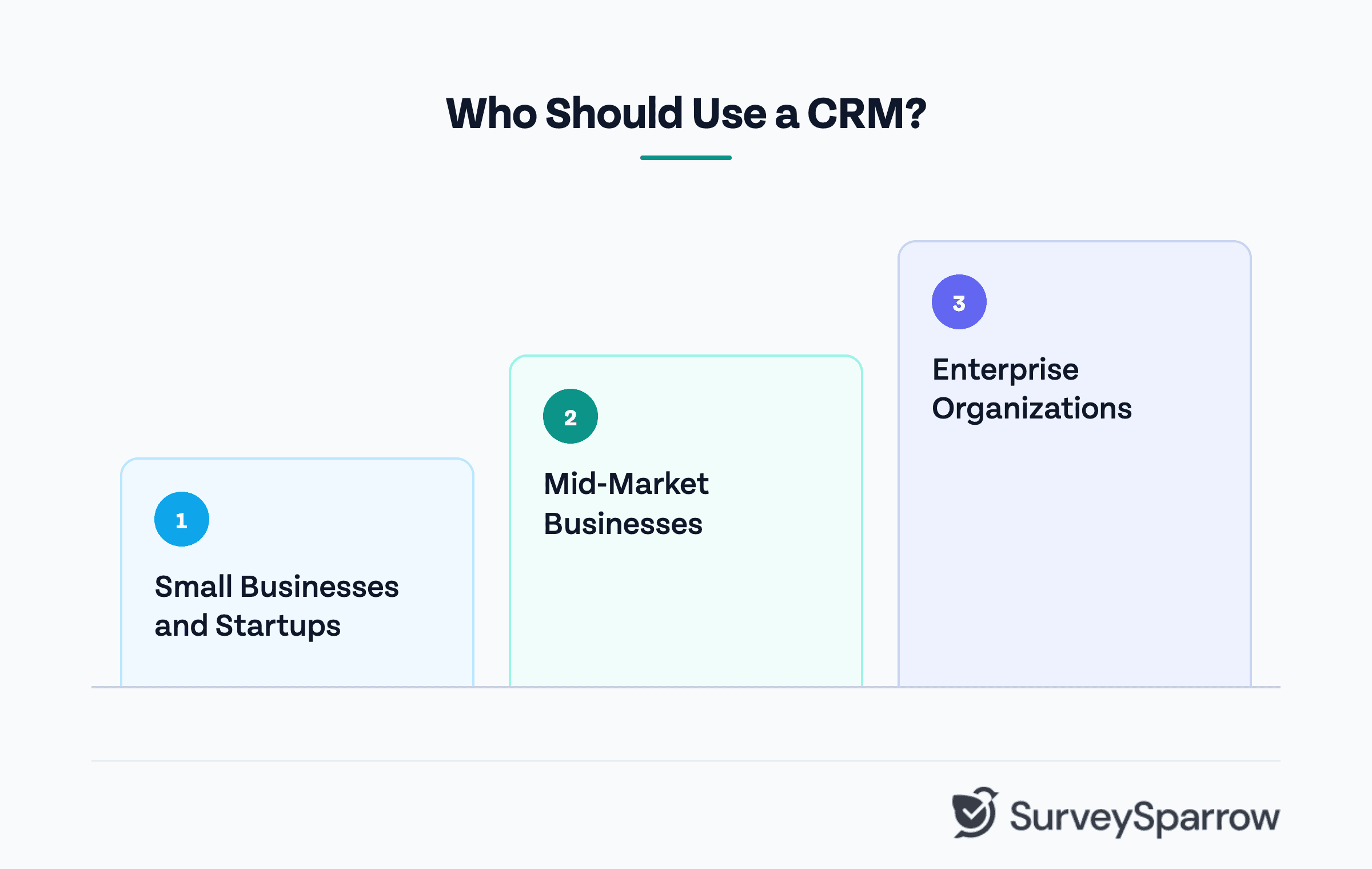
1. Small Businesses and Startups
The most common misconception about CRM is that it is only for large organizations with complex sales operations. In reality, small businesses and startups often have the most to gain from adopting a CRM early.
2. Mid-Market Businesses
For businesses with dedicated sales, marketing, and support teams, a CRM becomes a coordination infrastructure as much as a data repository. The challenge at this stage is not just storing customer information — it is ensuring that information flows effectively between teams that are growing in size and complexity.
A mid-market business typically needs a CRM that can handle more sophisticated pipeline management, marketing automation, and reporting than a startup-tier platform provides. It also needs stronger integration capabilities as the tech stack grows and the number of tools that need to share customer data increases.
3. Enterprise Organizations
At the enterprise level, CRM becomes a mission-critical system that underpins revenue operations across multiple business units, geographies, and product lines. The requirements at this scale include advanced customization, robust security and compliance controls, enterprise-grade integrations, and the ability to handle millions of customer records without performance degradation.
Businesses That Benefit Most From CRM
While virtually every customer-facing business benefits from CRM, some see a more immediate and measurable impact than others:
B2B businesses with long sales cycles — where multiple touchpoints, multiple stakeholders, and extended timelines make manual tracking unreliable
Businesses with recurring revenue models — where customer retention and expansion are as important as new customer acquisition
Businesses with multiple customer-facing teams — where information silos between sales, marketing, and support create gaps in the customer experience
Businesses experiencing rapid growth — where the processes that worked at smaller scale are breaking down as the customer base expands
Businesses with high customer lifetime value — where the cost of losing a single customer justifies significant investment in relationship management
Benefits of Customer Relationship Management
Employing the services of CRM software in your business significantly affects your business. Here are some of the benefits of using a Customer Relationship Management tool.
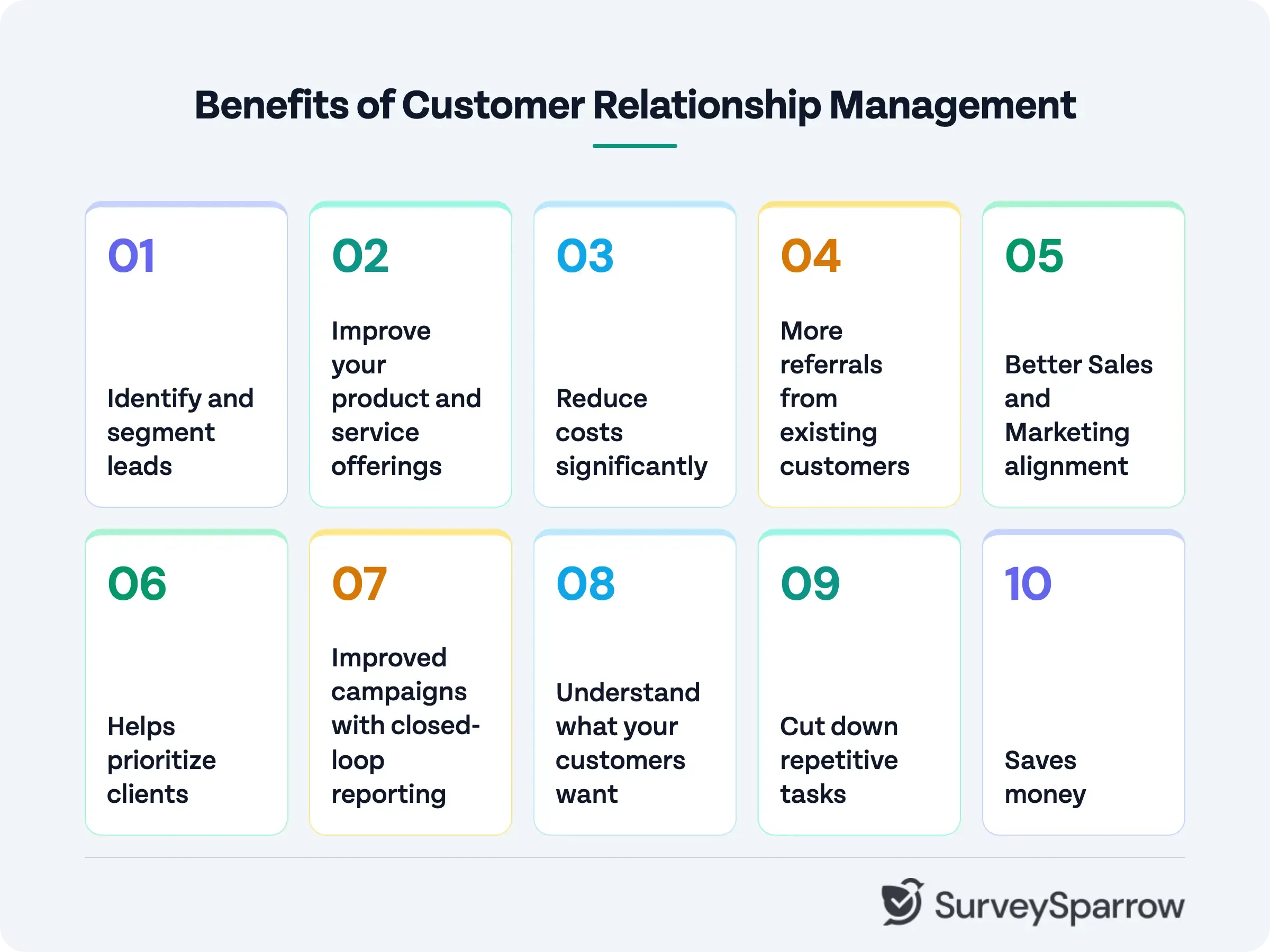
1. Identify and Segment Leads
With the help of a CRM, you can quickly identify and add new leads into the system. You can also segment them based on who they are or how they can benefit from your business. Using this information, you can create pitches that are in tune with their expectations. These pitches will significantly increase response rates, and they can help move them closer into your sales funnel.
When you have the right kind of information about each client, it can help you strategize and create plans to focus on the most valuable prospect instead of spending time on everyone. It gives you the power to be highly selective about who you prospect. All this can happen when you have the right information in front of you, organized in a manner that is easy to access, understand, and make decisions.
2. Improve your Product and Service Offerings
One of the most significant advantages of using a CRM is that you get loads of information based on conversations with your clients and prospects. These conversations are a gold mine if they are appropriately used, as they can help you with two things:
Identify gaps in your service based on customer complaints.
Find out ways in which you can improve your product based on what your prospective customers say as reasons for choosing a competitor.
You can also spot problems and trends, and find out the most highly performing salesperson in your company, all of this with the help of your CRM.
3. Reduce Costs Significantly
Since CRM is cloud-based, there is no reason for you to spend money on installation or pay hefty fees for getting the license for the software. No time is required to be spent on scheduling updates. You just need to pay for the number of users who have access to the Customer Relationship Management system and the kind of premium features that you want for your business.
This means that CRMs are incredibly flexible, and you can scale up the features and plan based on how your business is progressing. It’s a win-win situation for all the stakeholders.
4. More Referrals from Existing Customers
When you give the best possible service to your customers, they are more than happy to refer you to their peer groups who are also business owners. Customers who are delighted not only purchase more from you; they bring in new clients to you.
It is easier to close clients who come from referrals because the trust factor is already there. The prospective client will want to know if your solution will be available within their budget.
5. Better Sales and Marketing Alignment
While we did mention earlier that silos are not so effective, especially when it comes to the Sales and Marketing teams because their activities are almost interdependent. The Marketing team generates leads, while the Sales team makes it a point to get on a call with the prospect, meet them, discuss their requirements, prepare a strategic plan, and then close the deal after finalizing the pricing.
If either of them is not cooperative with the other, it will be a disaster for the entire company. With CRM, there is real-time reporting and complete transparency, which makes it easy to keep each of them accountable. Marketing teams can follow up with the sales team and vice versa when there is information sharing.
6. Helps Prioritize Clients
Have you heard of the 80/20 rule? Also called the Pareto Principle, for business, it says that 20% of your customers will bring in 80% of the revenue and vice versa. You need to know who your most valuable clients are. Noting the names of companies on a piece of paper or an Excel sheet will not help you identify your big accounts.
CRMs can even create a lead scoring system which will help salespeople identify which clients to call first and spend more time learning about them to be better prepared for the ‘initial call.’ It enables you to save effort as well as allows salespeople to spend their time effectively on creating strategies to close the lead.
7. Improved Campaigns with Closed-Loop Reporting
The marketing team can quickly analyze the effectiveness of their campaigns with the help of closed-loop reporting. You can do this by integrating your marketing software with your CRM.
Let us give you an example to help you understand this: when a prospect becomes a customer, you can remove the lead from the sales emails and start them on a different email sequence that is specially reserved for customers. This drastically improves the marketing efforts as it establishes the efficacy of the marketing team.
8. Understand what your Customers Want
Thanks to the data that is available with the business, it helps salespeople to analyze the needs of the customers. Salespeople or the Marketing team can find patterns in terms of buying or moving to a competitor. Using such insights, you can make strategic decisions that can either increase sales for other customers or stop users from leaving to a competitor.
If you observe carefully, you might even be able to anticipate the problems that might arise for a customer. You can remedy it by creating steps that a customer can follow so that the bottleneck is solved. Customers will notice when you are proactive, and it will ensure that they stay loyal as well as increase your profit margins.
9. Cut Down Repetitive Tasks
Using CRM, you can significantly cut down repetitive tasks such as searching for leads. You can create triggers to do activities. For example, every time you get a customer who buys a particular product, you can set triggers in such a way that you get email notifications about that.
10. Saves Money
CRMs might not be cheap; maybe it is because nothing good comes cheaply, but the kind of money that you will be able to save using them is incredible. You can reduce human errors like the input of wrong data, botched up quotes without validating all the information and other trivial things. While it might look like small stuff, it adds up to a considerable number. It saves you from a lot of embarrassment by providing you with valid data and ease of use.
The Benefit of Making CRM Work in Tandem With Customer Feedback
A CRM tells you what happened in a customer relationship. It records every interaction, every purchase, every support ticket, and every deal stage. What it cannot tell you is how the customer felt about any of it.
CRM data is behavioral and transactional. It tells you that a customer has been with you for 18 months, that they renewed their contract last quarter, that they have raised three support tickets in the past 60 days, and that their usage of a core feature has declined over the past 30 days.
This is valuable information.
But it does not tell you whether the customer is satisfied, whether they are considering a competitor, or what would make them significantly more likely to stay and expand.
Customer feedback collected through CSAT, NPS, or product feedback surveys adds the emotional and experiential layer that CRM data cannot capture.
For example, the customer who raised three support tickets in 60 days rated their support experience 2 out of 5, mentions his frustration with a specific feature.
This insight, combined with the CRM, paints a complete picture of a customer at significant churn risk — one that a customer success team can act on proactively rather than discovering after the customer has already left.
The Practical Integration
SurveySparrow integrates natively with leading CRM platforms including Salesforce and HubSpot, allowing feedback data to flow directly into the customer record where it is most useful.
When a customer submits a low NPS score, SurveySparrow can automatically create a task in Salesforce for the account manager to follow up. When a CSAT survey response indicates dissatisfaction after a support interaction, it can trigger a workflow in HubSpot that alerts the customer success team. When a product feedback survey identifies a customer as a promoter, it can update their contact record and trigger a referral or upsell sequence.
This two-way flow of data between CRM and feedback platform ensures that customer sentiment is not siloed in a survey tool — it becomes part of the customer record that every team uses to make decisions.
View SurveySparrow's Integration use-case with HubSpot
How it Helps With Customer Retention?
Research from Bain and Company found that increasing customer retention rates by just 5% increases profits by 25% to 95%. The businesses that achieve sustained retention are not the ones that react to churn after it happens. They are the ones that identify at-risk customers early and intervene before the relationship deteriorates past the point of recovery.
A CRM without a feedback loop tells you what customers do. A feedback program without CRM integration tells you what customers think.
But together, they tell you what customers are likely to do next — which is the insight that drives proactive retention, expansion, and the kind of customer relationships that compound in value over time.
In Conclusion
Customer Relationship Management is the practice of managing customer relationships with the same deliberateness and rigor that high-performing businesses apply to their finances, their operations, and their product development.
A CRM platform makes that discipline scalable. It gives every team member the same complete view of every customer relationship, automates the tasks that consume time without adding value, and produces the data that informs better decisions across sales, marketing, and support.
But the businesses that get the most from their CRM are not the ones with the most sophisticated platform. They are the ones that combine CRM data with direct customer feedback. That combination produces the kind of insight that drives proactive retention, meaningful personalization, and customer relationships that compound in value over time.
SurveySparrow integrates directly with leading CRM platforms, including Salesforce and HubSpot — bringing customer sentiment data into the same system where your team manages customer relationships. Feedback collected through CSAT, NPS, and product surveys flows automatically into the customer record, triggers workflows based on response scores, and gives every team member the complete picture they need to act at the right moment.
Start your free trial today. Explore SurveySparrow's Survey capabilities for free.

Explore how SurveySparrow can transform your feedback process.
TRUSTED BY BEST-IN-CLASS BRANDS
Watch Customer Stories