
Choosing the right ticketing software can feel overwhelming especially when you're running a small team where every minute and dollar matters. With over 20 tools on the market in 2025, how do you know which ones are actually worth your time?
We have done the work for you. After testing a wide range of platforms, we found that the best ticketing solutions for small businesses isn’t just about managing support tickets, it’s about saving time, reducing burnout, and helping your team deliver great customer experiences without the big budget or IT department.
Whether you're just getting started or looking to upgrade your current system, there are affordable, easy-to-use tools designed with small teams in mind. From Surveysparrow’s seamless integration to Freshdesk’s generous free plan for up to 2 agents, and Zoho Desk’s support for 3 agents at no cost—there are more smart options than ever. Help Scout also earns praise with its intuitive interface and a 4.6/5 user rating.
In this guide, we’ll walk you through 10 of the best ticketing platforms for small teams in 2025. Each one tested, vetted, and chosen for its ease of use, value, and ability to scale with your business.
The 10 Easy-to-Use Helpdesk Software:
Surveysparrow

Image Source: SurveySparrow
SurveySparrow makes its mark with a conversational approach to customer support. The platform started as a survey tool and grew into a complete ticketing solution that creates engaging customer interactions.
Key Features
SurveySparrow turns customer feedback into practical tickets with its channel responses into ticket systems. The platform turns responses into tasks and sends them to team members automatically. It also has a shared inbox that blends all communications, so you can run multiple feedback programs in one place.
The platform's custom workflows let you automate ticket creation and set up specific processes that match your support needs. The unified customer data dashboard makes it easy to track ticket status, priority, and assignees. You'll like the immediate analytics that track trends and response times.
Pros and Cons
Pros:
- Conversational ticketing interface converts feedback into tickets seamlessly
- Shared inbox unifies all customer interactions in one place
- Custom workflows automate ticket assignment and routing
- Real-time analytics dashboard tracks ticket trends and performance
Cons:
- Lower-tier plans have fewer advanced features
- Fewer integrations than enterprise options
- Some advanced features take time to master
Pricing
SurveySparrow has multiple plans that start at $19/month (annual billing) for the Basic plan with 2,500 responses/year. The Starter plan costs $39/month with 15,000 responses/year, while Business plans start at $79/month and support 3 users and 50,000 responses/year. Growing teams can choose the Professional plan at $249/month that has sentiment analysis and HIPAA compliance options.

Explore how SurveySparrow can transform your feedback process.
TRUSTED BY BEST-IN-CLASS BRANDS


Best For
Small businesses looking for an easy-to-use helpdesk solution with strong survey features will find SurveySparrow perfect. The platform's conversational style helped Decathlon increase feedback rates from 10% to 45%. Aqua-Tots saw similar success when their response rates jumped from 5% to over 70%.
Would SurveySparrow work for your customer support needs? The mix of ticketing and feedback tools might be just what your small business needs to improve customer satisfaction and simplify your support processes.
SparrowDesk
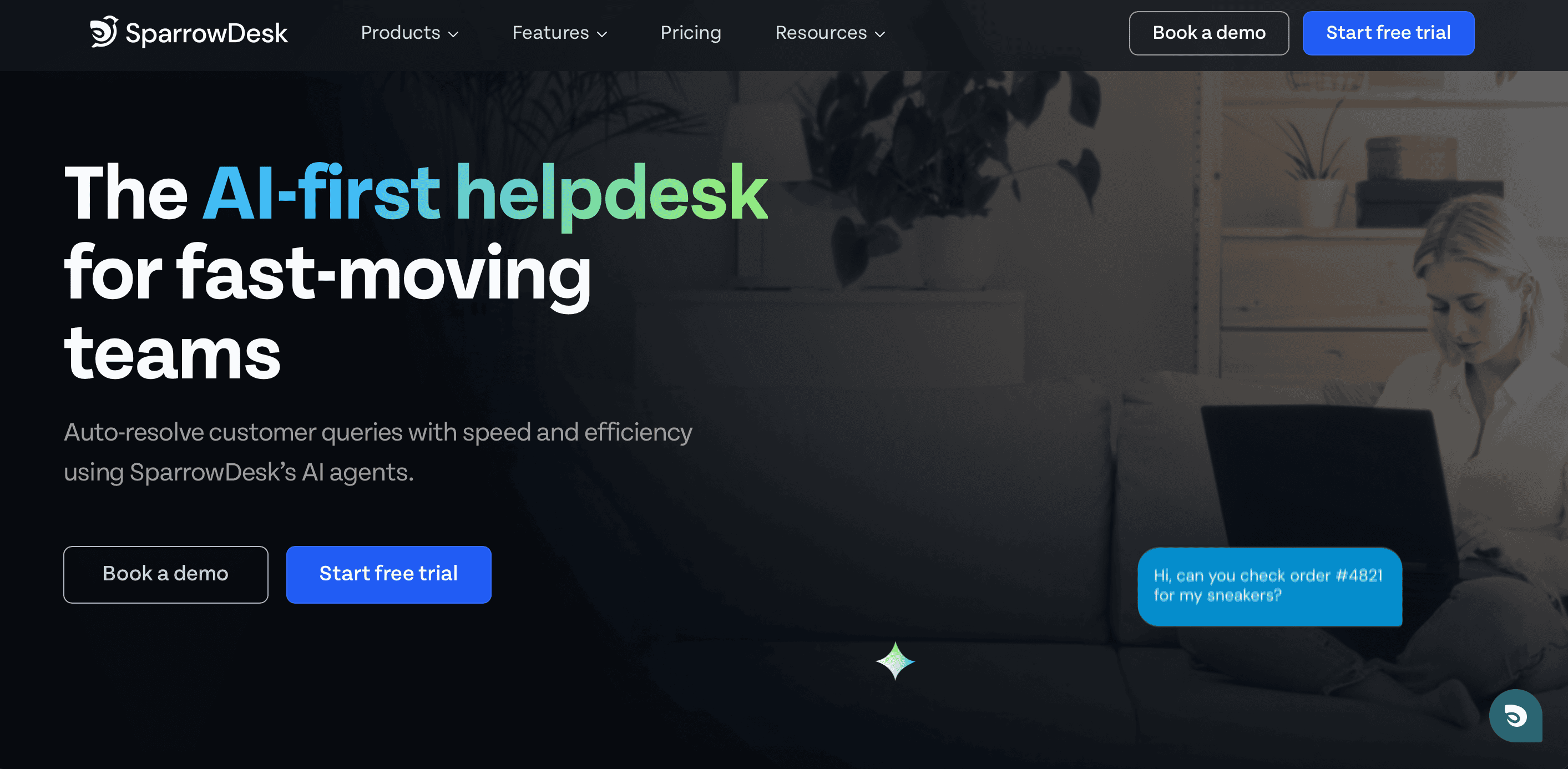
Image Source: SparrowDesk
If you're exploring modern helpdesk tools for small teams, SparrowDesk is another strong option to keep on your radar. Built as an AI-first support platform, it’s designed for teams that want fast, consistent, and scalable support—without juggling multiple disconnected tools. SparrowDesk brings chat, email, automations, and AI assistance into one clean workspace, making support smoother for both agents and customers.
Whether you're a small business or a fast-growing startup, SparrowDesk adapts easily and keeps your support operations simple, efficient, and human-friendly—even as customer expectations for instant responses continue to rise.
Standout Features
- AI Auto-Resolution: Resolves repetitive queries automatically using AI, reducing agent workload.
- Unified Support Inbox: All conversations (email, chat, etc.) in one clutter-free dashboard.
- AI Copilot: Smart suggestions, reply drafts, and conversation summaries to boost agent speed.
- Powerful Automations: SLAs, routing, and workflows that run without manual effort.
- Scales With Your Team: Easy for small teams, robust enough for enterprise needs.
Why It’s a Strong Alternative
SparrowDesk keeps the experience lightweight and easy for beginners, but powerful enough for teams that want AI-driven efficiency. If your support workload is growing and you need something modern without the complexity of enterprise tools, SparrowDesk fits naturally into that sweet spot.
HelpDesk

Image Source: HelpDesk
Need a straightforward ticketing system for small business with just the basics? HelpDesk comes with a user-friendly interface that small teams love. This browser-based solution puts all your customer communications in one place. It makes a great help desk software for small business operations.
Key Features
HelpDesk excels with its resilient automation capabilities. The system handles repeated tasks through rules you can customize. The platform uses AI-powered functions that speed up resolution times. These include smart tag recommendations, ticket summaries, and similar ticket suggestions. The collision detection feature stops multiple agents from working on the same ticket at once. This ensures a smooth workflow.
HelpDesk stands out with its screen recording feature. You can create visual guides for customers and make text sound formal, casual, or polite with one click. The system spots languages automatically and routes tickets to agents who speak them.
Pros and Cons
Pros:
- Clean, user-friendly interface that needs minimal training
- Central ticket management with detailed reports
- GDPR compliance and Privacy-Shield certification keep data secure
- Free 14-day trial lets you test all features
Cons:
- Lower-tier plans limit active rules
- Fewer integrations than enterprise options
- Higher-priced plans lock some advanced features
Pricing
HelpDesk keeps pricing simple with three tiers:
- Team: $29 per agent monthly (billed annually) or $34 monthly - perfect for growing teams
- Business: $50 per agent monthly (billed annually) or $59 monthly - suits multi-brand operations
- Enterprise: Custom pricing includes a dedicated account manager and security help
Best For
Small to medium businesses love HelpDesk when they want a simple ticketing system without extra complexity. Teams that manage multiple brands or departments find it valuable for separate ticket handling. The web browser access means your support team can use it anywhere without software installation.
Your team could save hours with proper ticket organization and automation. Small businesses that struggle with customer request management will find HelpDesk a practical solution that doesn't overwhelm.
Tidio
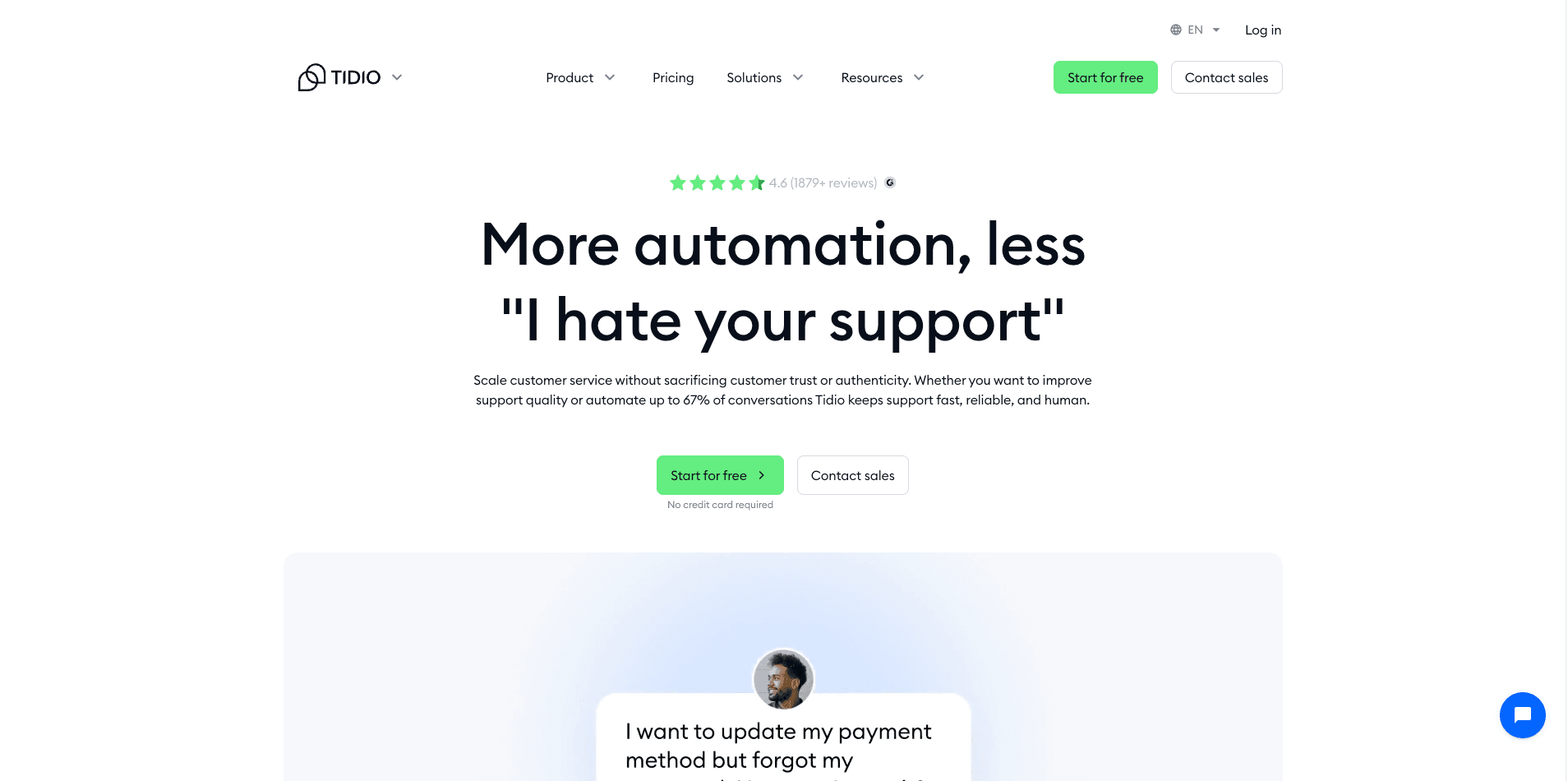
Tidio combines live chat, ticketing, and AI-driven automation into a single dashboard for small businesses. By consolidating inquiries from email, Messenger, and Instagram, it ensures no request falls through the cracks while allowing your team to remain lean and responsive.
Key Features
The platform’s standout feature is Lyro, an AI agent that resolves up to 70% of customer inquiries automatically using your verified support content. Tidio also includes a visual flow editor for building proactive automations without coding and a multichannel inbox that provides a 360-degree view of every customer interaction.
Pros and Cons
Pros:
- Consolidates multichannel support into one intuitive, easy-to-manage inbox
- Lyro AI reduces ticket volume by providing accurate, conversational answers
- No-code automation builder helps capture leads and resolve issues 24/7
Cons:
- Advanced AI capabilities and higher volume limits require premium tiers
- Lower-tier plans have more restrictive conversation quotas
Pricing
Tidio offers a robust Free plan. Paid tiers start at $29/month for the Starter plan and $59/month for the Growth plan. Enterprise-level Tidio+ plans start at $494/month for businesses requiring full AI scaling.
Best For
E-commerce and SaaS brands looking to scale customer support efficiency using AI without increasing headcount. It is especially powerful for businesses needing deep Shopify or Wix integrations.
Zoho Desk

Image Source: Zoho
Zoho Desk stands out as one of the most budget-friendly helpdesk software for small business options in 2025 and serves over 33 million people daily. Our experience testing various small business ticketing systems shows that Zoho's accessible interface and detailed feature set make it a great choice for teams that need affordability without compromising on capabilities.
Key Features
The Work Modes system is Zoho Desk's standout feature that automatically organizes open tickets to improve agent productivity. Your team can prioritize work without refreshing screens constantly with this unique tool. The platform's omnichannel capabilities let you manage conversations through email, instant messaging, social media, live chat, and telephony from one unified interface.
Zoho Desk has Zia, a contextual AI assistant that gives instant answers from your knowledge base. My testing revealed that Zia excels at sentiment analysis and anomaly predictions. The platform also provides strong self-service options with embeddable help centers, community forums, and knowledge bases.
Pros and Cons
Pros:
- The free plan supports up to 3 agents with no time limit
- The Professional tier delivers great value at $23/month/agent (annual billing)
- Implementation is 50% faster compared to other customer service software
- Customer support in over 40 languages
Cons:
- The user interface feels outdated and clunky
- New users face a steep learning curve
- Product support requires additional payment (20-25% of monthly cost)
- Lower tiers come with limited customization options
Pricing
Zoho Desk presents clear pricing across five tiers (annual billing):
- Free: $0 for up to 3 agents with simple email ticketing
- Express: $7/agent/month for up to 5 agents
- Standard: $14/agent/month with unlimited agents and multichannel support
- Professional: $23/agent/month with advanced automation and workflow tools
- Enterprise: $40/agent/month with complete AI capabilities and live chat
Best For
Zoho Desk shines as a solution for budget-conscious small businesses that need flexible support options. Small businesses with fewer than 50 employees make up 53% of Zoho Desk's user base, which shows its strong appeal in this market. Teams looking for powerful automation features at reasonable prices will find this platform especially valuable.
Hiver
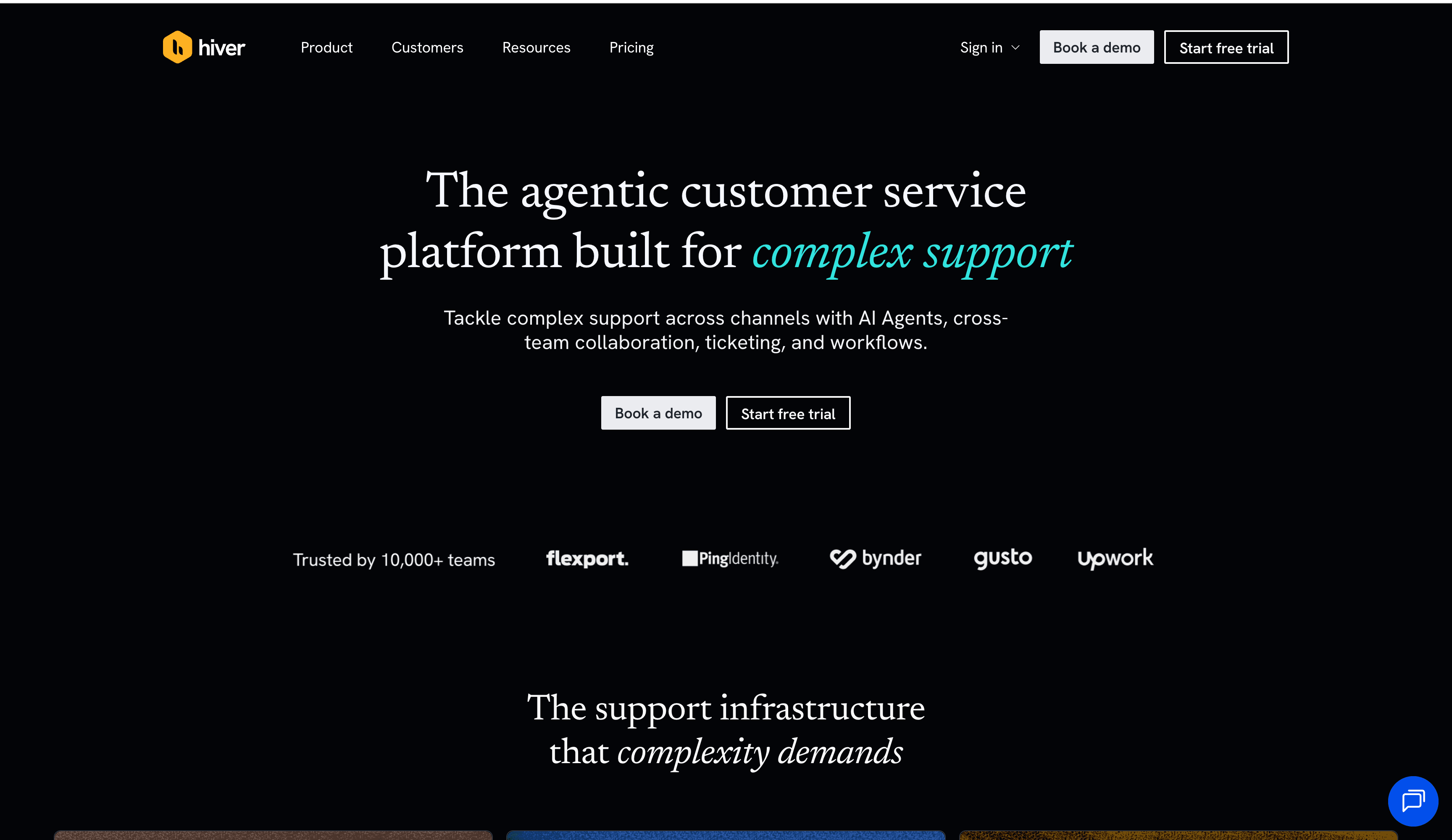
Hiver is an agentic omnichannel customer service platform built for teams to manage complex support through AI, cross-team collaboration, and ticketing. Unlike traditional helpdesks, It allows teams to deploy AI Agents that investigate, triage, and resolve tickets autonomously. This agentic approach ensures that support operations stay ahead of complexity, letting your team focus on high-judgment resolutions.
Key Features
Hiver's AI Agents handle requests from intake to resolution by following your team's procedures and taking actions across connected systems. For cases requiring human oversight, the AI Copilot drafts replies and gathers context. Additionally, a self-updating help center turns resolutions into knowledge automatically, keeping documentation current without manual effort.
Pros and Cons
Pros:
- Build AI workflows in minutes using natural language.
- AI Agents learn policy and tone directly from your team's resolutions.
- Unifies email, chat, Slack, and social into one customer record.
Cons:
- Best for teams ready for an AI-first "agentic" support model.
Best For
Businesses of all sizes needing to scale support across Support, Success, and HR teams. It is perfect for Google Workspace users or those seeking a standalone omnichannel platform.
Tidio
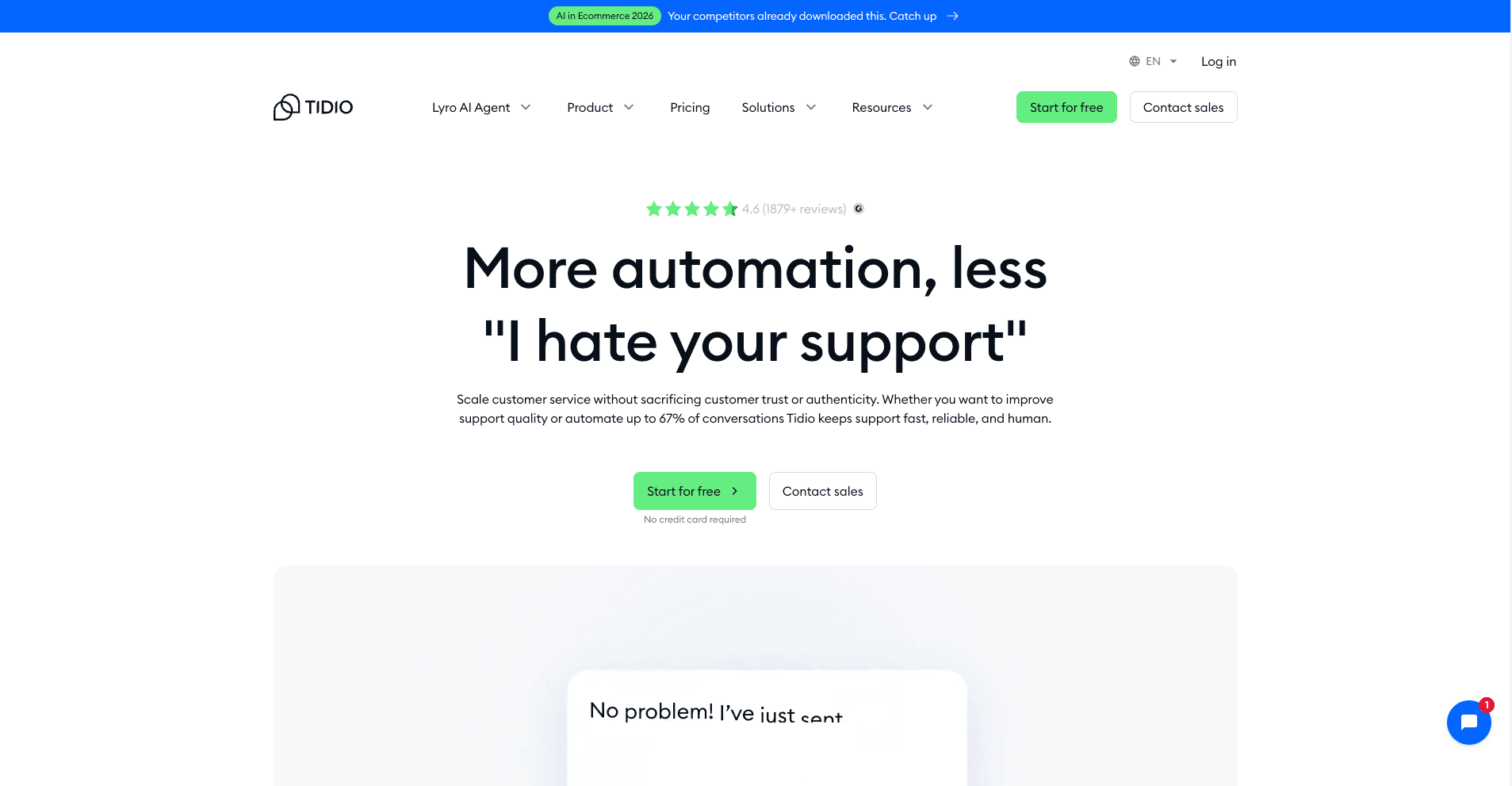
Tidio provides a customer service platform that combines live chat, ticketing, and AI-driven automation. It is designed to help small and medium businesses manage communications from multiple channels—including email, Messenger, and Instagram—within a single dashboard.
Key Features
Tidio’s Help Desk serves as a central hub where customer inquiries are organized into tickets for easier management. The platform features Lyro, an AI agent that uses your existing support content to provide answers to customer questions. For issues requiring personal attention, the system supports a human handoff, allowing team members to take over conversations from AI or automated flows.
Pros and Cons
Pros:
- Consolidates messages from live chat, email, and social media into one inbox
- Lyro AI agent provides answers based specifically on your provided support content
- Visual editor for building and customizing automated communication flows
- Mobile app allows agents to respond to tickets and chats from anywhere
Cons:
- Advanced AI features and higher volume limits require specific plan tiers
- Initial setup of complex automation flows takes time to configure
- Some customization options are restricted in lower-tier plans
Pricing
Tidio offers several pricing options, including a free version and various paid plans tailored to different business needs.
Best For
Tidio is best suited for e-commerce stores, SaaS companies, and service-based businesses that want to provide fast, reliable, and personalized customer support. It's especially effective for businesses that want to scale fast without extra headcount, boost sales and improve customer satisfaction.
LiveAgent

Image Source: LiveAgent
LiveAgent stands out in the helpdesk software for small business market with its impressive multichannel capabilities. My tests of many ticketing systems showed that LiveAgent has one of the most detailed feature sets while offering an easy-to-use interface for small teams.
Key Features
LiveAgent's universal inbox and ticketing system serves as the hub for all customer communications. Your team can manage conversations from email, chat, phone, social media, and video using a single dashboard. The lightning-fast live chat feature impressed me with its smooth, real-time customer conversations that substantially boost satisfaction and resolution times.
LiveAgent's workflow automation helps small teams work more efficiently. The system has customizable rules that trigger specific actions based on predefined conditions. The mobile integration lets support agents handle customer interactions from anywhere, which ensures quick service even away from the office.
Pricing
LiveAgent offers four business plans with flexible pricing:
- Free: $0 with simple features and 1 live chat button
- Small: $15 per agent monthly (billed monthly) or $9 monthly (billed annually) with 3 email accounts
- Medium: $35 per agent monthly (billed monthly) or $29 monthly (billed annually) with call center support
- Large: $59 per agent monthly (billed monthly) or $49 monthly (billed annually) with detailed features
Social media integration add-ons for Twitter, Facebook, and Viber are available at $39 per month each.
Best For
LiveAgent works best for small businesses that need multichannel support capabilities with simple setup. The software serves businesses of all types—from the Financial Directorate of Slovakia managing 2 million tax-payers to retail and e-commerce companies that saw conversion rates jump up to 325% in their first month.
Teams looking for an all-in-one solution will value LiveAgent's 180+ help desk features and 195+ integrations. The extensive free plan offers an affordable starting point for small businesses with budget constraints.
Jira Service Management

Image Source: Atlassian
Jira Service Management stands out among helpdesk software for small business options by making use of Atlassian's ecosystem. My testing shows its ITSM capabilities are exceptional when you have teams already using other Atlassian products.
Key Features
Jira Service Management's transparent licensing removes hidden costs at renewal—a welcome change from competitors with complex pricing models. The platform has pre-built templates and AI-powered configuration that substantially cut down setup time for small teams. The native integration with Jira Software creates uninterrupted connections between development and support teams.
The self-service portal lets customers submit requests easily. The knowledge base integration with Confluence helps reduce tickets by giving quick answers. The automation capabilities come with customizable rules that eliminate repetitive work. Your small team can focus on solving complex problems instead.
Pros and Cons
Pros:
- Free plan supports up to 3 agents forever
- No extra costs for approvers or stakeholders
- Strong incident management with automated escalation
- Native integration with the Atlassian ecosystem
Cons:
- Learning curve too steep for non-technical teams
- Not enough omnichannel support compared to competitors
- New users find the interface overwhelming
- Needs lots of customization to work well
Pricing
Jira Service Management has four pricing tiers:
- Free: $0 for up to 3 agents with 2GB storage
- Standard: Per-agent pricing with 250GB storage and custom branding
- Premium: Extra features like 24/7 support and 99.9% uptime SLA
- Enterprise: Advanced security, unlimited automation, and dedicated support
Best For
My experience shows Jira Service Management works best for small teams deep in the Atlassian ecosystem. Technical staff who handle support requests while doing development work will find it most useful. A customer mentioned, "We could implement the Premium version and still save USD 67.00k on licensing costs compared to alternatives".
Help Scout

Image Source: Help Scout
Help Scout revolutionizes helpdesk software for small business by using contact-based pricing instead of charging per seat. My thorough testing shows this approach benefits small teams who want their entire staff involved in customer communication without high costs.
Key Features
The shared inbox is the foundation of Help Scout. It brings customer conversations from all channels into one organized hub. The collision detection shows team members when someone else views or responds to a message, which prevents duplicate responses. The Beacon widget has proven valuable as an embeddable support hub where customers can search your knowledge base, chat, or send emails directly from your website.
Help Scout's AI capabilities come with all plans, including the free version. You can generate draft responses, translate replies, and summarize long threads with one click. The platform's workflow automation removes repetitive tasks while the snooze feature lets you set aside conversations that aren't urgent.
Pros and Cons
Pros:
- Unlimited users on all plans, including free tier
- AI features included without extra cost
- User-friendly interface with 7x higher NPS than competitors
- 99.9% uptime with enterprise security and HIPAA compliance
Cons:
- Limited customization options compared to enterprise solutions
- Complex workflows take time to master
- Simple reporting in lower-tier plans
- Fewer integrations than competitors (100+ vs 350+)
Pricing
Help Scout's contact-based model keeps billing predictable:
- Free: $0 for 50 contacts monthly with unlimited users
- Standard: $50/month for 100 contacts with unlimited users
- Plus: $75/month for 100 contacts with advanced features
- Pro: Custom pricing for 1,000+ contacts with dedicated onboarding
Best For
Help Scout works best for growing teams that need everyone to access customer communications. More than 12,000 businesses use the platform and teams respond to 56% more customer messages in their first year. Small businesses that focus on customer-centric support rather than ticket deflection will find it most valuable.
Comparison Table
| Software | Starting Price | Free Plan | Key Features | Best Suited For | Notable Limitations |
|---|---|---|---|---|---|
| SurveySparrow | $19/month (annual) | Yes, 50 responses/month | Conversational interface, ticket creation from feedback, custom workflows, 1500+ integrations | Small businesses needing survey + support capabilities | Basic features on lower tiers; higher pricing for small teams |
| SparrowDesk | $29/agent/month | 14-day trial | AI auto-resolution, unified inbox, AI Copilot, workflow automation, scalable for growing teams | Teams wanting a modern, AI-first support platform | Fewer integrations than long-standing competitors |
| HelpDesk | $29/agent/month | 14-day trial | AI tagging, screen recording, collision detection, tone adjustment | Small teams needing simple support features | Only 5 active rules on Team plan; limited domain customization |
| Freshdesk | $15/agent/month | Yes (2 agents), 14-day trial | Freddy AI, multilingual knowledge base, custom dashboards, scenario automation | Teams that need scalability and omnichannel support | Pro plan is 2× Growth; temp agents require day passes |
| Zoho Desk | $7/agent/month | Yes (3 agents), 15-day trial | Work Modes system, Zia AI assistant, omnichannel support, 40+ languages | Budget-conscious small businesses | Clunky interface; steep learning curve |
| Hiver | $19/user/month | Yes (limited), 7-day trial | Gmail-native UI, AI summarizer, shared drafts, @mentions | Teams using Google Workspace | Higher cost vs alternatives; limited mobile app |
| Groove | $19/agent/month | 14-day trial | Email-like interface, knowledge base, collaboration tools, simple automation | Teams that value simplicity and fast onboarding | Basic reporting; limited tagging capabilities |
| LiveAgent | $15/agent/month | Yes (basic plan) | Universal inbox, fast live chat, automation workflows, mobile app | Teams needing strong multichannel support | Social media features require paid add-ons |
| Jira Service Management | Varies (~$8/user/mo) | Yes (3 agents), 7-day trial | Pre-built templates, AI configuration, Jira integrations, automation rules | IT teams using Atlassian tools | Steep learning curve; complex interface |
| Help Scout | $20/user/month | Yes (1 inbox, 50 contacts) | Shared inbox, AI tools, Beacon widget, unlimited users | Growing teams needing whole-team access | Limited customization; basic reporting on lower tiers |
Conclusion
No two small businesses are the same and neither are their customer support needs. After testing these nine helpdesk tools, one thing is crystal clear. The best solution is the one that works with your team, not against it.
Each platform has strengths that make it worth thinking about for your small business in 2025. Whether you need something simple and email-based like Groove or Hiver, or a more full-featured option like Freshdesk or Zoho Desk, there’s a tool on this list that can help you stay organized, respond faster, and support your customers without burning out your team.
Many of these platforms offer free plans or trials, so you can explore what feels right before making a commitment. Don’t just look at features but think about how your team works, what tools you're already using, and how much time you can realistically invest in setup and training.
If you’re looking for a blend of support and customer feedback in your ticketing software, SurveySparrow is one of the best places to start. But whichever platform you choose, remember: good customer support isn’t about having the most features but it’s all about being reliable, responsive, and easy to reach.
Take the time to try a few options. Your customers will thank you because the right Ticketing solution could help you transform your customer interactions in 2025.