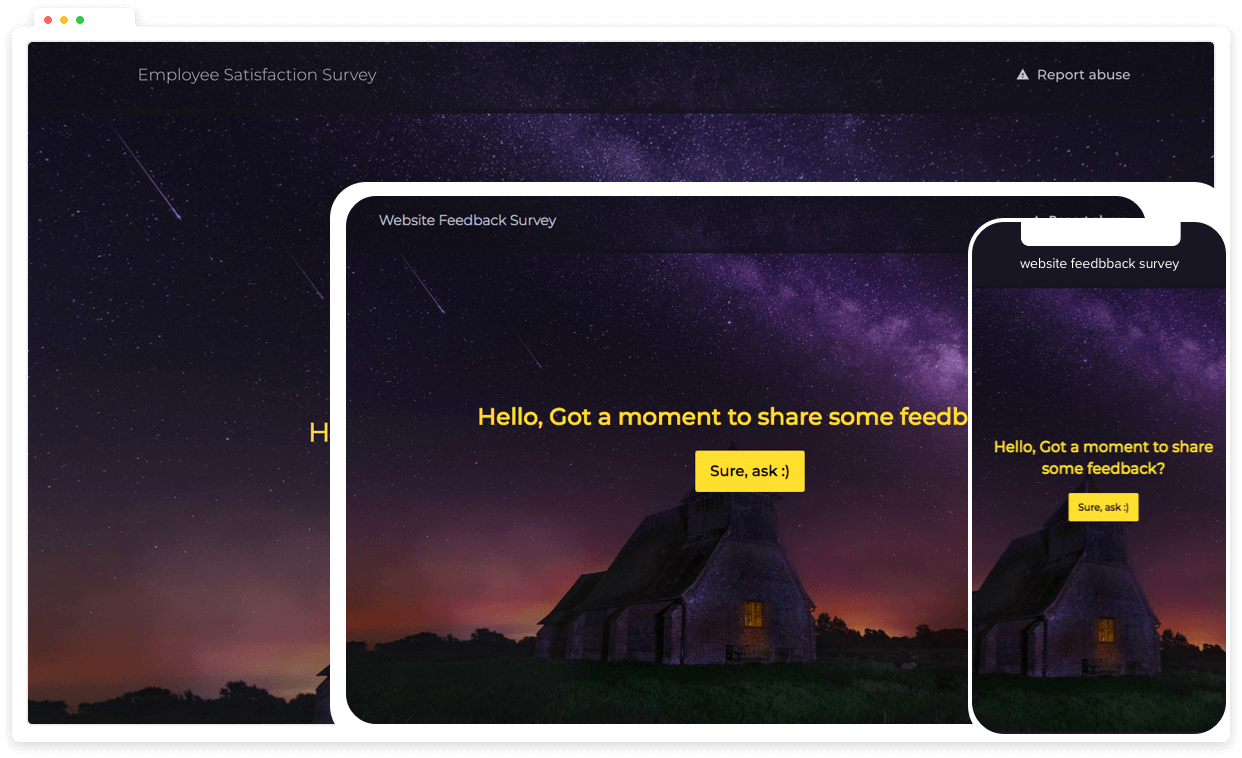

Regular feedback from your team can help optimize daily operations significantly.
One way to do this is with a digital suggestion box.
With a suggestion form, organizations can instantaneously collect feedback on any particular issue.
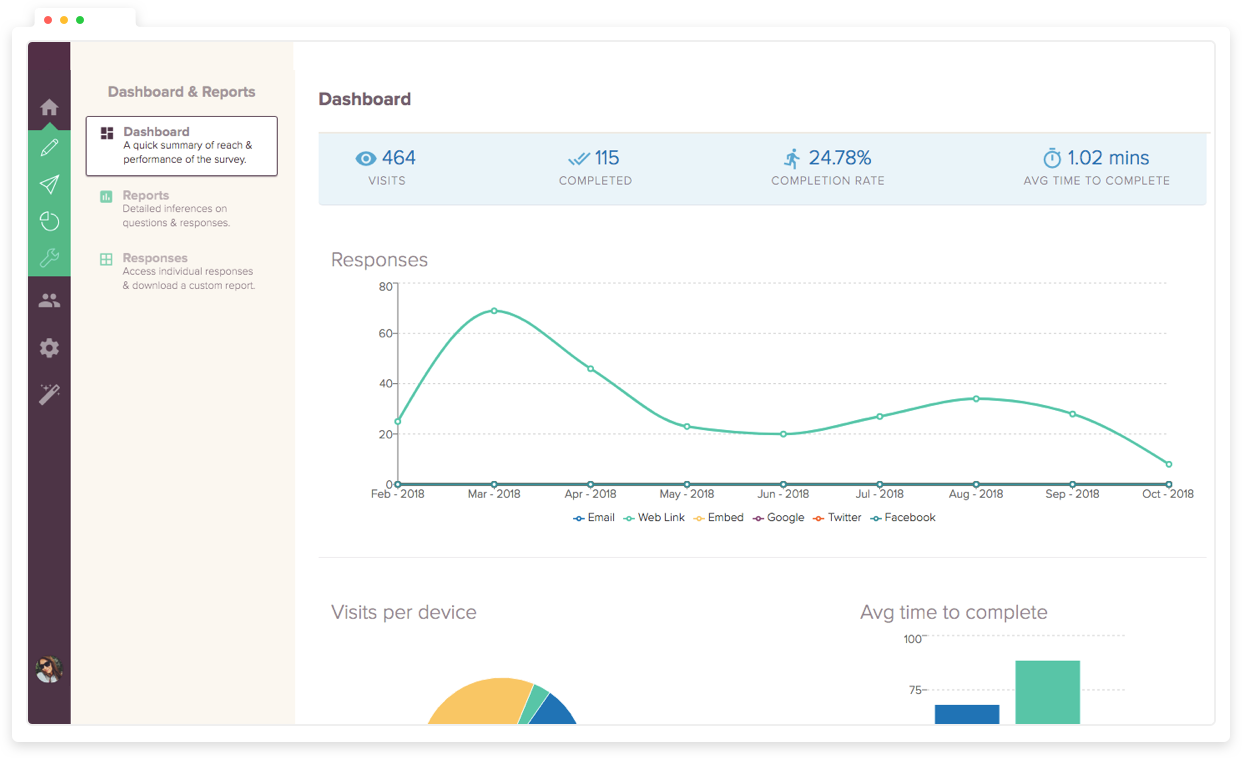
The ready-to-use suggestion box template can get you started with that immediately. The best part is that you also get access to the form's analytics, through which you can analyze the sentiment of the responses.
For example, a British Airways employee's single suggestion helped save $600,000 in one year. Your business could discover similar hidden value through a similarly accessible suggestion box.
How to Edit the Suggestion Box Template Above?
A suggestion box only works if people trust it and more importantly, find it easy to use.
Keep the form short. The more fields you add, the fewer people complete it. Ask for the suggestion, a category to file it under, and optionally a contact field for follow-up. That's enough to act on.
Make anonymity the default, not an option. If employees have to opt into anonymity, many won't trust that it's real. Build the form so identity is optional from the start, and make that visible to submitters before they type a word.
Give every category a clear scope (Optional). Avoid vague categories and use specific labels such as operations, product, workplace, customer experience, so submitters know where their idea belongs and reviewers can triage faster.
Test before you launch. Submit a few dummy entries yourself. Check that confirmation messages appear, that notifications land in the right inbox, and that the form renders correctly on mobile. Most submissions will come from phones, not desktops.
Distribute it where people already are. Embed the suggestion box in the tools your team uses daily such as a Slack link, an email footer, a QR code in a break room. Accessibility drives volume.
What keeps a suggestion system alive is what happens after someone submits, which is covered in the next section.
Managing and Improving Your Suggestion Box System
The actual work starts after your suggestion form template begins collecting feedback. Closing the loop on this is what can turn valuable ideas into improvements.
Set up smart notifications immediately
SurveySparrow allows you to customize alerts when new submissions arrive. You can receive notifications based on submission type or urgency. The system lets you filter ratings by good, neutral, or bad ones based on your needs. Live alerts ensure you never miss significant feedback that needs quick attention.
Create a transparent review process
Suggestions that disappear into a black box discourage employees from contributing. A clear pathway shows how ideas move from submission to implementation:
- Assign a dedicated team to review submissions regularly
- Set a consistent schedule to assess ideas (weekly or monthly)
- Track each suggestion's status visually
- Communicate decisions back to submitters
Organize feedback systematically
Group similar suggestions with tags to spot patterns easily. This approach transforms scattered ideas into useful insights. SurveySparrow's analytics help identify recurring themes that point to deeper organizational needs.
Make use of information to drive continuous improvement
Analysis matters more than collection. Monthly feedback trends help measure progress effectively. Leadership teams can export reports as CSV files to conduct deeper analysis and share findings.
Close the feedback loop
Employees become more involved when they see their suggestions implemented. Company-wide updates about changes based on feedback build trust and encourage participation.
Assess your suggestion system itself
Review your suggestion program's performance regularly. Key metrics include:
- Average response time to submissions
- Implementation rate of suggestions
- Number of monthly submissions
- Employee satisfaction with the process
Conclusion
Online suggestion forms have changed the way companies gather and use valuable feedback. A digital suggestion box becomes a powerful tool at the time it is properly set up and managed.
Your focus should move to managing the feedback you receive afterward. A transparent process where people see their suggestions create real changes matters most.
The best suggestion systems strike a balance between simplicity and depth. Getting enough details to act on feedback while keeping the form easy to complete guides higher participation rates and better quality suggestions.
SurveySparrow's templates give you a head start with pre-built forms you can customize to match your brand.
SurveySparrow offers all the tools you need to create, manage, and analyze feedback effectively. It can handle the full feedback cycle.
- Multi-channel surveys. Run surveys across web, mobile, email, and WhatsApp from a single platform
- Real-time analytics. Surface trends and patterns across submissions without manually digging through responses
- Exportable reports. Share findings with leadership teams directly in CSV or PDF format
- Automated workflows. Route submissions to the right teams and trigger alerts based on response type or urgency
- Role-based access. Control who sees what across departments, locations, or customer segments
- Dashboard overview. Manage all responses, track submission status, and monitor feedback health in one place
Move beyond a basic form and build a feedback system that informs decisions with SurveySparrow.
Other Useful Survey Templates:
See All

E-Commerce Chatbot
Use this advanced ecommerce chatbot to interact with your customers better and learn about their requirements.

Spell Survey Template
Improve spelling competencies with our Spell Survey Form. Perfect tool for educators to assess and foster students' spelling abilities.

Customer Profiling Survey Template
With this customer profiling survey template, you can conduct surveys to unleash the untapped potential of the market by understanding the customer profile.