Connect to Claude
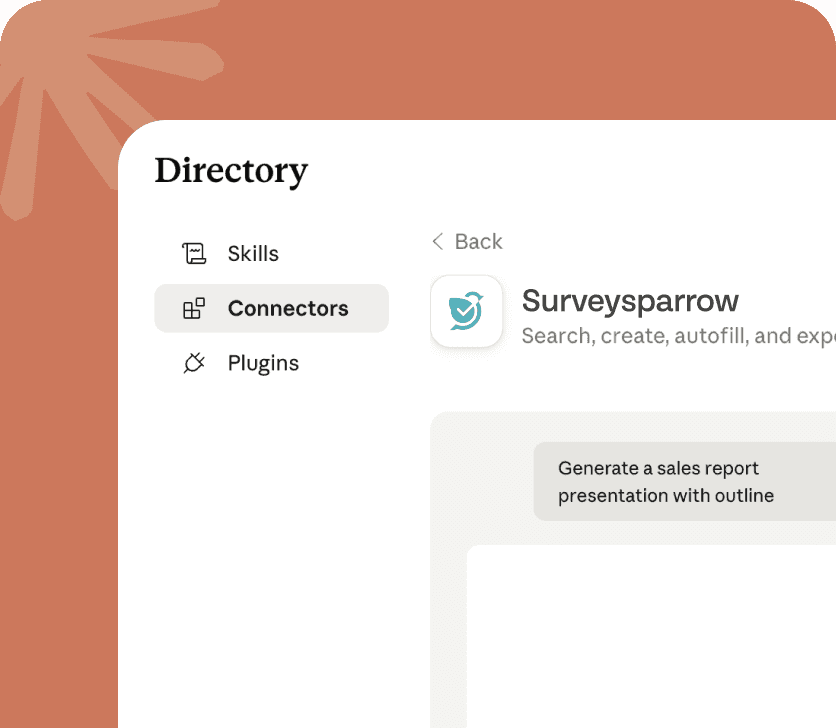
Open the app directory from Claude settings. Find and open the SurveySparrow connector, then connect to your account.
SurveySparrow Claude connector
Build surveys in seconds inside Claude, send them through any channel, and get analysis back in the same conversation.
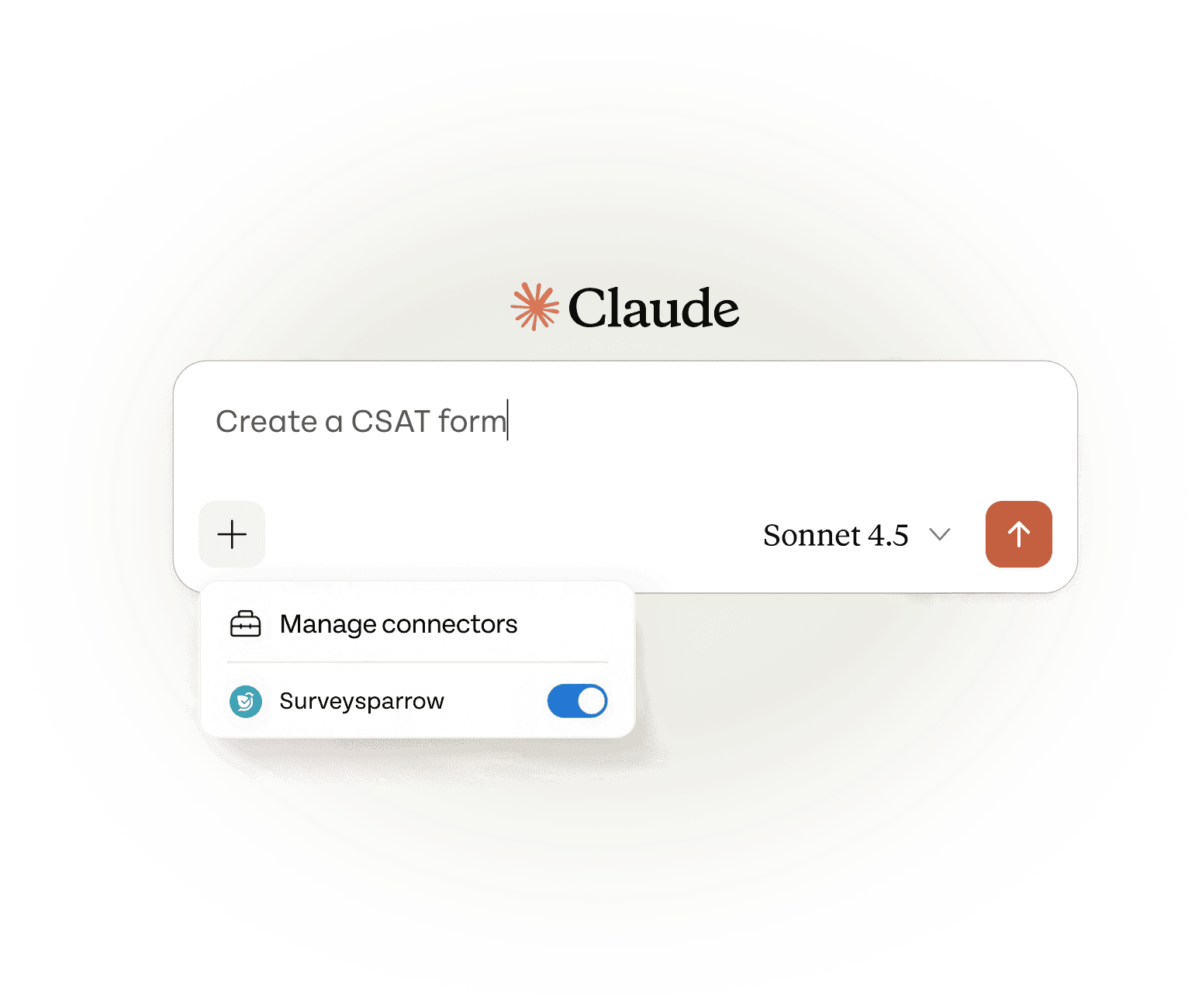
Open the app directory from Claude settings. Find and open the SurveySparrow connector, then connect to your account.
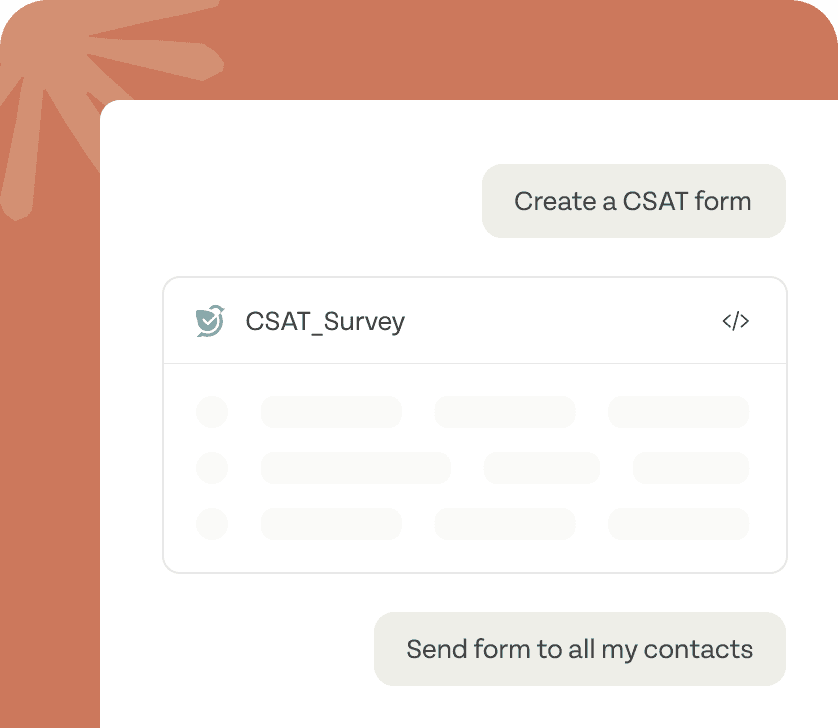
Start with a prompt to generate a survey in seconds, then keep chatting to add, remove, rewrite or reorder questions.
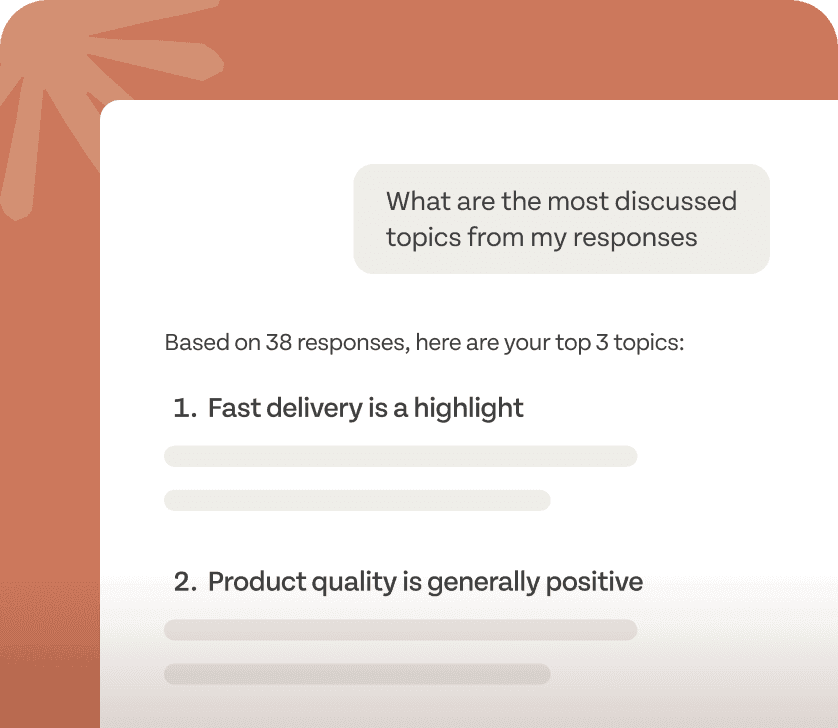
Ask for a live response count, request a summary of completed surveys, or generate sentiment trends and recurring themes.
Features
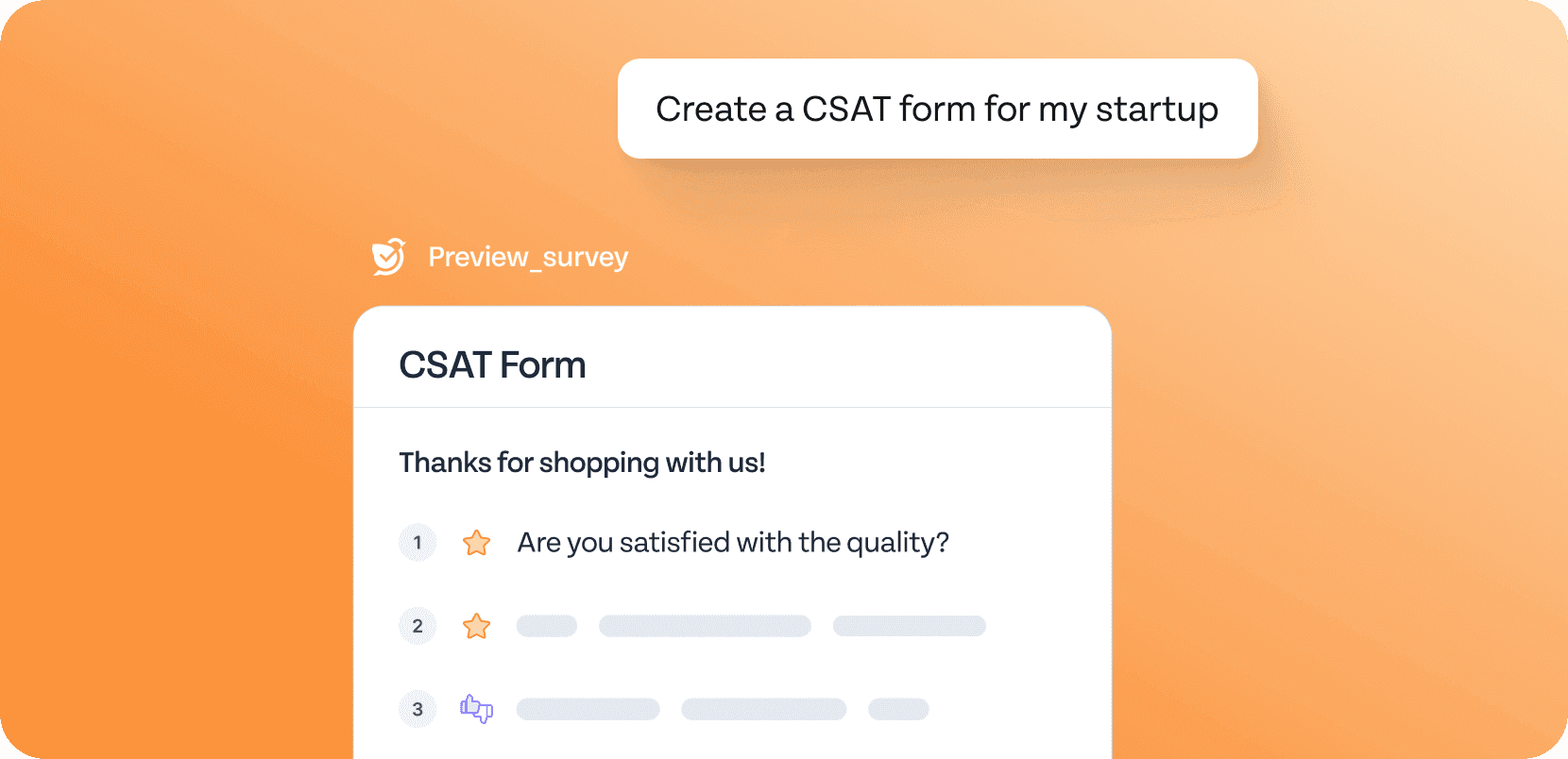
Describe the survey or form you need and get a complete, ready-to-share draft in seconds.
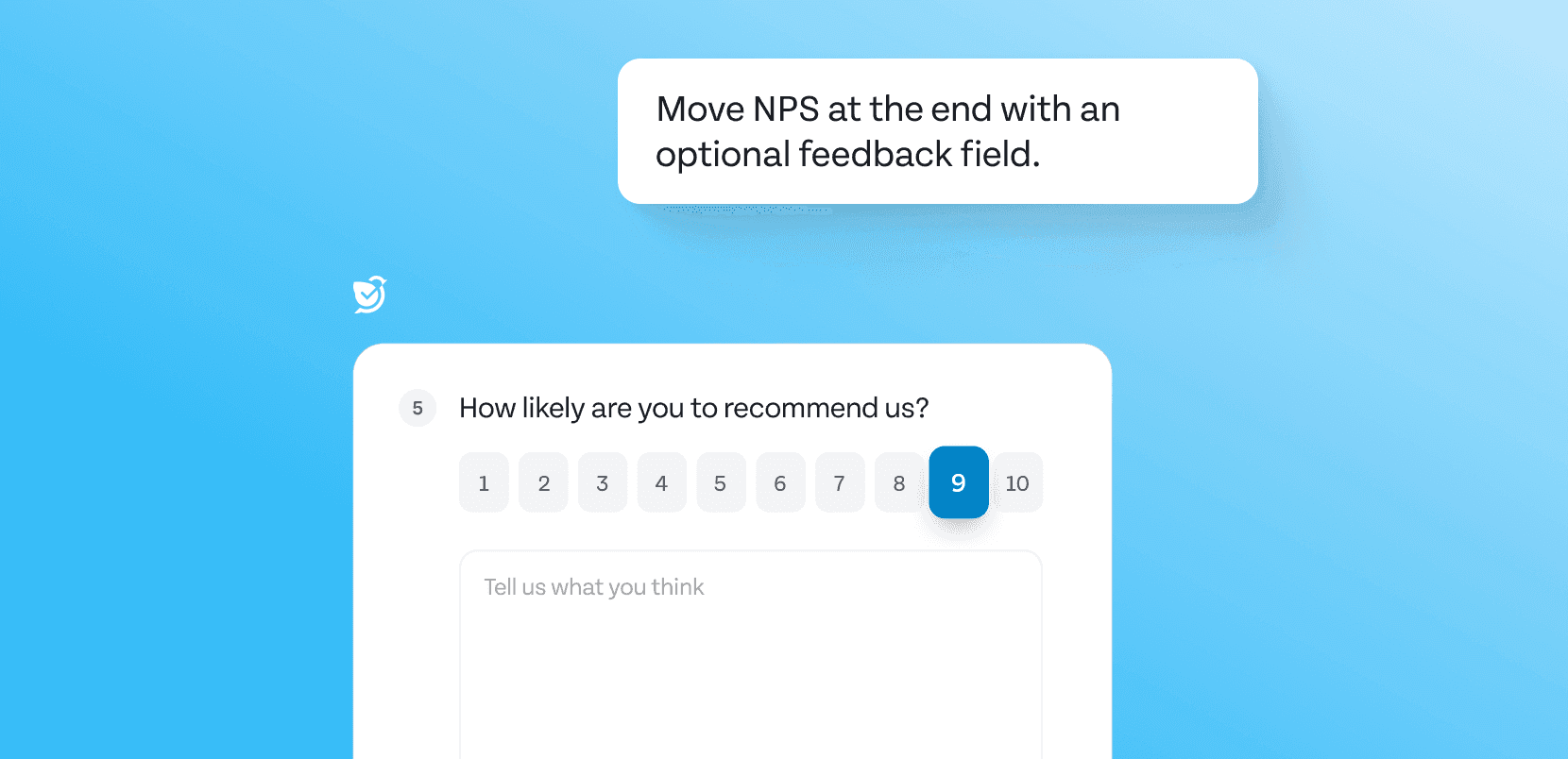
Change the question order, content or the questions themselves — just by asking.
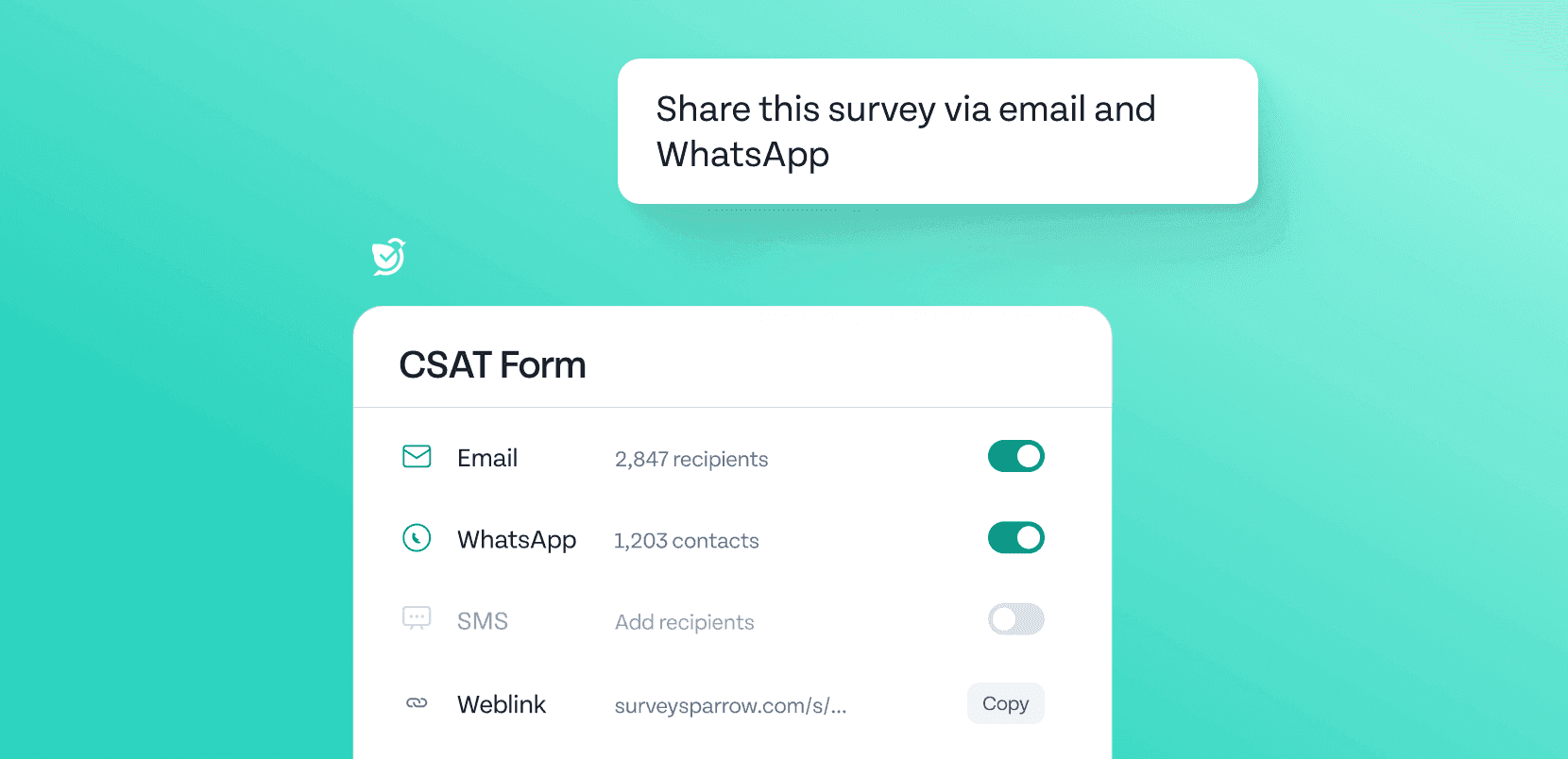
Push your survey or form via weblink, email, SMS, or WhatsApp directly from the chat — without switching platforms.
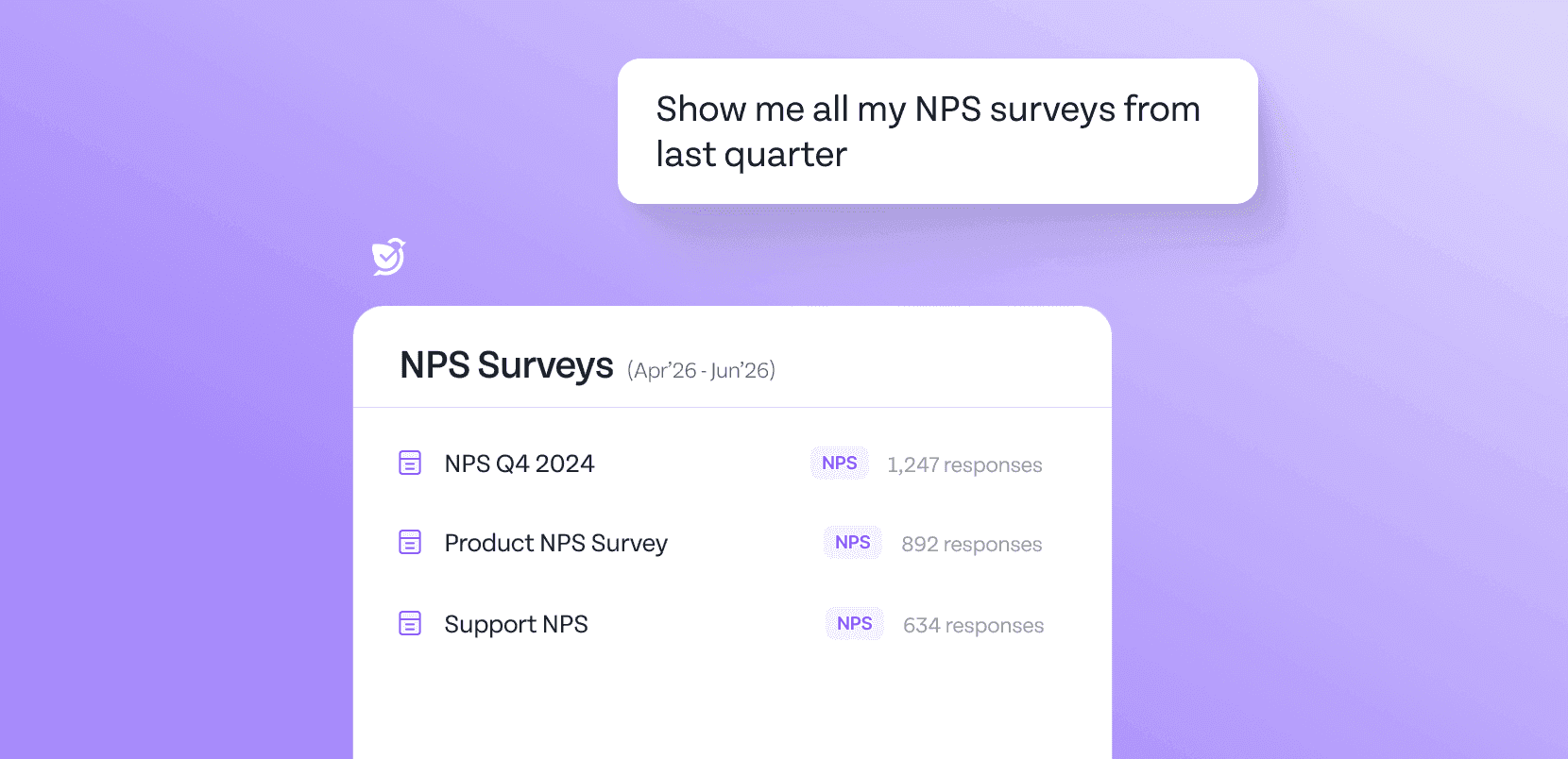
Look up your existing surveys or ask for specific categories. Get visibility into your account, all in one place.
Ask for updates on live responses or those from a particular timeframe, without manually scanning in SurveySparrow.
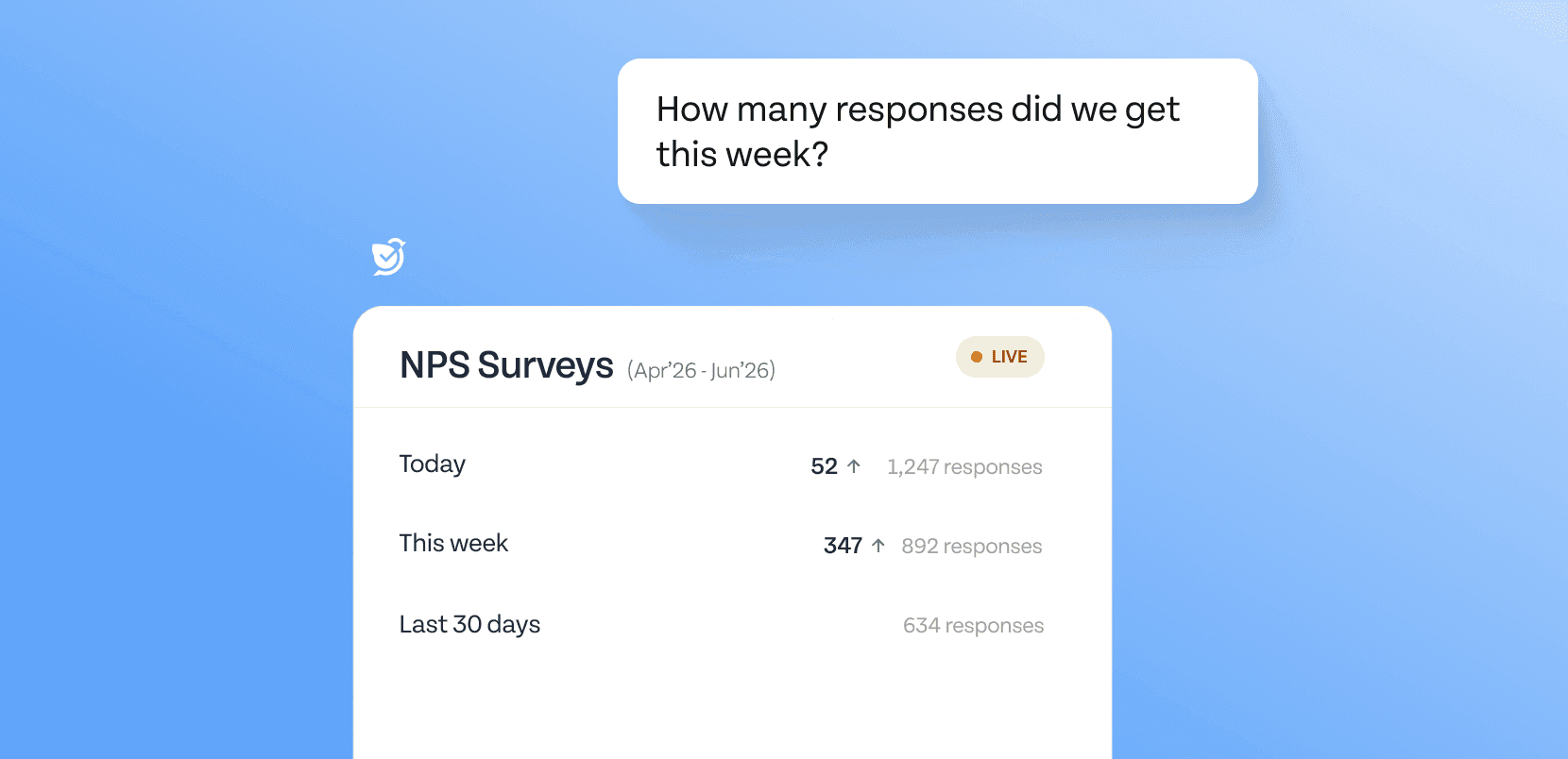
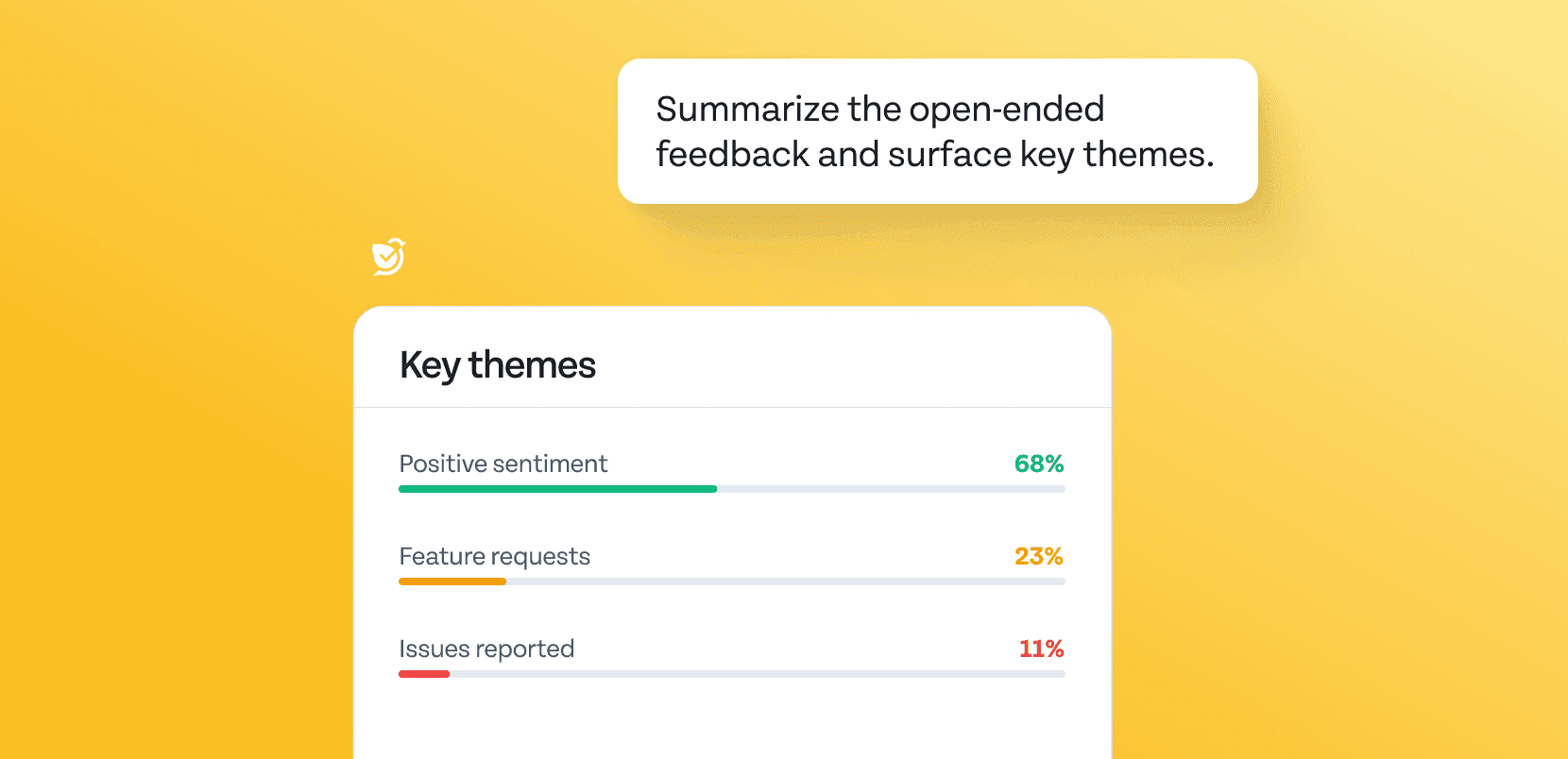
Ask Claude to summarize open-ended feedback, identify major themes, and produce data-backed recommendations — without copy-pasting or uploading responses.
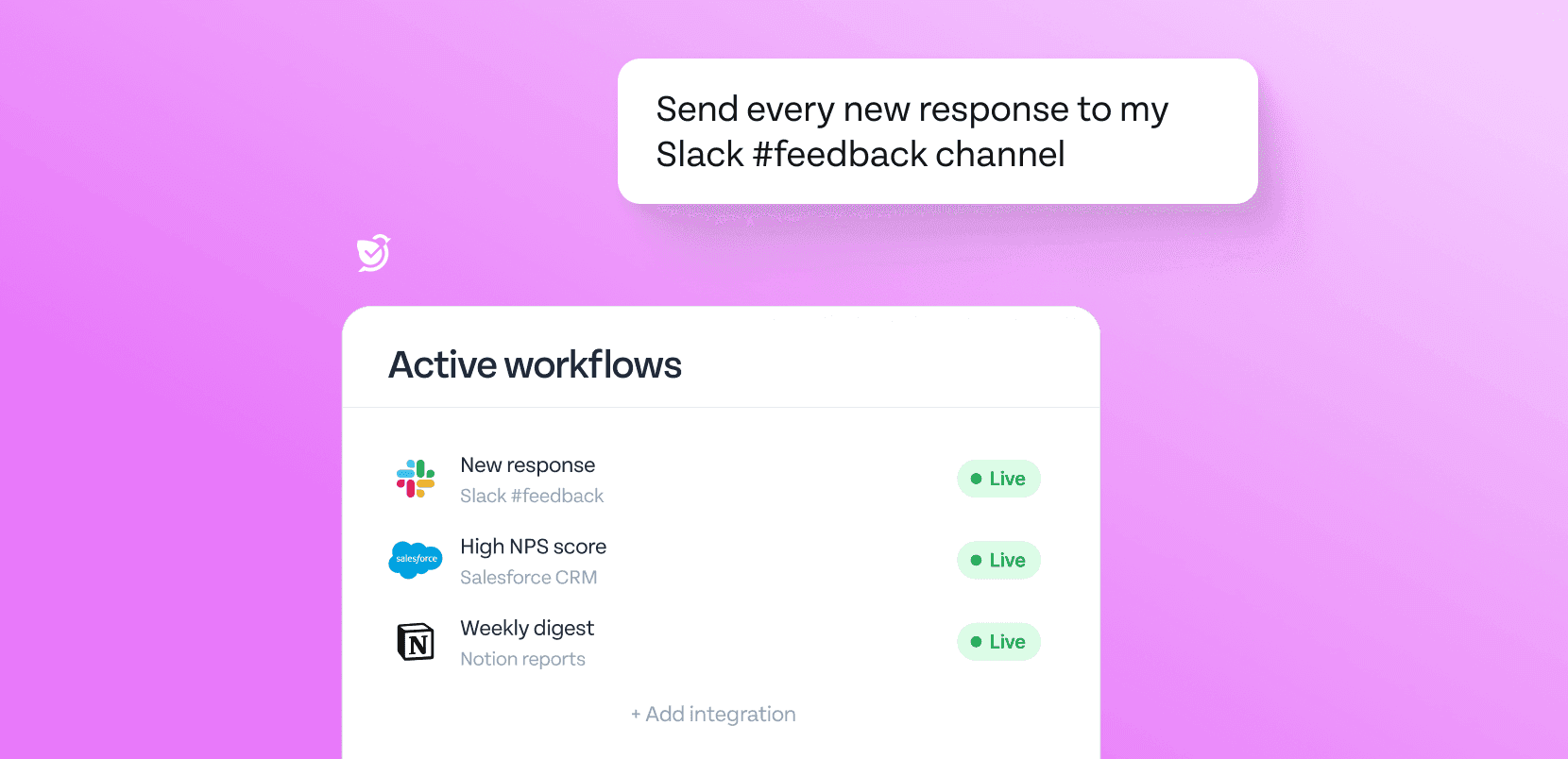
Use SurveySparrow alongside other platform connectors to run multi-step workflows in one chat window, without jumping between tabs.
Check out prompts used by business teams for day-to-day work. Built for use cases across CX, marketing, events, product management, HR, research and more.
Create an NPS survey for a SaaS product. Include a 0–10 rating scale, a reason for the score, and one open-ended improvement question.
Add a follow-up question asking what we could have done better.
Summarize this week’s responses, group them by promoter, passive, and detractor, and highlight the most common complaint.


Create and run any survey or form from your AI chat — build, distribute, and analyze without switching tabs, gathering data or opening dashboards.
