Book a demo

SurveySparrow ChatGPT plugin

Run surveys and get insights, via ChatGPT

Build surveys in seconds inside ChatGPT, send them through any channel, and get analysis back in the same conversation.
Run surveys and get insights, via ChatGPT

How it works

Connect to ChatGPT

Connect to ChatGPT

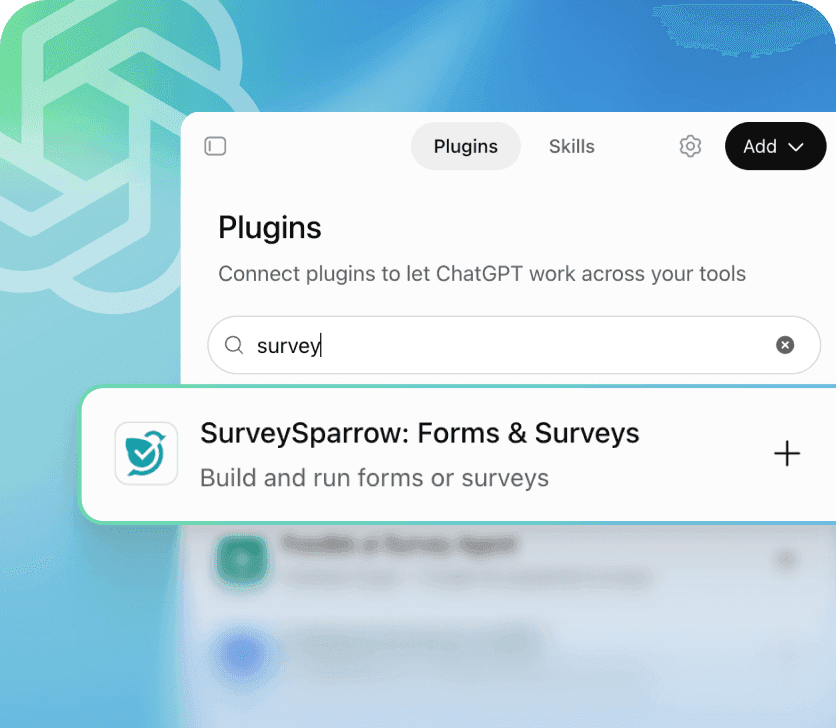
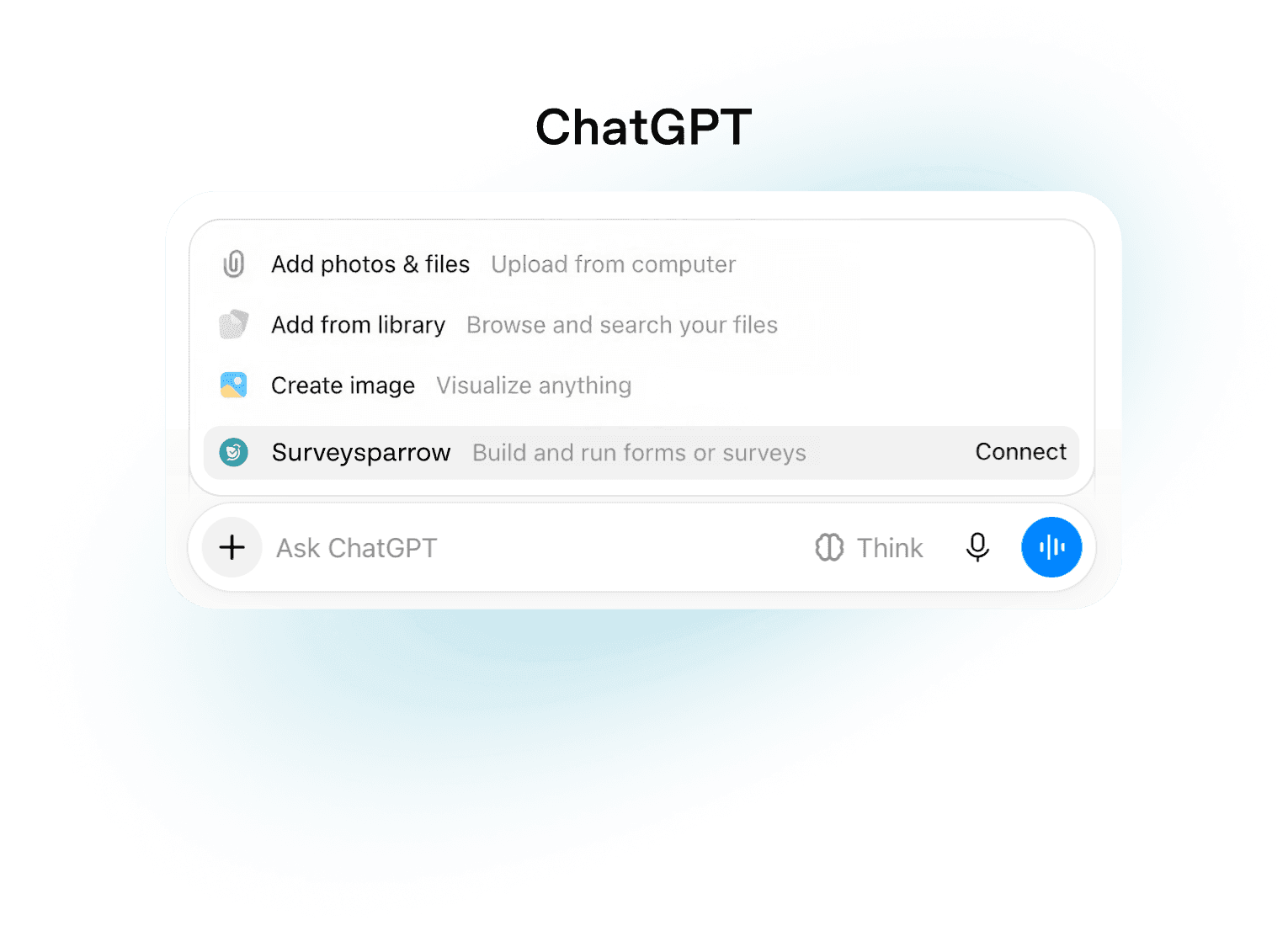
Open the plugin directory from ChatGPT settings. Find and open the SurveySparrow plugin, then connect to your account.
Create, refine, and distribute

Create, refine, and distribute

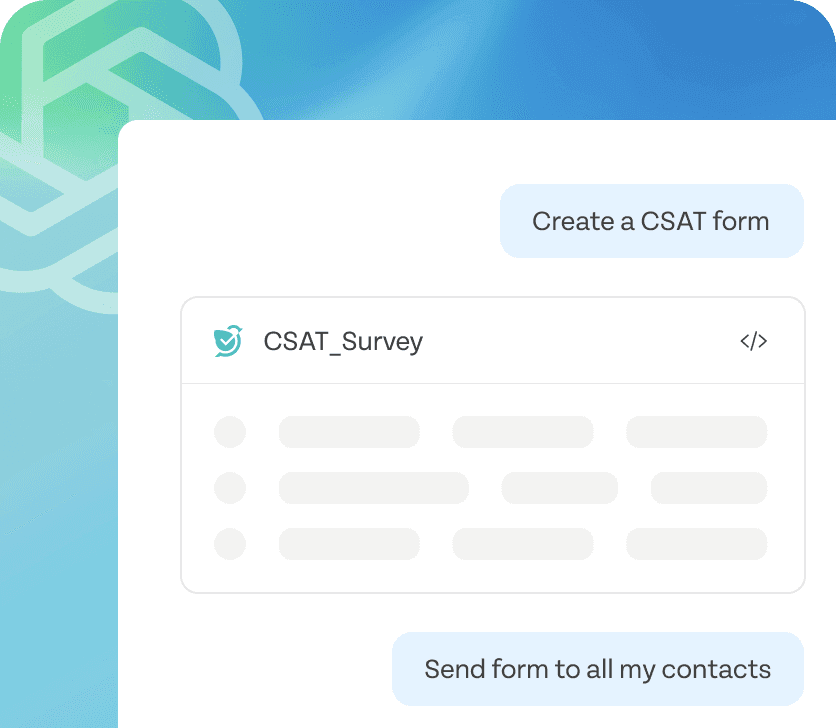
Start with a prompt to generate a survey in seconds, then keep chatting to add, remove, rewrite or reorder questions.
Get clear analysis on demand

Get clear analysis on demand

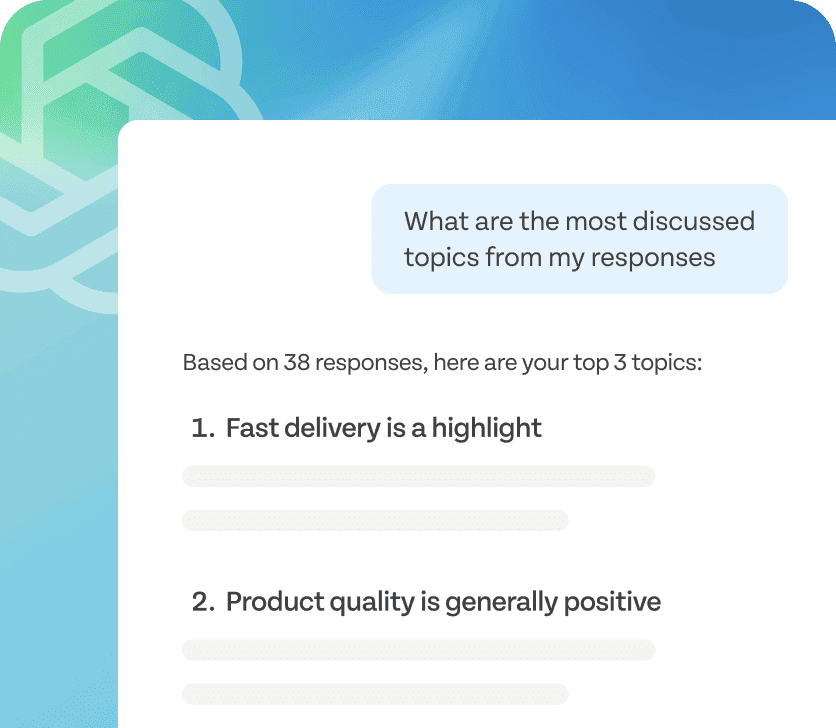
Ask for a live response count, request a summary of completed surveys, or generate sentiment trends and recurring themes.

Features

What you can do with SurveySparrow in ChatGPT

Build surveys

Describe the survey or form you need and get a complete, ready-to-share draft in seconds.

Try now
Build surveys

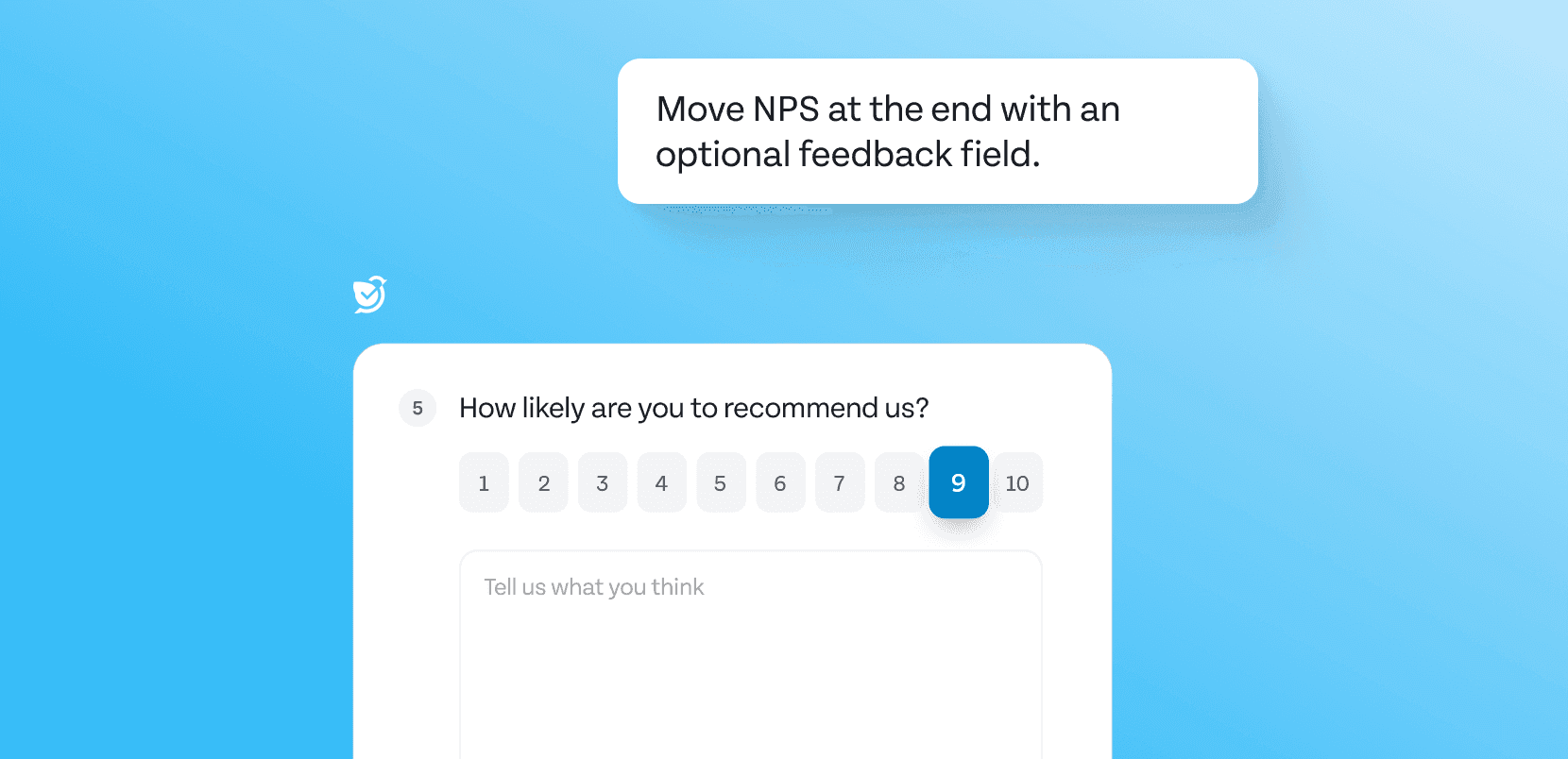
Edit

Change the question order, content or the questions themselves — just by asking.
Try now
Edit

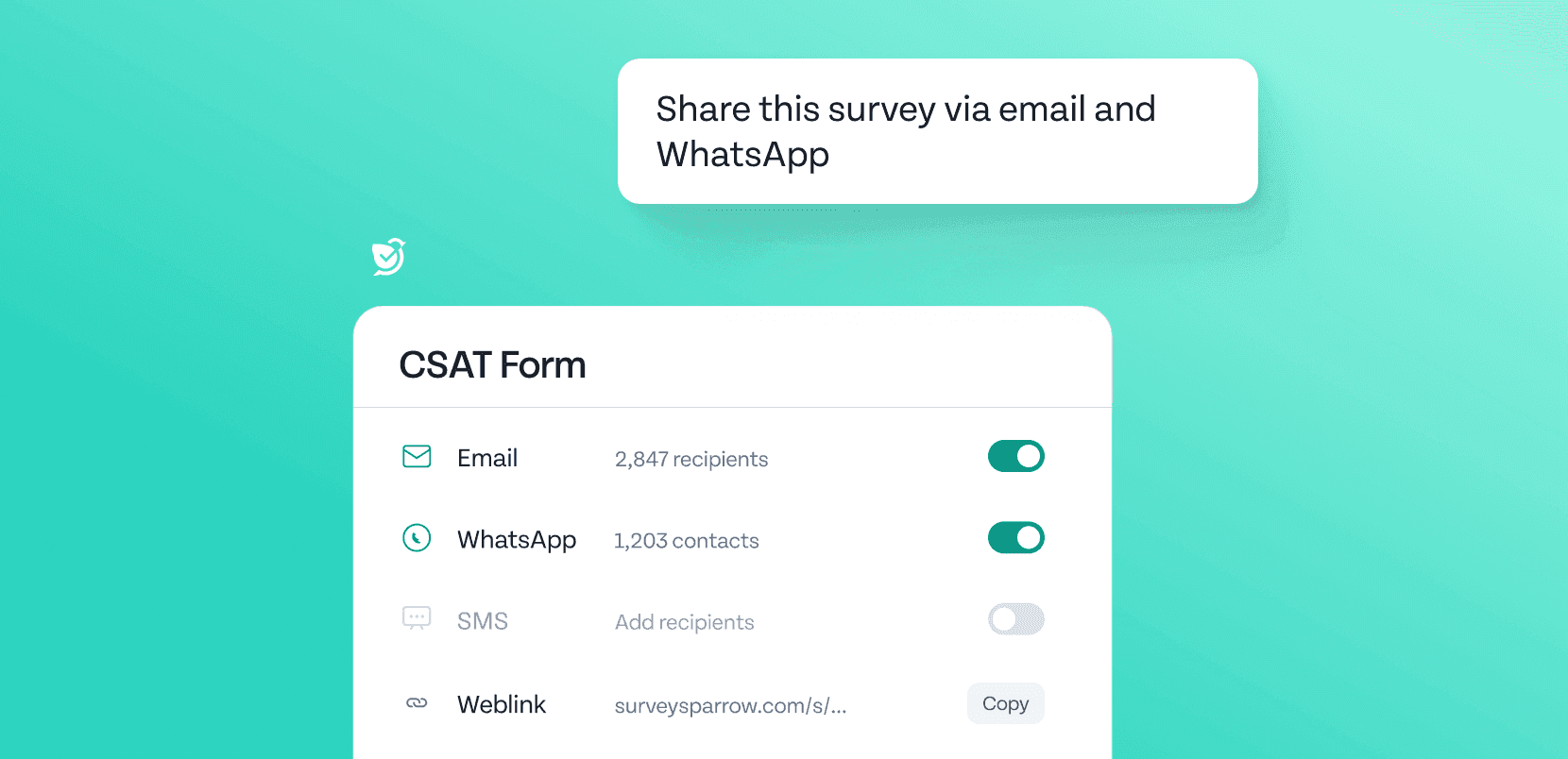
Distribute

Push your survey or form via weblink, email, SMS, or WhatsApp directly from the chat — without switching platforms.
Try now
Distribute

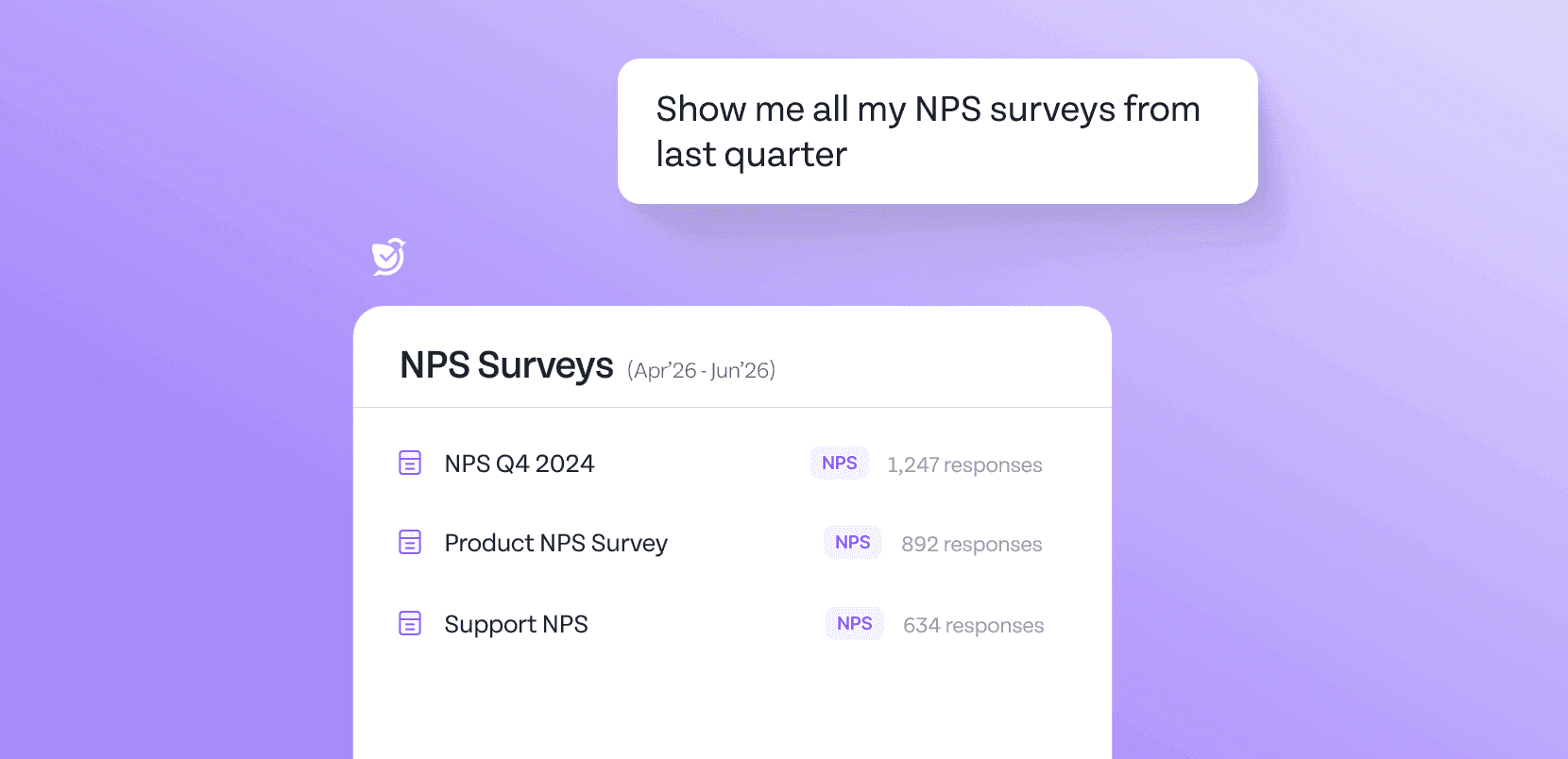
Find your surveys

Look up your existing surveys or ask for specific categories. Get visibility into your account, all in one place.
Try now
Find your surveys

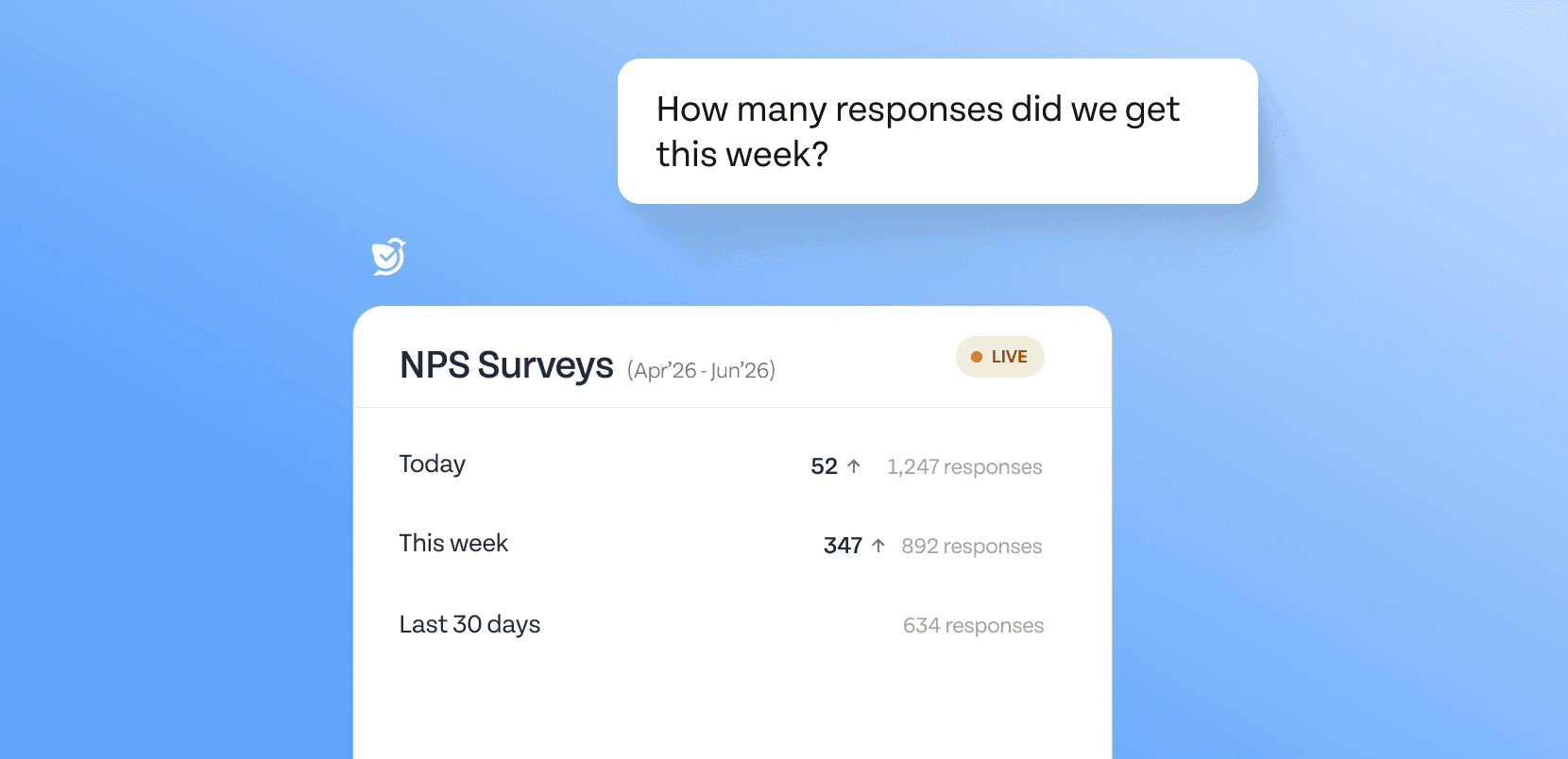
Track responses

Ask for updates on live responses or those from a particular timeframe, without manually scanning in SurveySparrow.
Try now
Track responses

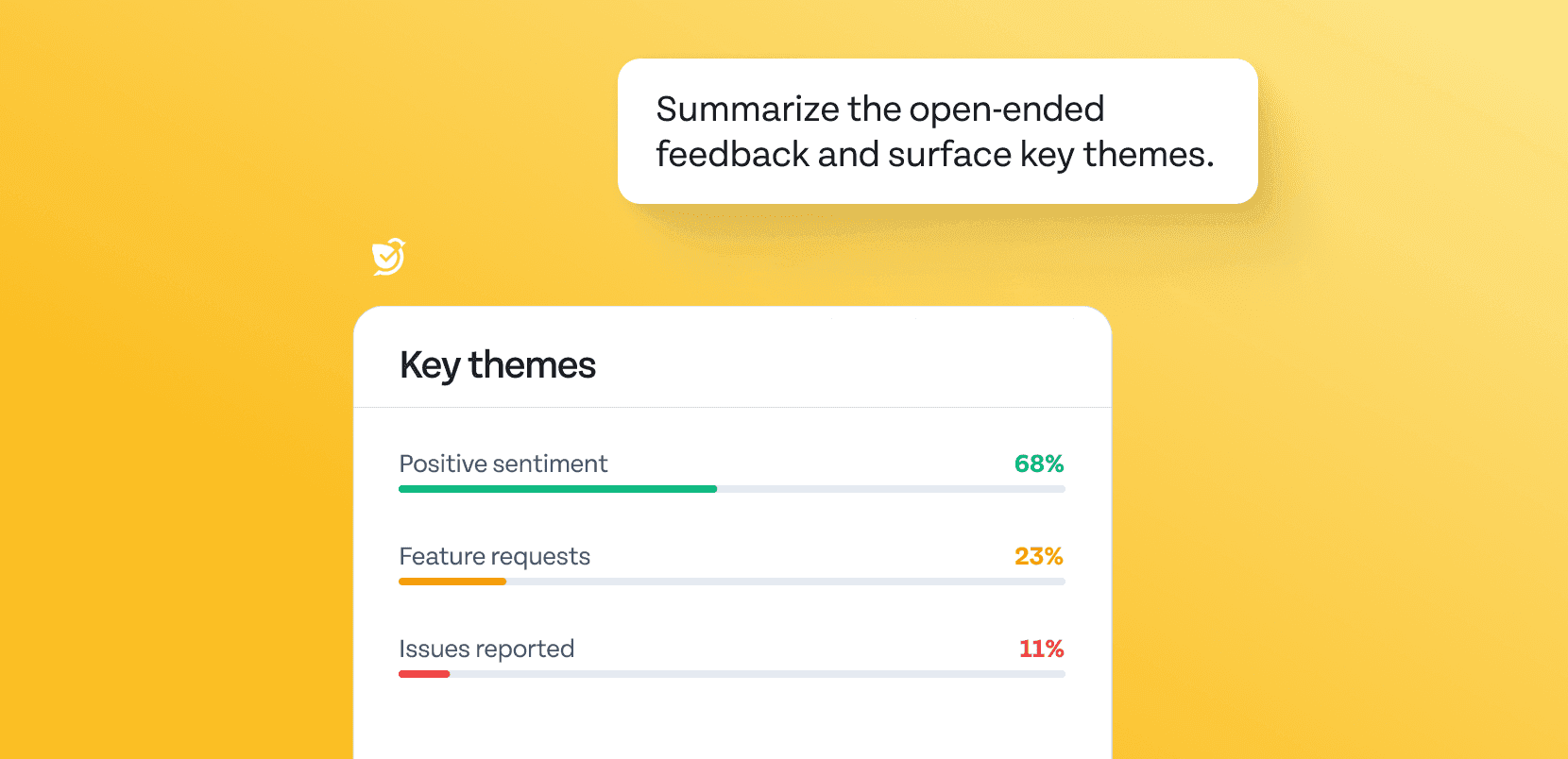
Live response analysis

Ask ChatGPT to summarize open-ended feedback, identify major themes, and produce data-backed recommendations — without copy-pasting or uploading responses.
Try now
Live response analysis

How teams already use SurveySparrow in ChatGPT

Check out prompts used by business teams for day-to-day work. Built for use cases across CX, marketing, events, product management, HR, research and more.

1. Create the survey

Create an NPS survey for a SaaS product. Include a 0–10 rating scale, a reason for the score, and one open-ended improvement question.

Try now

2. Refine it

Add a follow-up question asking what we could have done better.

Try now

3. Analyze it

Summarize this week’s responses, group them by promoter, passive, and detractor, and highlight the most common complaint.

Try now

Take surveys from idea to insight, in ChatGPT

Create and run any survey or form from your AI chat — build, distribute, and analyze without switching tabs, gathering data or opening dashboards.

FAQ

What is the SurveySparrow ChatGPT plugin?

It’s a plugin that lets you create, edit, distribute, and analyze SurveySparrow surveys and forms directly inside ChatGPT using natural language. You can run your entire survey workflow — from first draft to insights — through conversation.

How do I connect SurveySparrow to ChatGPT?

Open the plugin directory from ChatGPT settings. Find and open the SurveySparrow plugin, then connect to your account. After linking it, you can start building surveys immediately.

Can I create a survey or form from a single prompt?

Yes. Describe the survey or form you need in plain language and SurveySparrow will generate a complete draft with questions — ready to preview and refine.

Can I edit surveys and forms after creating them in ChatGPT?

Yes. Continue the conversation to add, reorder, rewrite or remove questions.

How do I distribute a survey or form from ChatGPT?

Once your survey or form is ready, ask ChatGPT to distribute it. You can send via weblink, email, SMS, or WhatsApp — all without leaving the chat.

Can ChatGPT analyze my survey/form responses?

Yes. Ask for a live response count, a summary of completed surveys/forms, or a breakdown of sentiment and recurring themes. The analysis is returned directly in the conversation — no dashboard required.

What types of surveys or forms can I build?

NPS and CSAT surveys, employee engagement surveys, event feedback forms, product research surveys, onboarding questionnaires, market research forms, and more.

Do I need coding or technical skills to use this?

No. The SurveySparrow ChatGPT plugin is entirely no-code. If you can describe what you need, you can build and run it.

Do I need an existing SurveySparrow account?

Yes. You’ll be prompted to connect your account when you first use the plugin, so your surveys, forms and responses stay secure.

Who is this for?

Business teams who run feedback programs and want to work without switching between platforms — CX teams, HR teams, product managers, researchers, marketers, and executives who need insights without the manual setup.

Can’t I just paste or upload responses into ChatGPT myself for analysis?

You can, but the SurveySparrow plugin saves you that manual effort, by connecting ChatGPT directly to live response data. This ensures that ChatGPT always analyzes current data, instead of you having to continuously feed it the latest version.

If ChatGPT can help me with surveys and forms, why do I need the SurveySparrow plugin?

ChatGPT can generate questions, but without the plugin, it cannot access SurveySparrow. So, you would have to copy those questions back into SurveySparrow and build the survey or form yourself. ChatGPT also cannot distribute those surveys and forms by itself, so you would have to do it manually. Finally, you would have to manually upload responses to ChatGPT, every time you wanted to analyze data. The plugin lets ChatGPT act directly on SurveySparrow, keeping everything in your chat.